Simple gnuplot histogram example

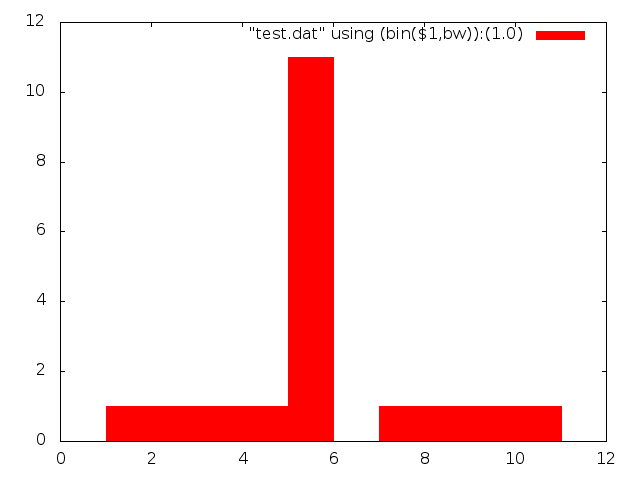
The gnuplot histogram style wont automagically bin your data. To do this you need to either use an external program, or add some additional code, here a simple example:

set terminal png
set output "hist.png"
set boxwidth 1
set style fill solid
set style histogram 
set style data histogram
bw=1
bin(x,width)=width*floor(x/width) + bw/2.0
plot "test.dat" using (bin($1,bw)):(1.0) smooth freq with boxes

Using this data file:

1
2
3
4
5
5
5
5
5
5
5
5
5
5
5
7
8
9
10

You should see this output:

hist

HP 34401A Repair

34401A

This post documents the repair of a HP 34401A Multimeter, I’ll be updating this post as I work on it.

The meter powered up and appeared to be fine for DC voltage/current and resistance measurements. However AC and frequency measurements were showing 0 and the self test failed. Still pretty happy with it for 50USD.

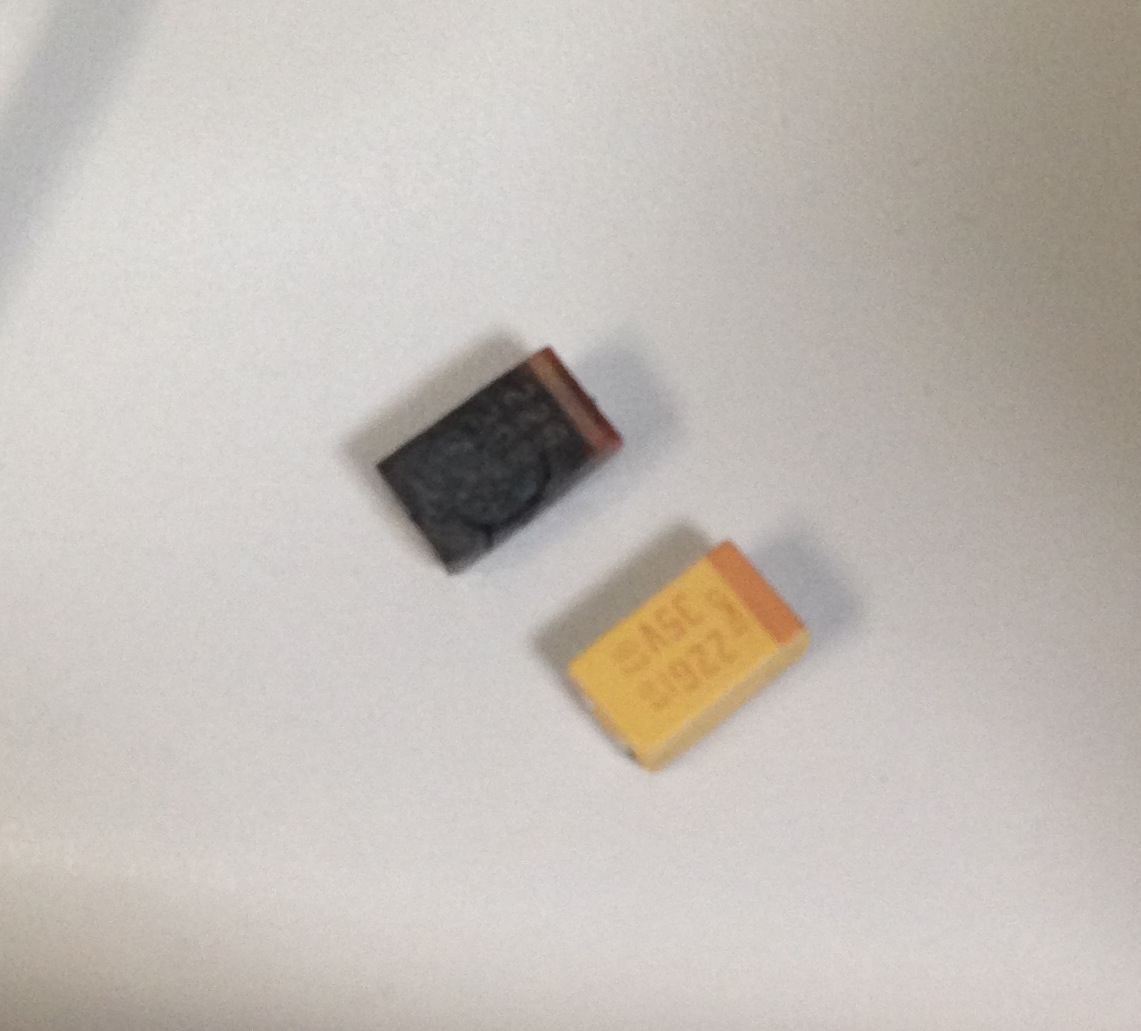
First obvious problem was the following blown cap, sorry I didn’t take a pic before removing it:

deadcap

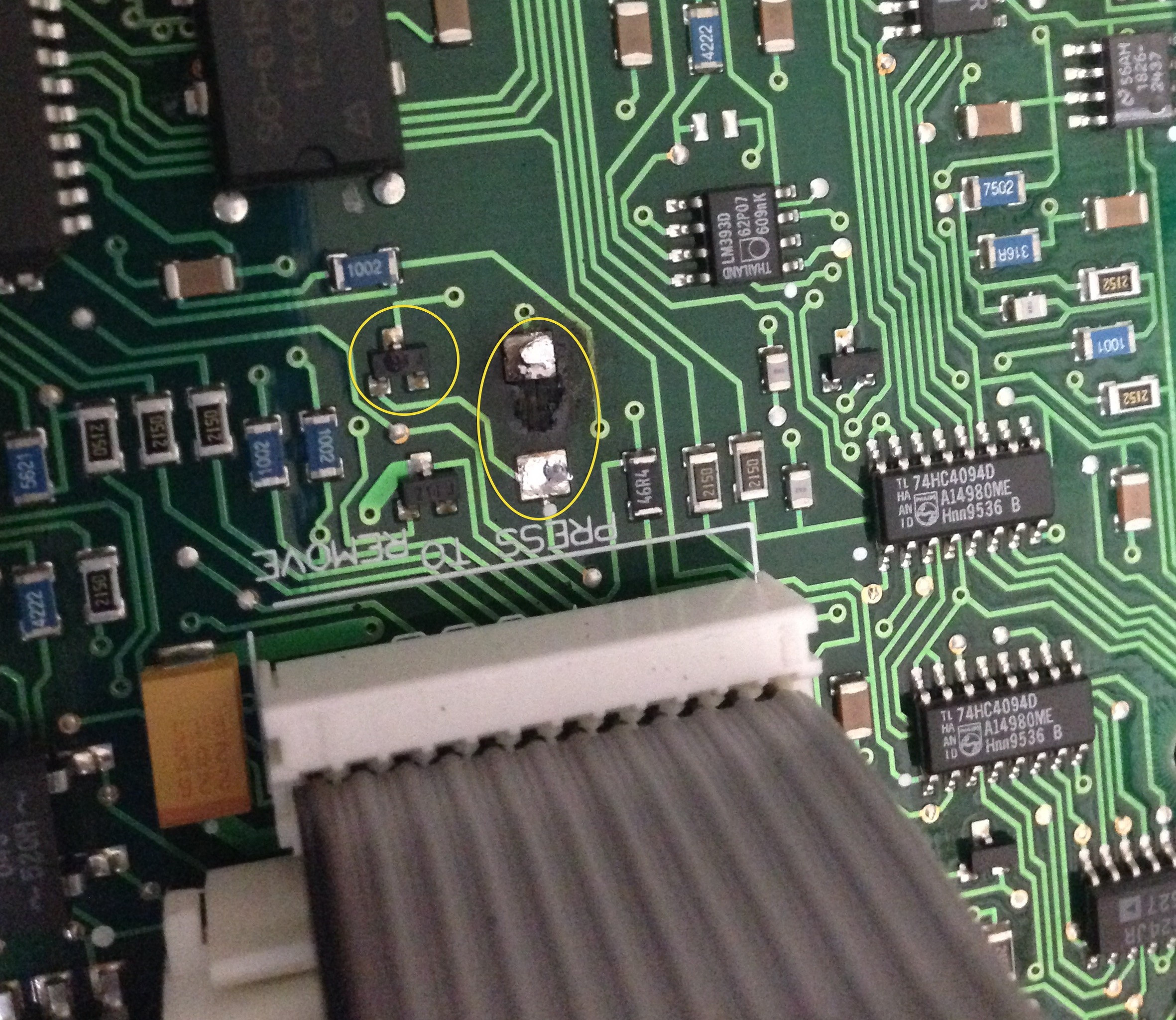
But wow it left it’s mark:

deadcomponents

You can also see a blown 3.3V regulator next to it. The LM317 which drives this appeared to be outputting 30V rather than 18 as it should. I’ve ordered replacements and will update when I’ve refitted the components.

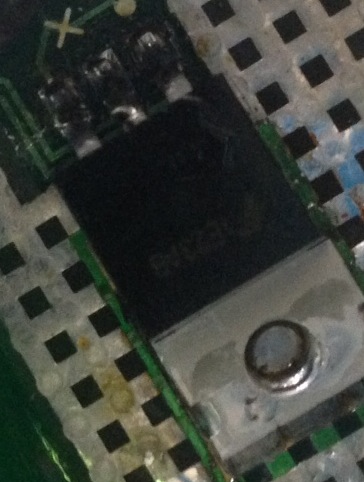
The replaced regulator, not a great job I’m afraid, it was hard to get to:

lm317

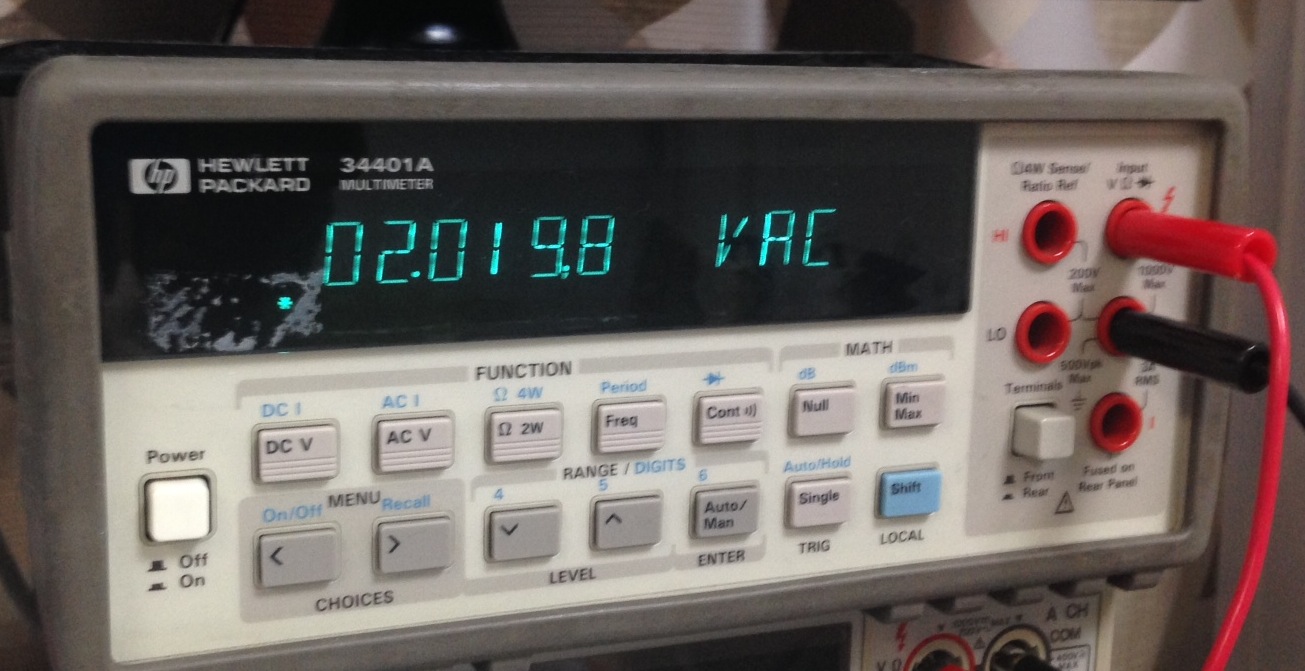
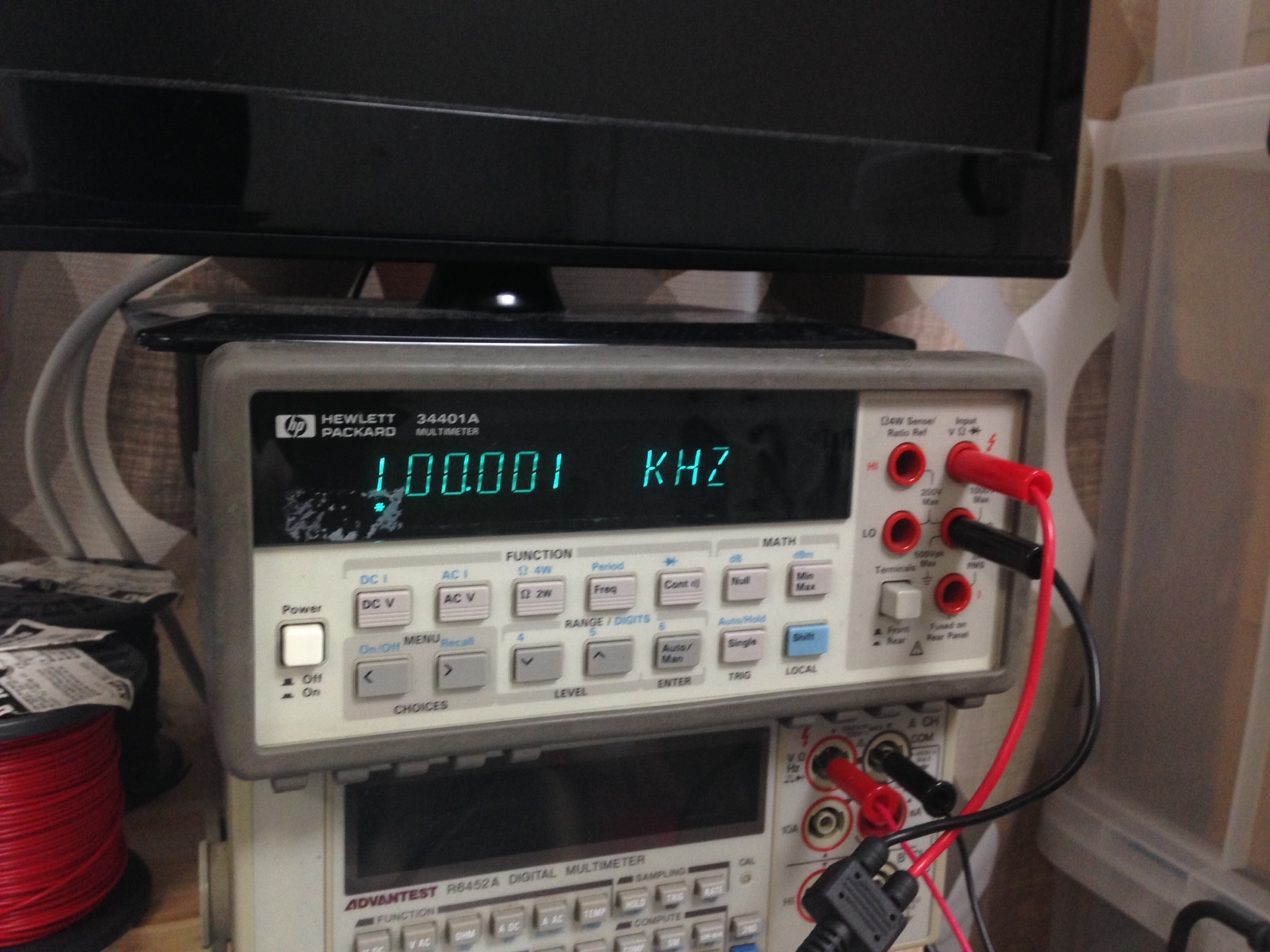
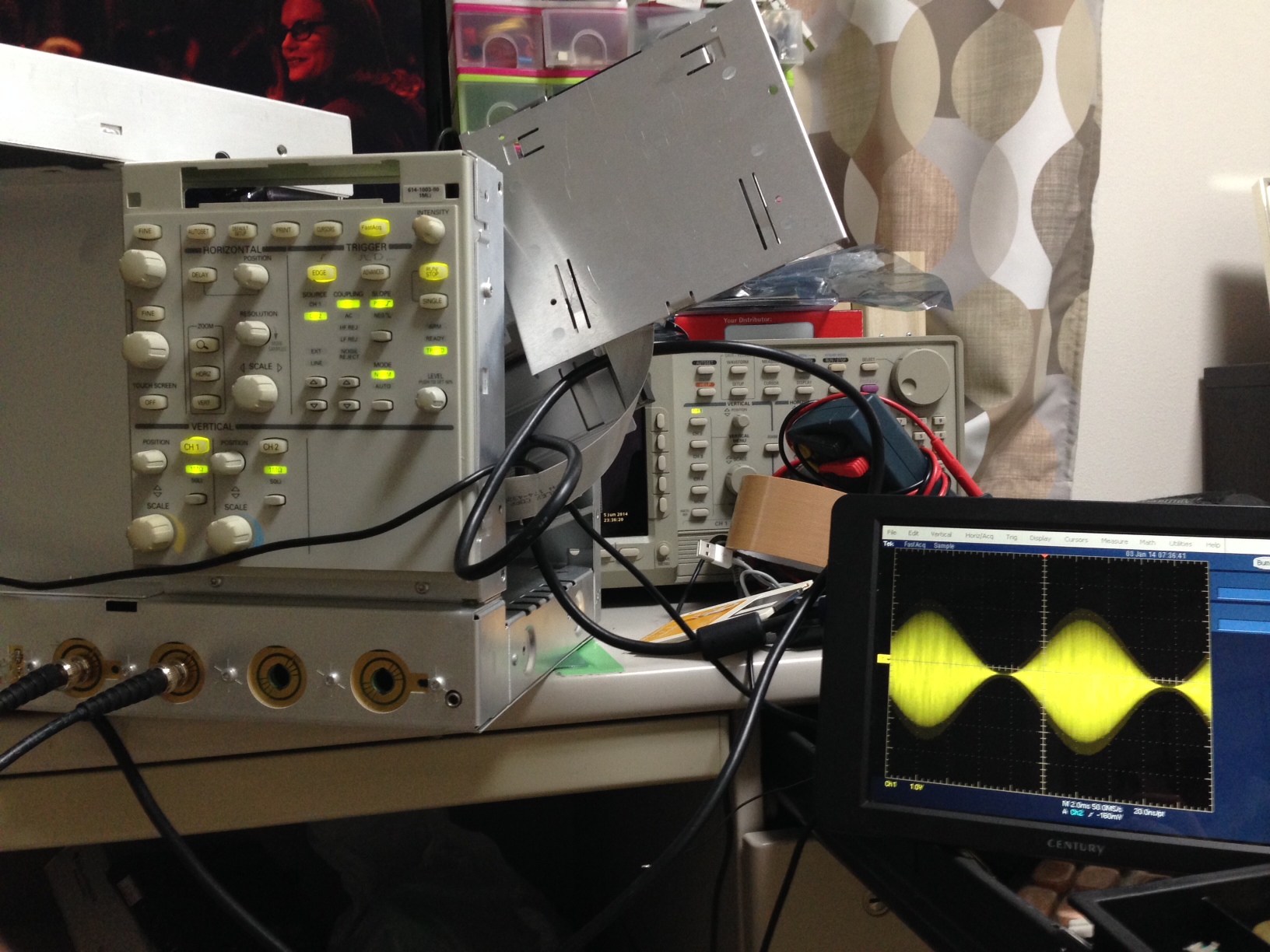
4V p-p input, 1KHz, square:

func1

func2

The voltage is a bit off, but I’d probably blame my function generator (300USD Siglent).

And some resistance measurements for fun, first a 0.01% 100Ohm resistor:
multi2

And then a 10K:
multi

I measured the cables as 0.05Ohm, so this looks pretty good!

Tektronix TDS5052 repair

I picked up another broken Tektronix scope for about 200USD scope the other day. This one had no output on any on either VGA port or the integrated LCD. However the front panel LEDs did come up and it beeped on boot.

The TDS5000 series scopes follow a similar pattern to the TDS7000s with a x86 host and a PowerPC based system on the PCI bus. The layout however is a little more “normal” with the Power PC sitting in a PCI slot.

Once the BIOS was reset, I could get output on the integrated AGP graphics card of the Intel motherboard. I could even acquire snapshot measurements from both channels, a good sign that the acquisition hardware was working.

However still nothing on the Tektronixs PCI card which uses a Chips and Technologies 69000 graphics IC. In windows you could see the 69000 as a second display, and everything seemed fine. These scopes write the waveform directly to the 69000 display, as an overlay on the PC display, so you need it working to see any waveform.

Luckily, unlike the TDS7000 it’s possible to remove the motherboard and PCI card from the chassis and run them out of the case. This means you can easily probe around and see what’s going on.

Probing around the 69000 there was no output on the RGB lines for the VGA output. All the supplies look good too… except for U5, the DACVCC. shorting this to a 3.3v supply, suddenly the VGA output started working.

Tracing the circuit from U5 showed that this pin was connect too… nothing. It lead to an unplaced component E300. E301 sits on one of the other 3.3V supplies to the 69000, in almost exactly the same layout and is just a 0Ohm resistor. The other side of E300 was a 3.3v supply…

So I just shorted it as you can see in the picture below. I’m not sure why this wasn’t placed, perhaps VGA scope output was an optional extra on this model?
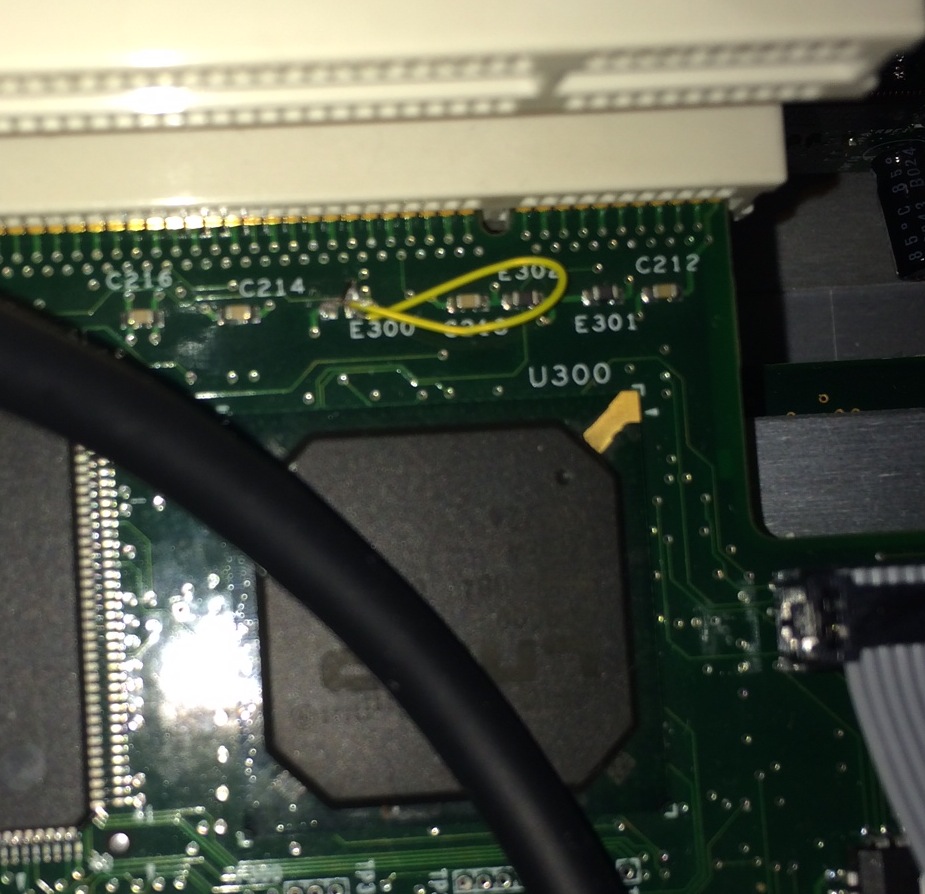
DACVCC

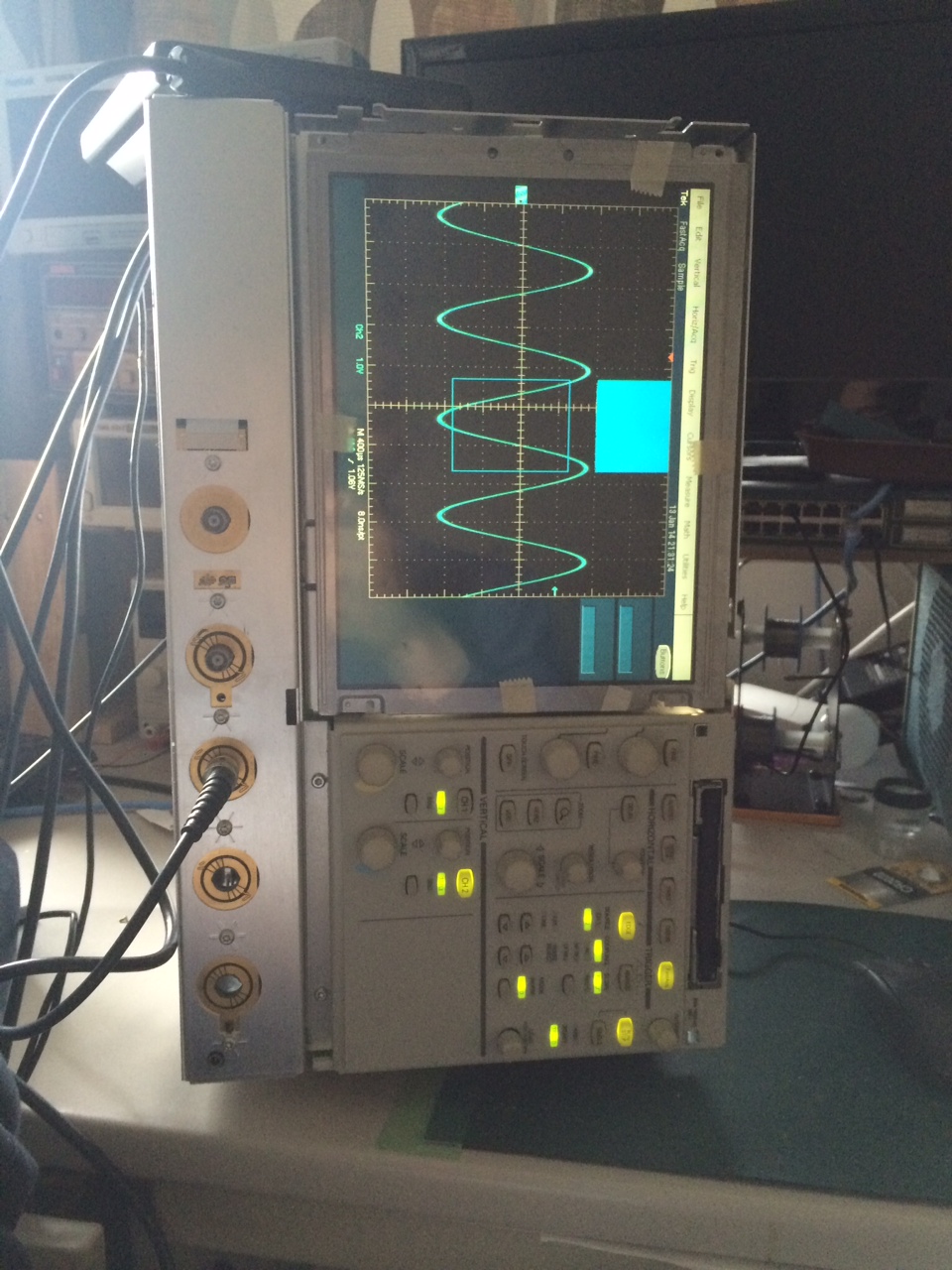
Once this was in place I could see a waveform on the scope (PCI/69000) VGA output:
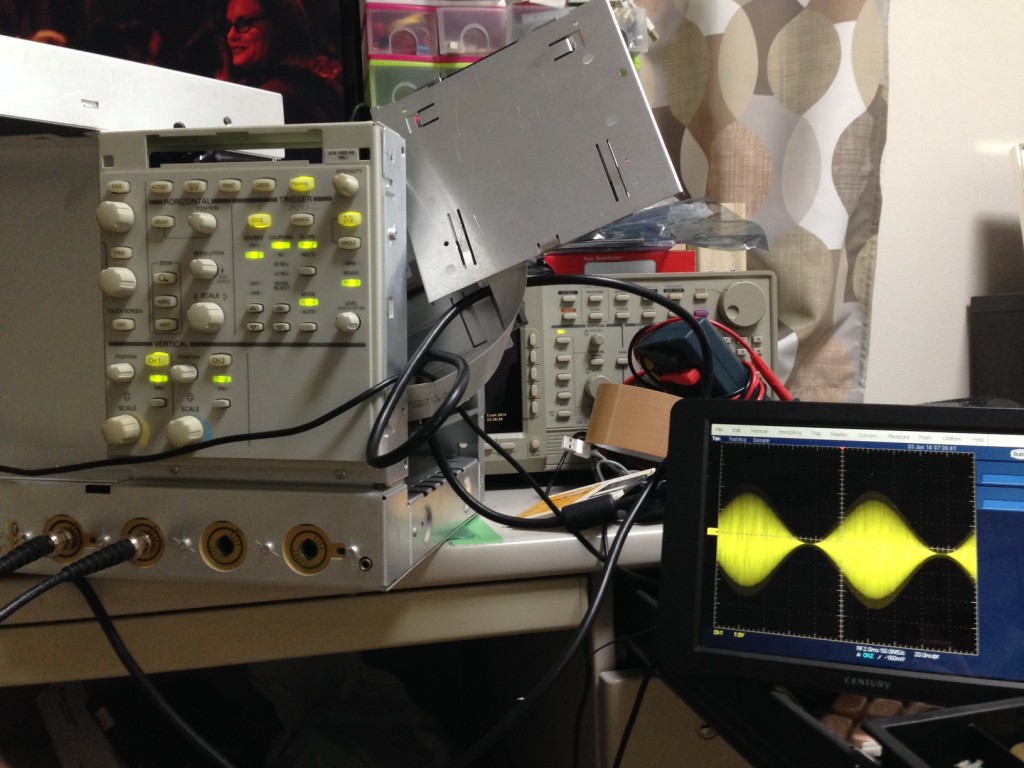
tds5000ext

I also probed the LCD output, data was present, and there where no components in line between the 69000 and the LCD (a NL6448BC33-46) that would have failed. I ordered a replacement and success! Everything works fine:
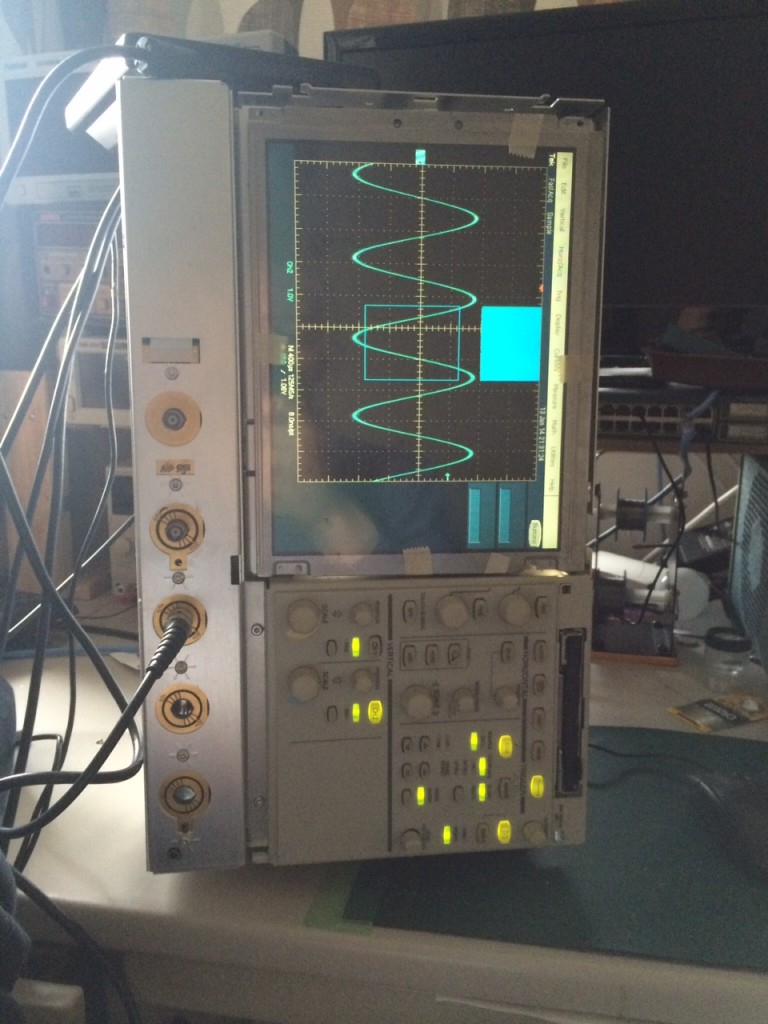
tds5000ok

Chips and Technologies 69000 datasheet: m69000
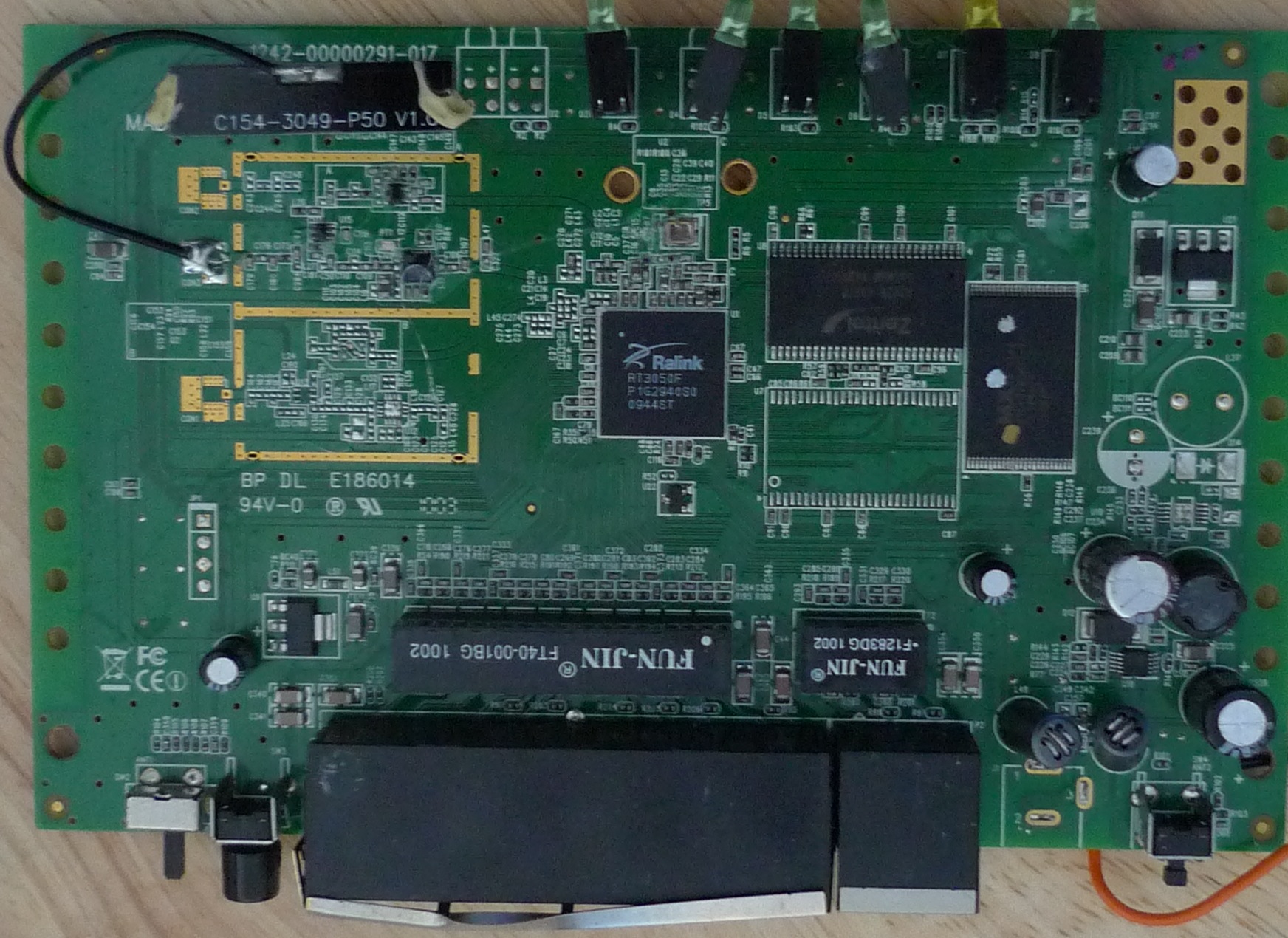
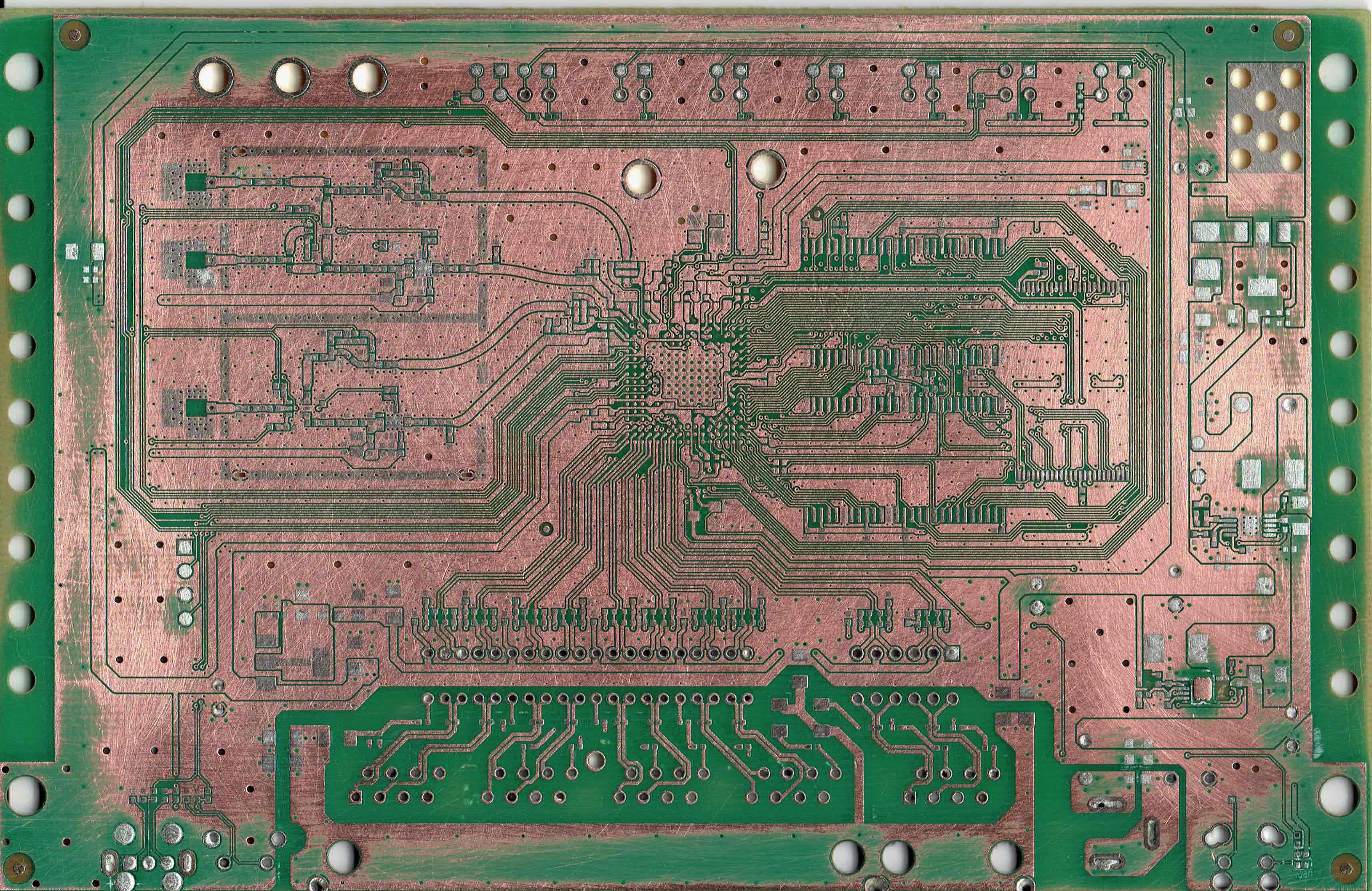
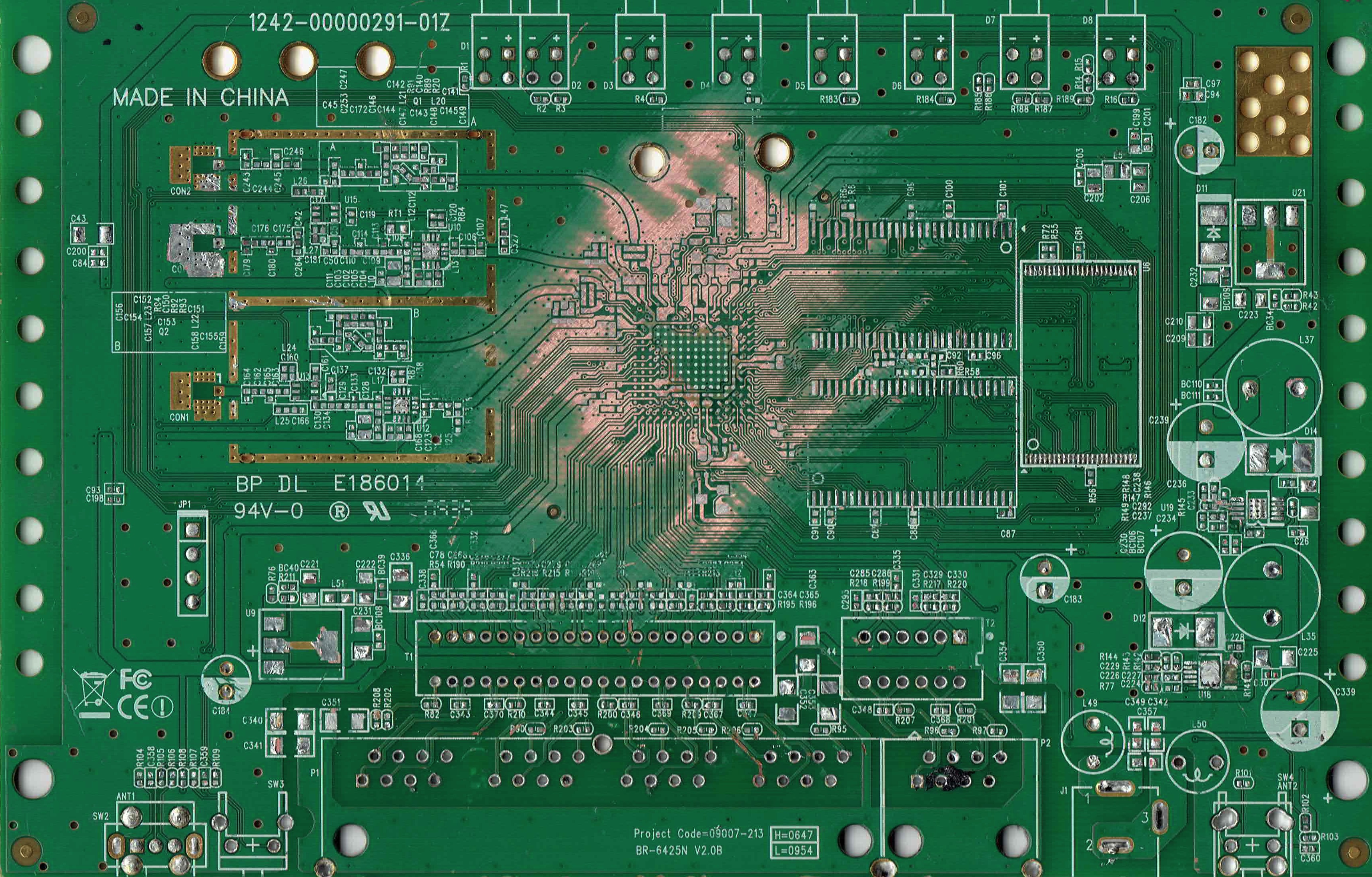
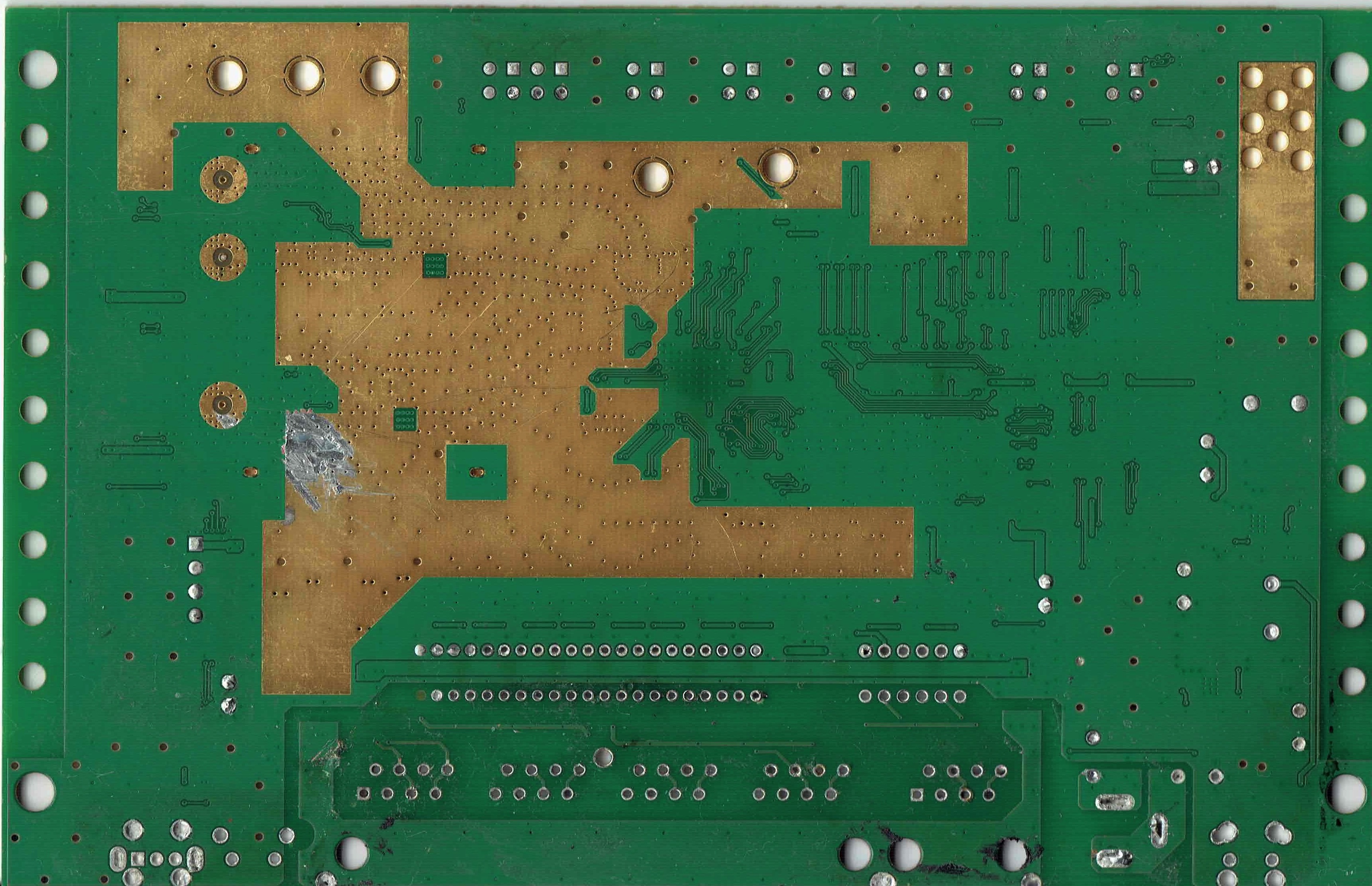
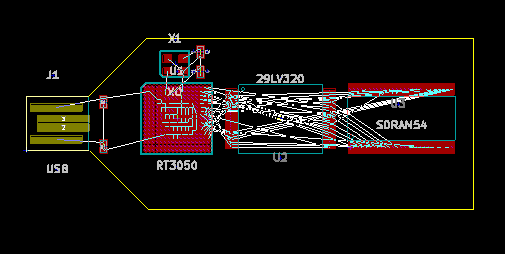
A RT3050 PCB

rt3050board

So I removed the components with a hot air rework tool, and once that was done I stuck the board in a scanner. It was still a little hard to see the traces under the silkscreen and mask so I sanded most of it off.

Here’s the board with most of the silkscreen and mask sanded off.
sand1

And with most of it still intact:

scratched1

front

The backside image has been flipped horizontally so the images can be overlaid.

back

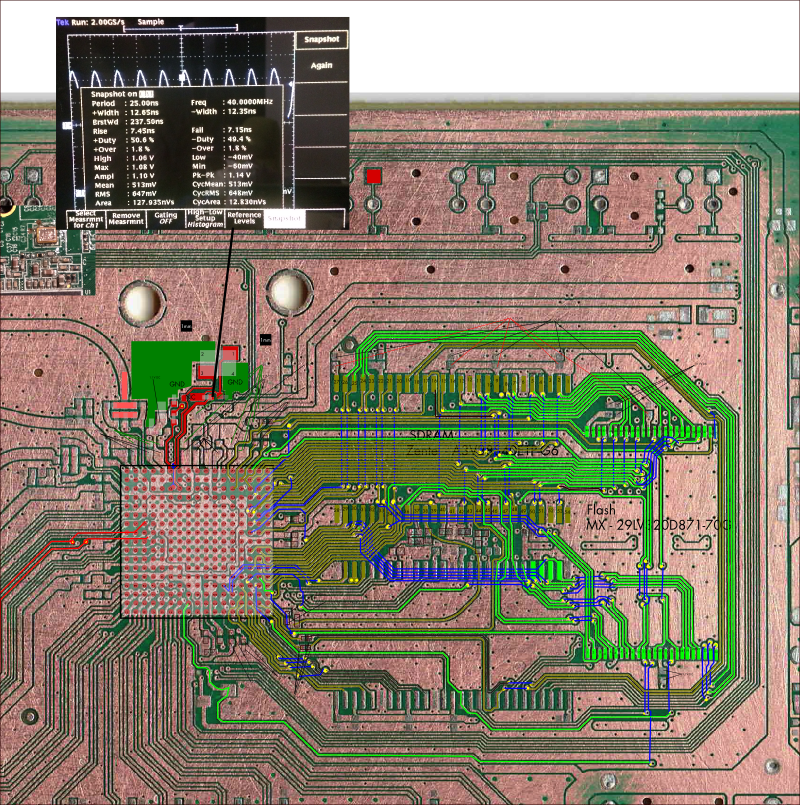
This SVG contains the layers aligned, and a bunch of the traces mapped out/annotated:

rt3050p

RT3050.svg

I’ve also been putting a kicad design together based on this chip, you can find the files here:

rt3050layout

rt3050.tar

A few other random images of the original PCB:

RT3050_CPU

rt3050xl

Useful datasheets:

150-30732-EN29LV320

RT3050_5x_V2.0_081408_0902

I couldn’t find a datasheet for the Zentel A3V28S40ETP-G6 on this board, however it seems to be similar to the M12L128168A:

M12L128168A

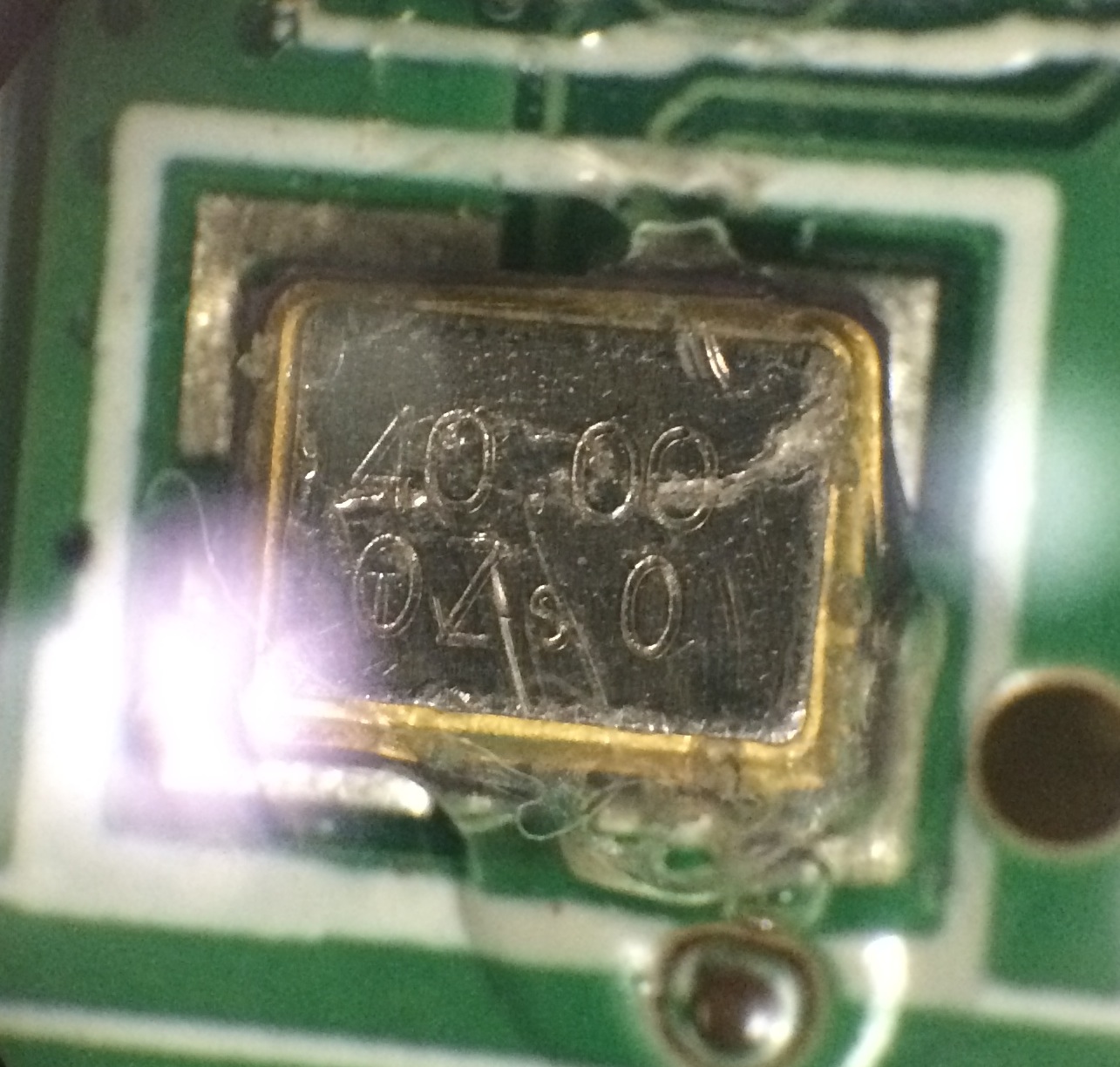
The crystal on this board seems to be a SMD3225 layout, I guess similar to this part:

smd3225

AIC809-29PU, RA29P:

RA29P

EH11A – AZ1117 (LM1117?)

DSA00153748

HuanLin480ApplicationNote

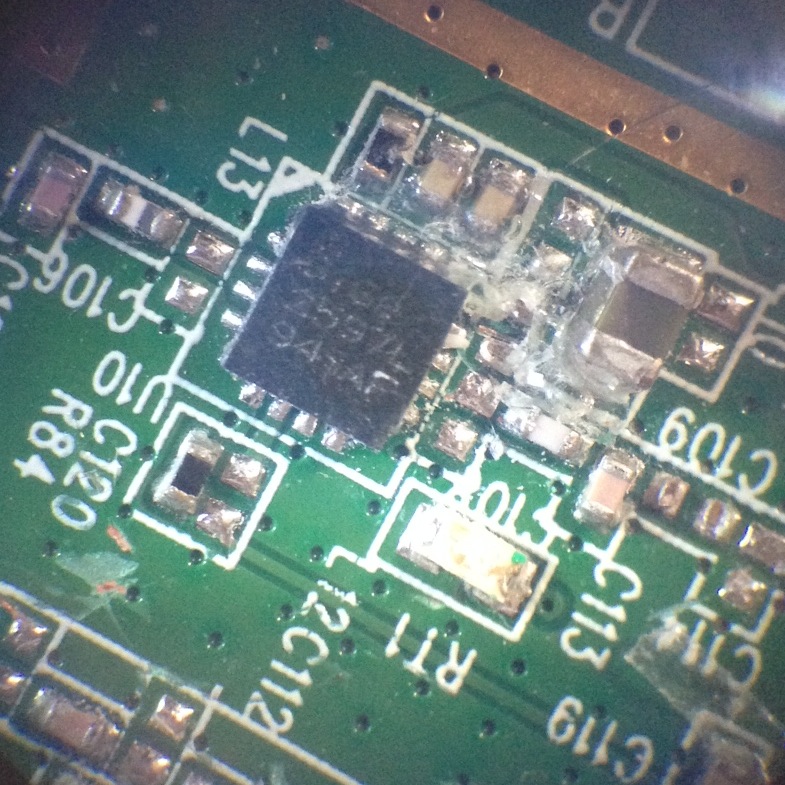
SIGe 2597L (Skyworks, 2.4GHz amp):

SIGe2597L

SIGe2597L