Lack of return causes abort() in Emscripten

I received the following Javascript exception from some code compiled with Emscripten. The code was working correctly as a standalone C++ program. This confused me for a while:

uncaught exception: abort() at jsStackTrace@file:///home/new/gitcode/repeatanalysis/progs/r.js:1049:7
stackTrace@file:///home/new/gitcode/progs/r.js:1066:3
abort@file:///home/new/gitcode/progs/r.js:8368:3
_llvm_trap@file:///home/new/gitcode/progs/r.js:4960:7
__Z15test_badret_auxiii [test_badret_aux(int, int, int)]@file:///home/new/gitcode/repeatanalysis/progs/r.js:8079:2
_test_badret@file:///home/new/gitcode/progs/r.js:8089:2
asm._test_badret@file:///home/new/gitcode/progs/r.js:8148:1
ccallFunc@file:///home/new/gitcode/progs/r.js:534:9
@file:///home/new/gitcode/progs/r.html:15:4

The cause was a non-void function failing to return a value. Here’s the complete example:

#include <iostream>
#include <fstream>
#include <vector>
#include "malloc.h"

using namespace std;

int test_badret_aux(int arg1,int arg2,int arg3) {
// return 0;
}

extern "C" {
int test_badret(char *inputstring);
}

int test_badret(char *inputstring) {
test_badret_aux(1,100,100);

return 0;
}

Compiled with (I tried a bunch of options):

 emcc ./r.cpp -o r.js -s EXPORTED_FUNCTIONS="['_test_badret']" -s SAFE_HEAP=1 -g -s ASSERTIONS=1

And driven with the following html:

 <!DOCTYPE html>
<html>
<body>
<script src="r.js"></script>

<script>

var mystring = "test";
var strptr = Module._malloc(mystring.length);
Module.writeAsciiToMemory(mystring, strptr);

var ret = Module.ccall('test_badret', // name of C function
  'number', // return type
  ['number'], // argument types
  [strptr]); // arguments

</script>


</body>
</html>

If I uncomment the return in the above C program, the code no longer aborts. Understandable perhaps. But seemed unusual to me. This was using Firefox (Iceweasel 31.2.0 on Debian Jessie).

Calling C from JS with Emscripten, minimal examples

There are a few ways of doing this, this is the simplest, but also slowest. The options are listed on the Emscripten wiki here.

Return an int, complete example

Sample C file (I called it call.c):

#include <math.h>

int test1(int x) {
  return sqrt(x);
}

int test2(int x) {
  return sqrt(x)+1;
}

Compile as follows:

emcc call.c -o call.js -s EXPORTED_FUNCTIONS="['_test1','_test2']"

You can then create a html file which calls this JS code:

<!DOCTYPE html>
<html>
<body>
<script src="call.js"></script>

<script>
var result = Module.ccall(
'test1', // name of C function
'number', // return type
['number'], // argument types
[28]); // arguments

document.write(result);
</script>
</body>
</html>

Passing and returning an array of ints

This is a little harder, Emscripten doesn’t really help you out, you have to format the arrays in memory manually.

Sample C program two functions, one passing and returning a char *, the other int *s.

#include <math.h>
#include <stdlib.h>
#include <string.h>

char *test1(char *instr) {

  char *array = malloc(sizeof(char)*strlen(instr));
  strcpy(array,instr);        // the horror!!
  int size = strlen(array);
  for(int n=0;n<size;n++) {
    if((array[n] >= 'a') && (array[n] <= 'z')) array[n] -= 'a'-'A';
  }

  return array;
}

int *test2(int *in,int size) {

  int *array = malloc(sizeof(int)*size);

  for(int n=0;n<size;n++) {
    array[n] = in[n]*2;
  }

  return array;
}
emcc call.c -o call.js -s EXPORTED_FUNCTIONS="['_test1','_test2']"

The JS can then be called from html as follows:

 <!DOCTYPE html>
<html>
<body>
<script src="call.js"></script>

<script>

function write_1d_int32_array(ptr,array) {

  for(i=0;i<array.length;i++) {
    Module.setValue(ptr,array[i],'i32');
    ptr += 4;
  }

}

function read_1d_int32_array(ptr,length) {

  var array = [];

  for(i=0;i<length;i++) {
    var value = Module.getValue(ptr+(i*4),'i32');
    array.push(value);
  }

  return array;
}

// test1 - a C function that takes, and returns a C style string (char *)

var mystring = "test";
var strptr = Module._malloc(mystring.length);
Module.writeAsciiToMemory(mystring, strptr);

var retstrptr = Module.ccall('test1', // name of C function
  'number', // return type
  ['number'], // argument types
  [strptr]); // arguments

// Convert the resulting string to a JS string
var retstr = Pointer_stringify(retstrptr);
document.write(retstr);

// test2 - a C function that takes, and returns a C style int array (int *)

var myarray = [10,20,30,40,50];
var arrayptr = Module._malloc(myarray.length*4);
write_1d_int32_array(arrayptr,myarray);

var retarrayptr = Module.ccall('test2', // name of C function
  'number', // return type
  ['number'], // argument types
  [arrayptr,myarray.length]); // arguments

// Convert the resulting pointer to a JS array
var retarray = read_1d_int32_array(retarrayptr,myarray.length);
document.write(retarray);

</script>

</body>
</html>

Barco OMIX O10 8×11 LED array teardown

barco_online

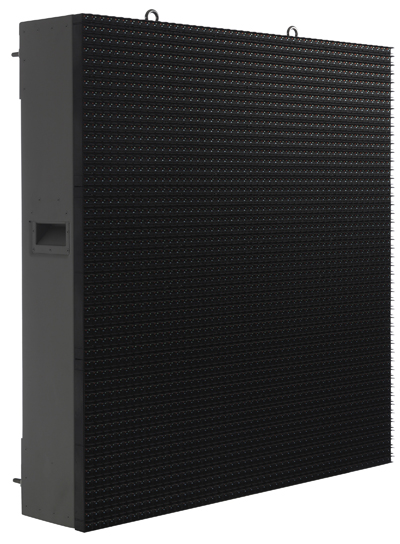
Barco make huge modular LED displays. They range from the small (shown on the left above). To full stadium sized installations.

barco_block

The system seems to be broken down into a series of control boxes. Each box manages a handful of LED arrays. A typical control box seems to manage about 9 individual arrays.

I found a few of these arrays in a junk shop going for about 2USD. So I decided to pick them up and play with them. They appear to be part of the IP65 rated, or at least outdoor line of LED displays from Barco.

barco_front

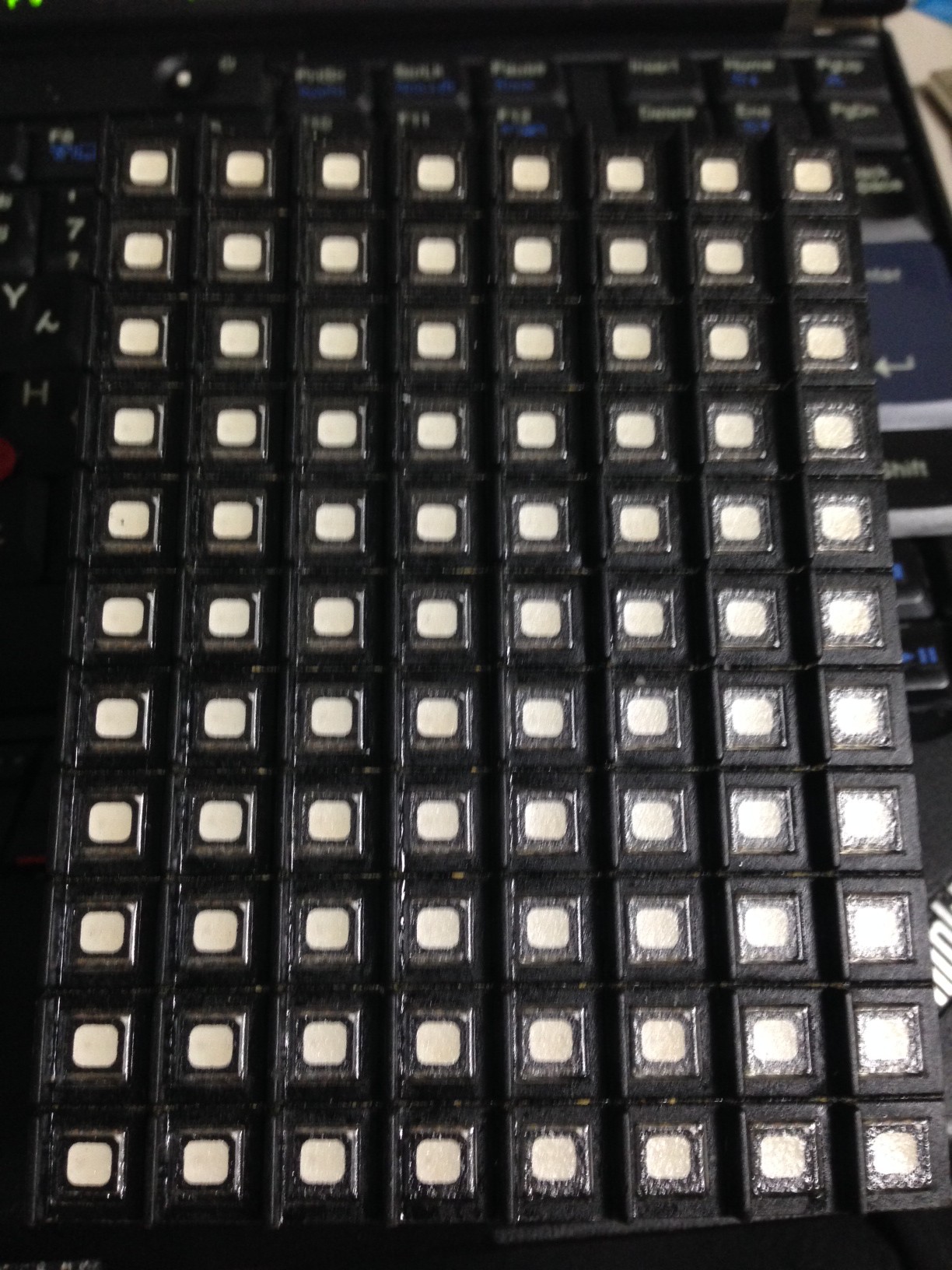
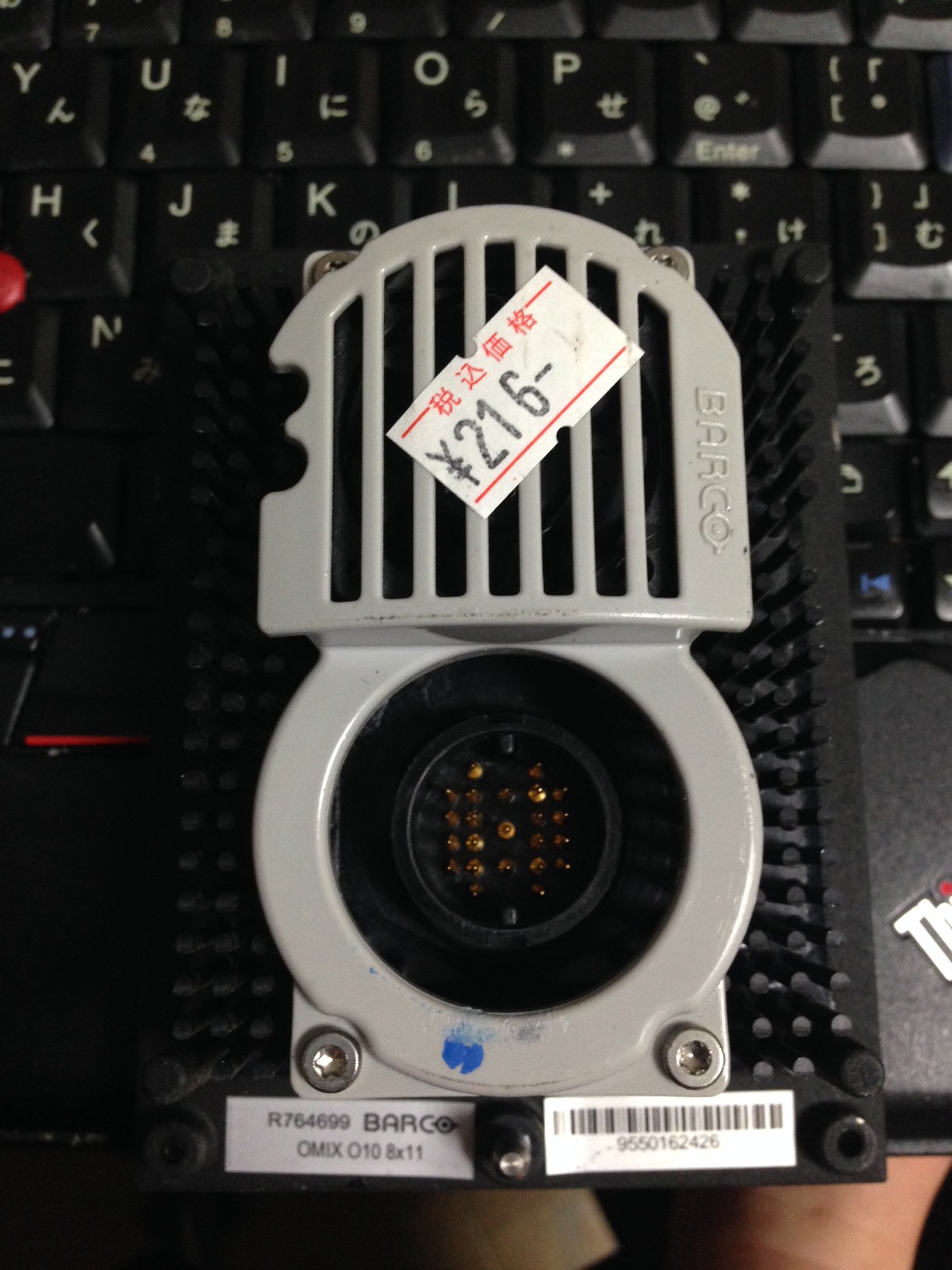
They’re 8×11 arrays of RGB LEDs. You can see the LEDs are quite well sealed in. On the back is a 23pin connector embedded in a massive heatsink. There’s also a fan under the gray plastic.

barco_back

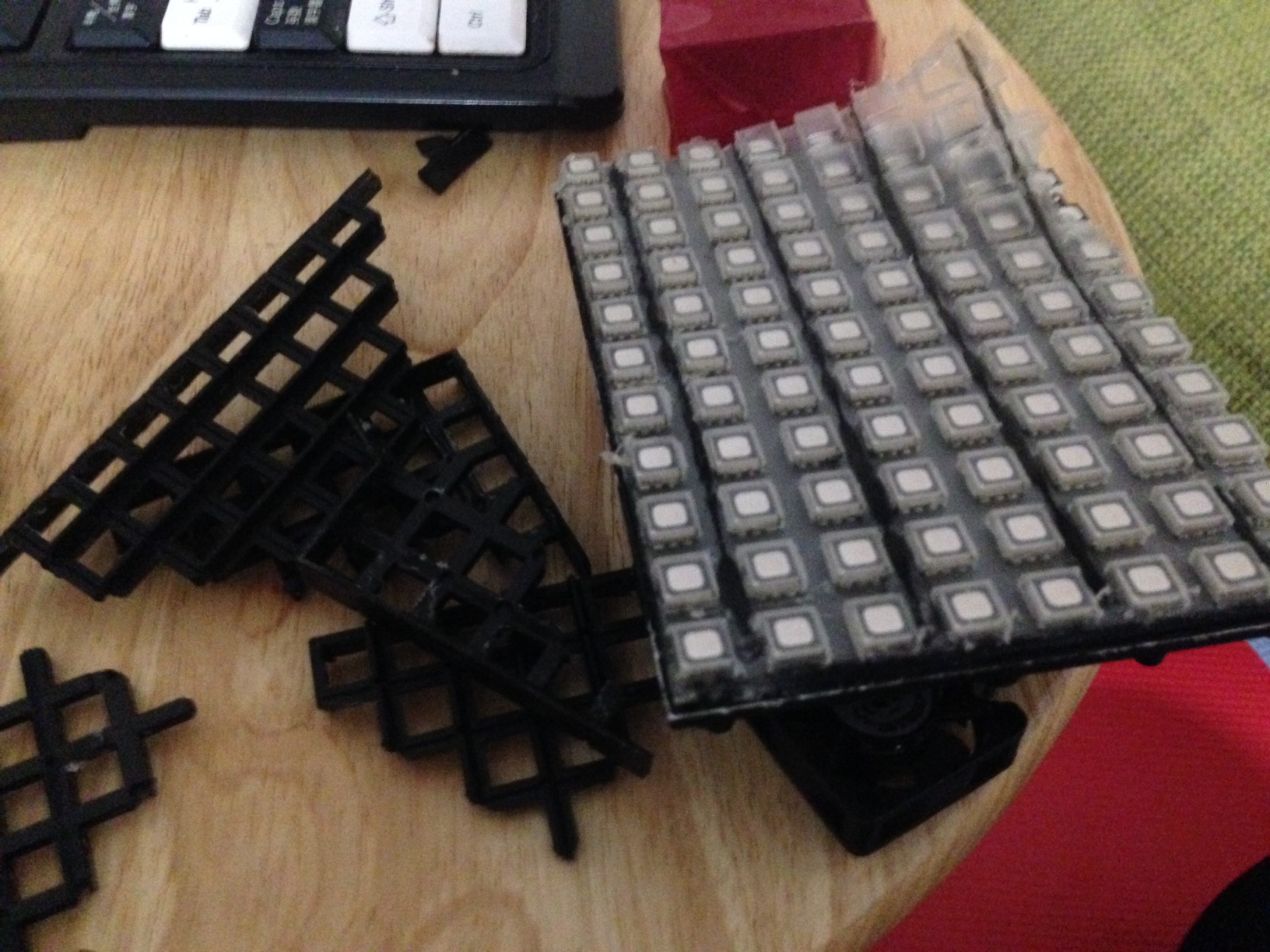
In order to withstand harsh outdoor conditions these units are heavily sealed. It too some serious work getting inside:

barco_hack

The LEDs are sealed below a plastic overlay and a black mesh which you can see hacked to bits in the above picture.

barco_leds

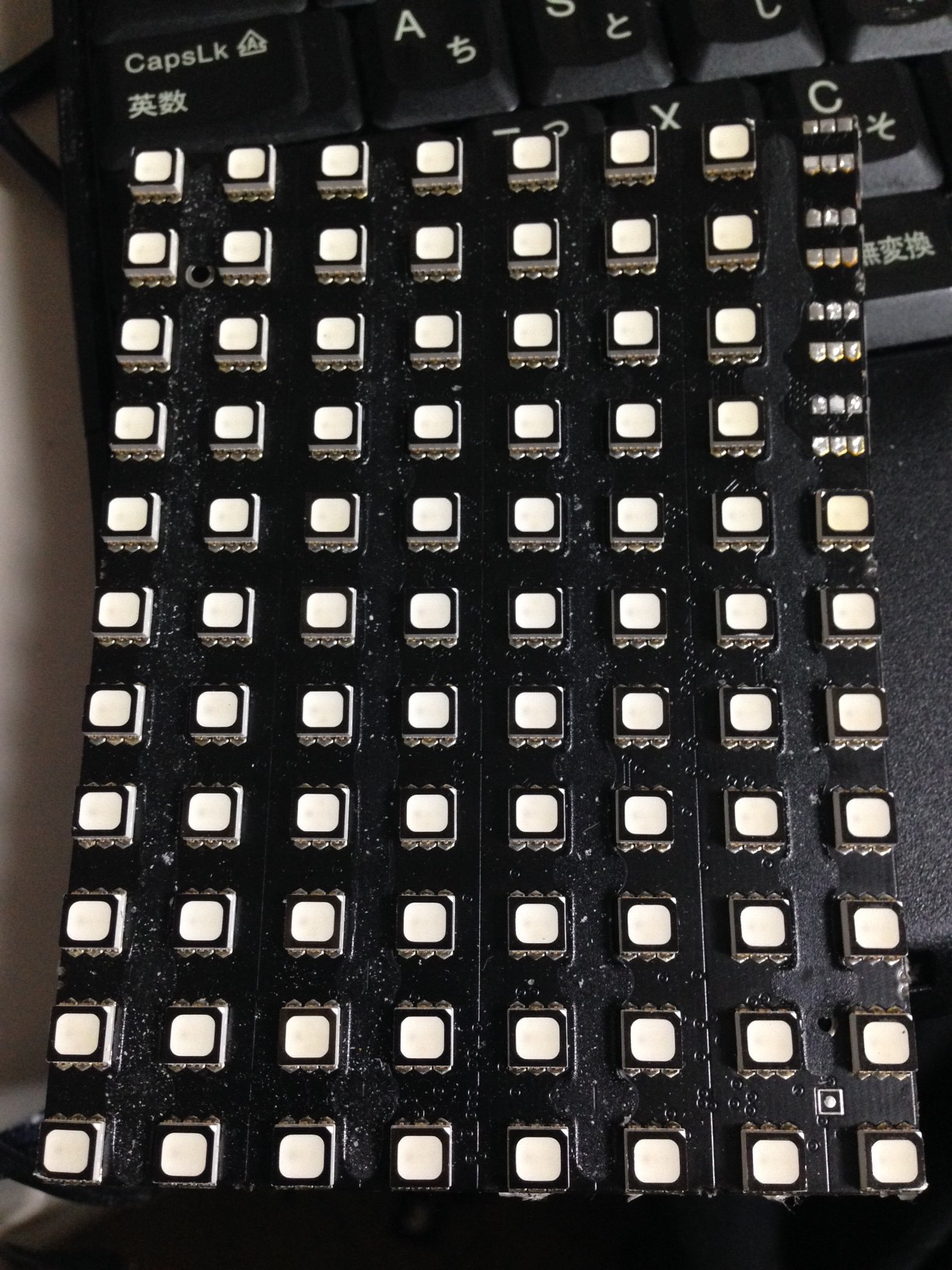
They look like standard diffused RGB5050 LEDs. Removing this PCB was serious work, the whole enclosure has been flooded with some kind of resin. I assume this helps make them weather proof, but also be rated to help conduct heat to the heatsink. I suppose when you have a massive array of these things, moving the heat must be a challenge.

barco_not_pcb

Though you can see traces, components, and even silk screen markings. The above image is /NOT/ the PCB. It was what was left behind after pulling the PCB off. A bunch of stuff remained embedded in the resin!

Here’s the actual PCB:
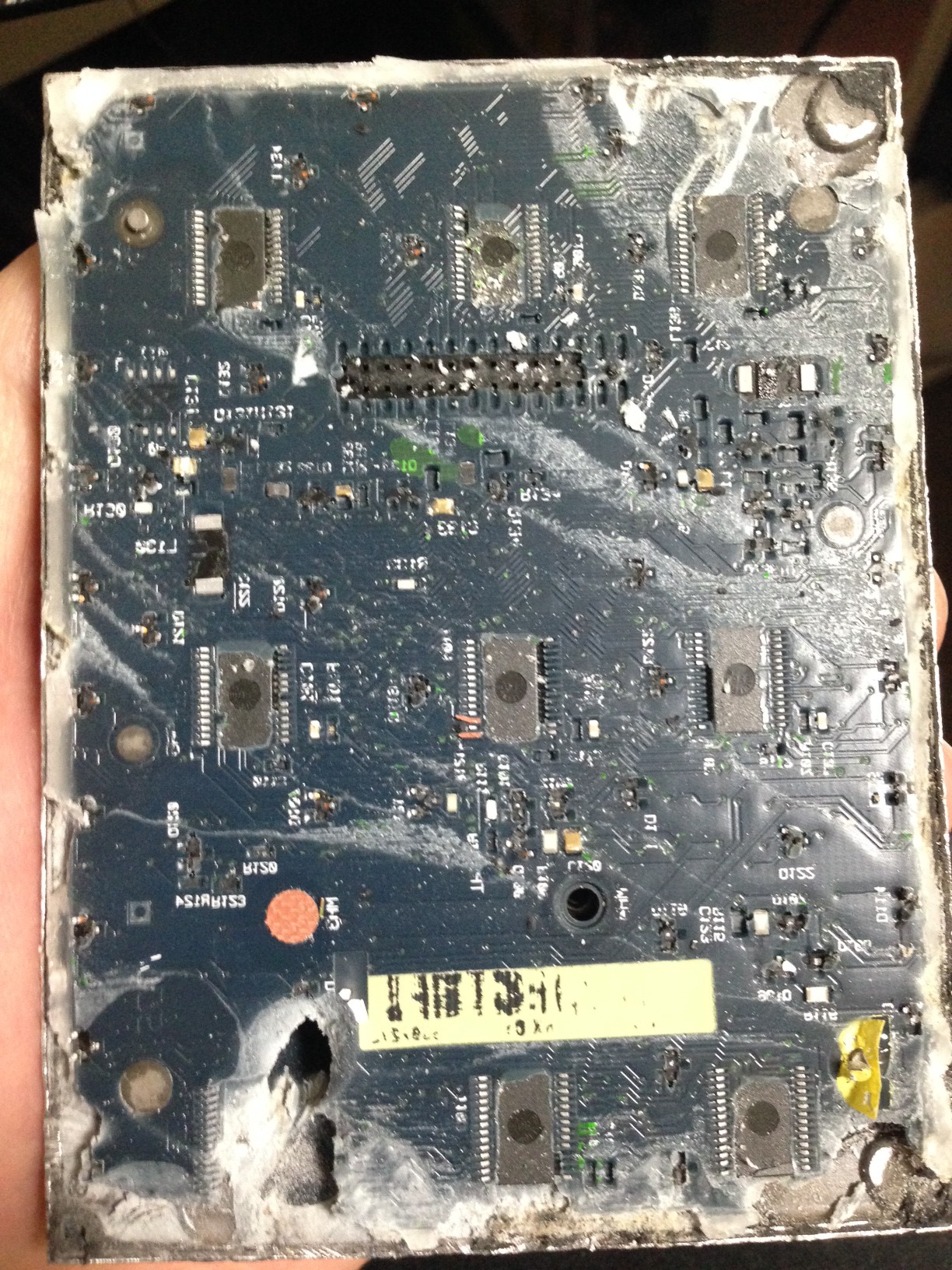
barco_pcb

That resin really made a mess of everything, pulling the ICs right off the board. One, fell out while I was prying it apart:

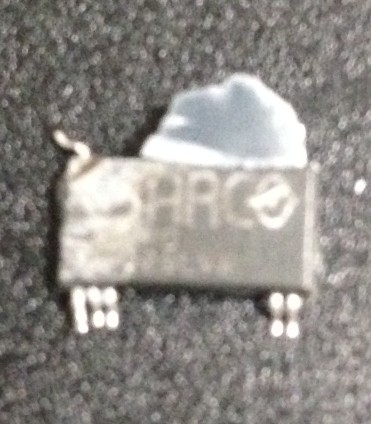
barco_ic

Interestingly the ICs here are either remarked, or they really are custom Barco ICs. I guess that’s not impossible, but I find it slightly surprising!

Adding a new program to alternatives manually

I wanted to add the terminal st as an alternative for x-terminal-emulator. This makes it easier to use with the distribution version of dwm on Debian Jessie. The following command adds st as an alternative:

sudo update-alternatives --install /usr/bin/x-terminal-emulator x-terminal-emulator /usr/local/bin/st 1

And you can then select it as usual with:

sudo update-alternatives --config x-terminal-emulator