January 18, 2015, 9:05 pm
The following short script renames the standard Kicad Gerber output filenames to those used by OSHPark and other PCB fabrication services. Put the script in the same directory as your gerbers, set execute permissions and run it. Make sure all the output files (including the drill file) are present before running the script. Let me know if you find any issues.
#!/bin/bash
front=`ls  *-F_Cu.gbr`
projname=`basename $front \-F_Cu.gbr`

mv *-F_Cu.gbr $projname.GTL
mv *-B_Cu.gbr $projname.GBL
mv *-F_Mask.gbr $projname.GTS
mv *-B_Mask.gbr $projname.GBS
mv *-F_SilkS.gbr $projname.GTO
mv *-B_SilkS.gbr $projname.GBO
mv *-Edge_Cuts.gbr $projname.GKO
mv *.drl $projname.XLN
January 18, 2015, 1:20 am
The esp8266 marketing summary gives the following information on the available sleep states:
OFF: CHIP_PD pin is low. The RTC is disabled. All registers are cleared.
DEEP_SLEEP: Only RTC is powered on the rest of the chip is powered off. Recovery memory of RTC can keep basic Wi-Fi connecting information. (NOTE: system_deep_sleep)
SLEEP: Only the RTC is operating. The crystal oscillator is disabled. Any wakeup Sleep XTAL Off events (MAC, host, RTC timer, external WAKEUP events interrupts) will put the chip into the WAKEUP state.
WAKEUP: In this state, the system goes from the sleep states to the PWR state. The crystal oscillator and PLLs are enabled.
ON state: the high speed clock is operational and sent to each block enabled by the clock control register. Lower level clock gating is implemented at the block level, including the CPU, which can be gated off using the WAITI instruction, while the system is on.
But the publicly available SDK documentation is a little hazy on how you should enter these states. There’s one function in the SDK system_deep_sleep(uint32 time_in_us), which will power the system down for a given number microseconds (this is DEEP_SLEEP), after which the system will require full reinitialization. The marketing summary suggests that the power consumption in this state, with only the RTC active should be 10uA.
The following inline assembly also compiles:
asm ("waiti 0\n");
But I’ve yet to test it. This theoretically should turn off the CPU (I guess waking it on interrupt?). I’ve not yet seen anything which suggests how to enter WAKEUP or SLEEP states.
Please drop me a mail or leave a comment if you come across any information.
UPDATE: Version 0.9.5 of the espressif SDK has been updated to add a function called: system_deep_sleep_set_option this appear to allow the device to wake up in a lower power mode where the Wifi is off.
This is a continuation of my notes on the esp8266 microcontroller, you can find a complete list of my esp8266 posts here
January 17, 2015, 2:47 am
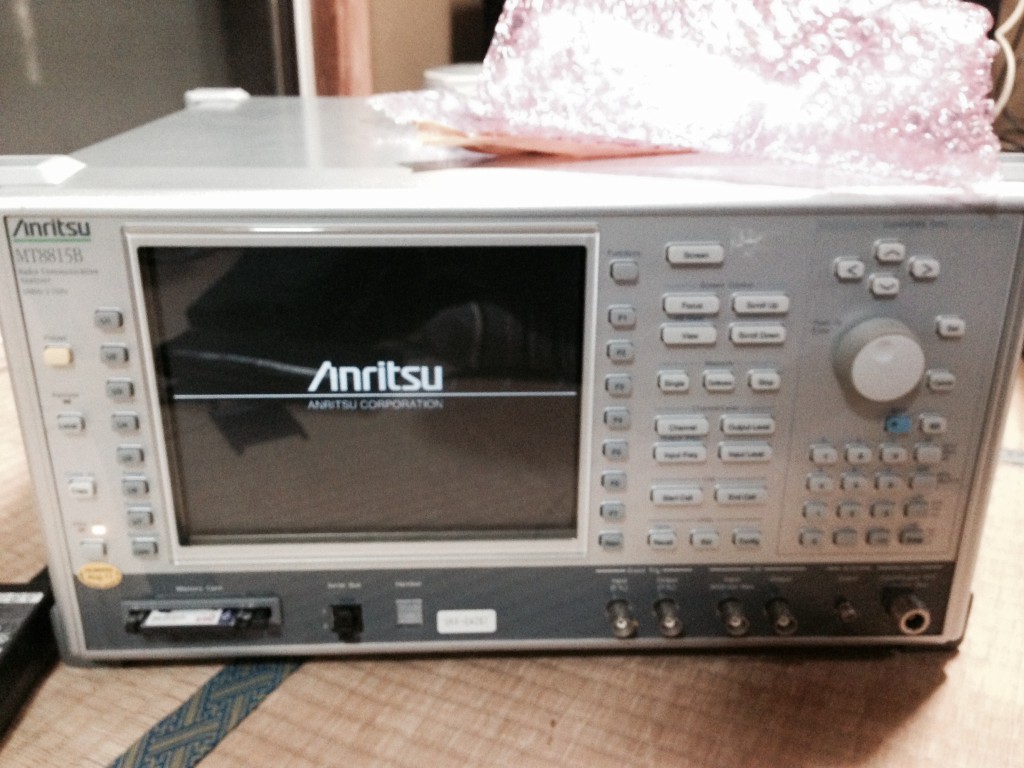
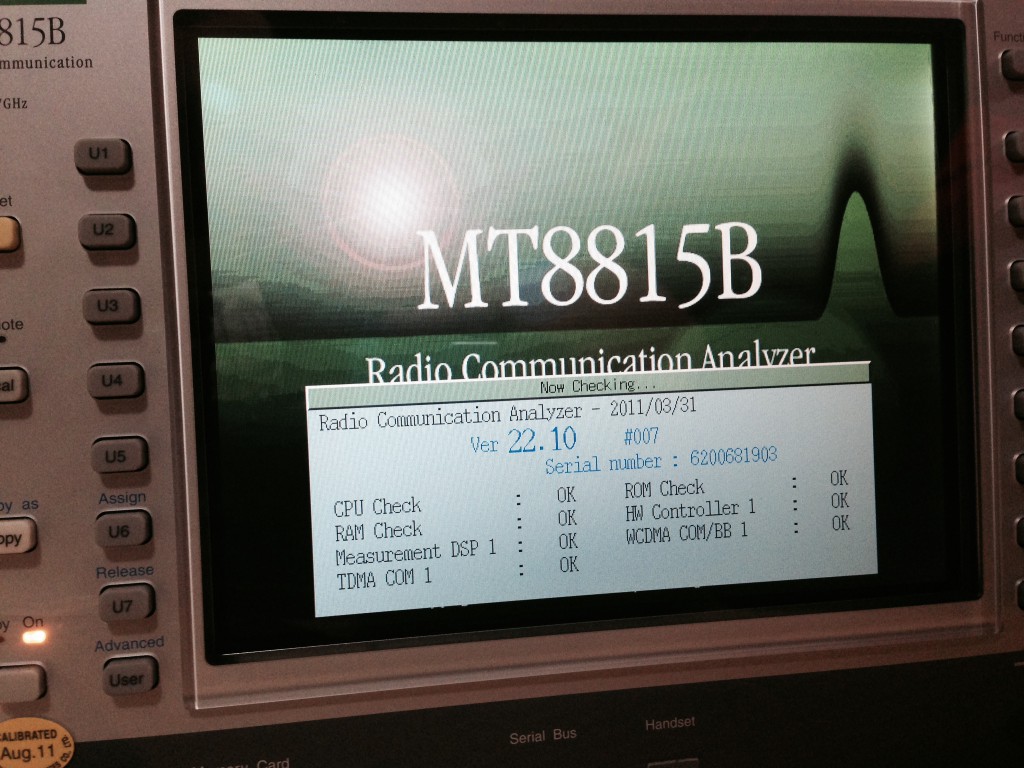
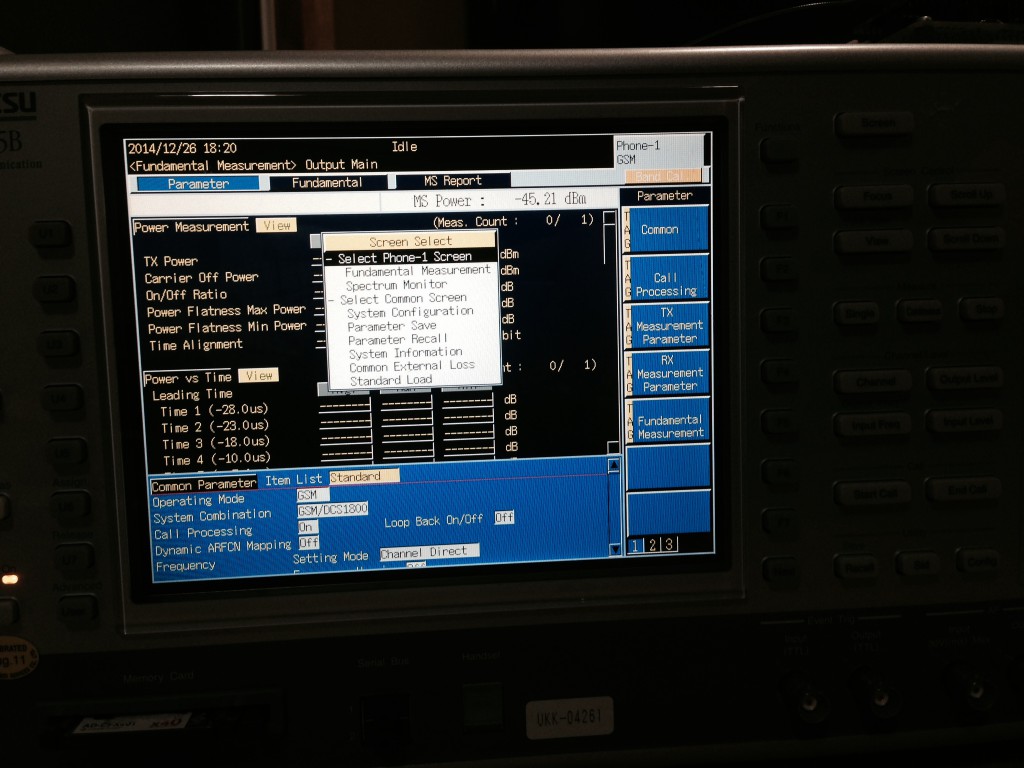
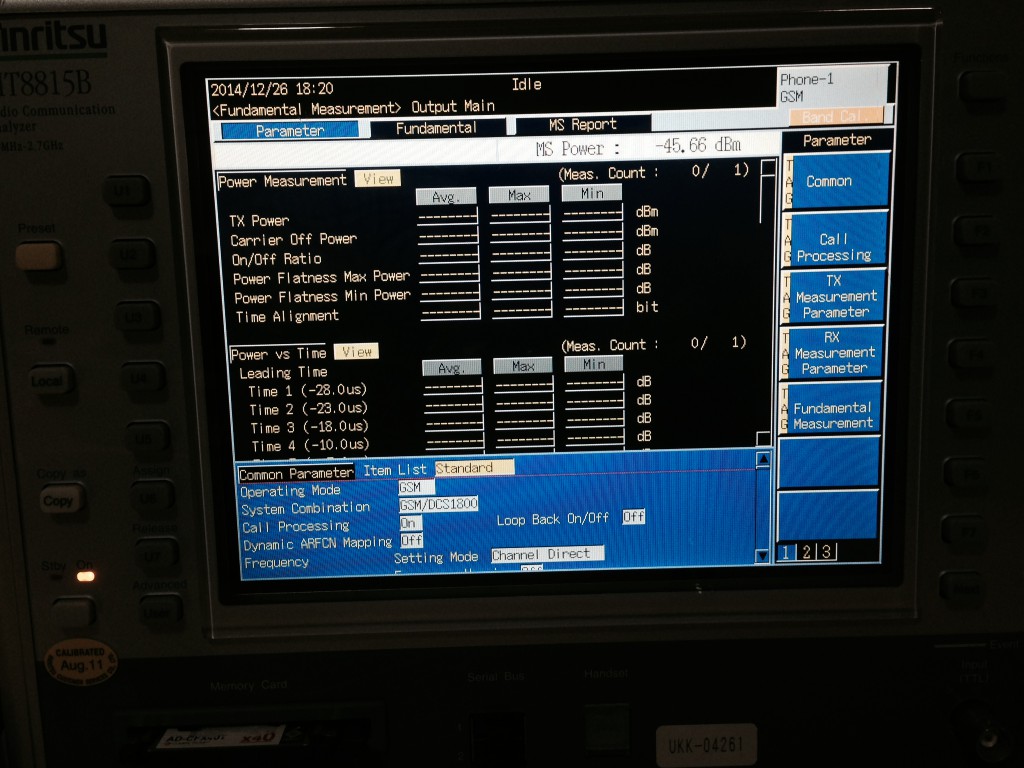
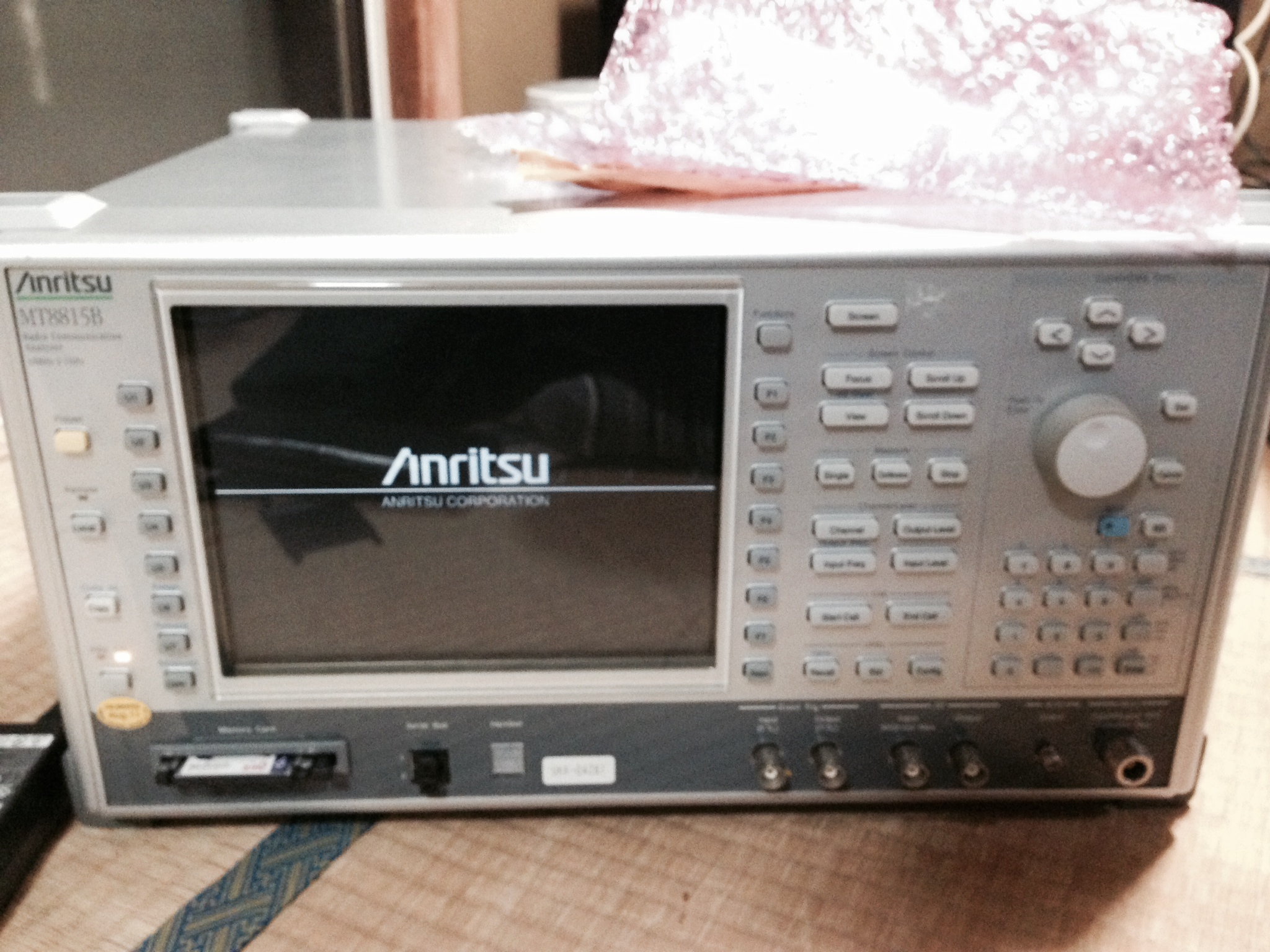
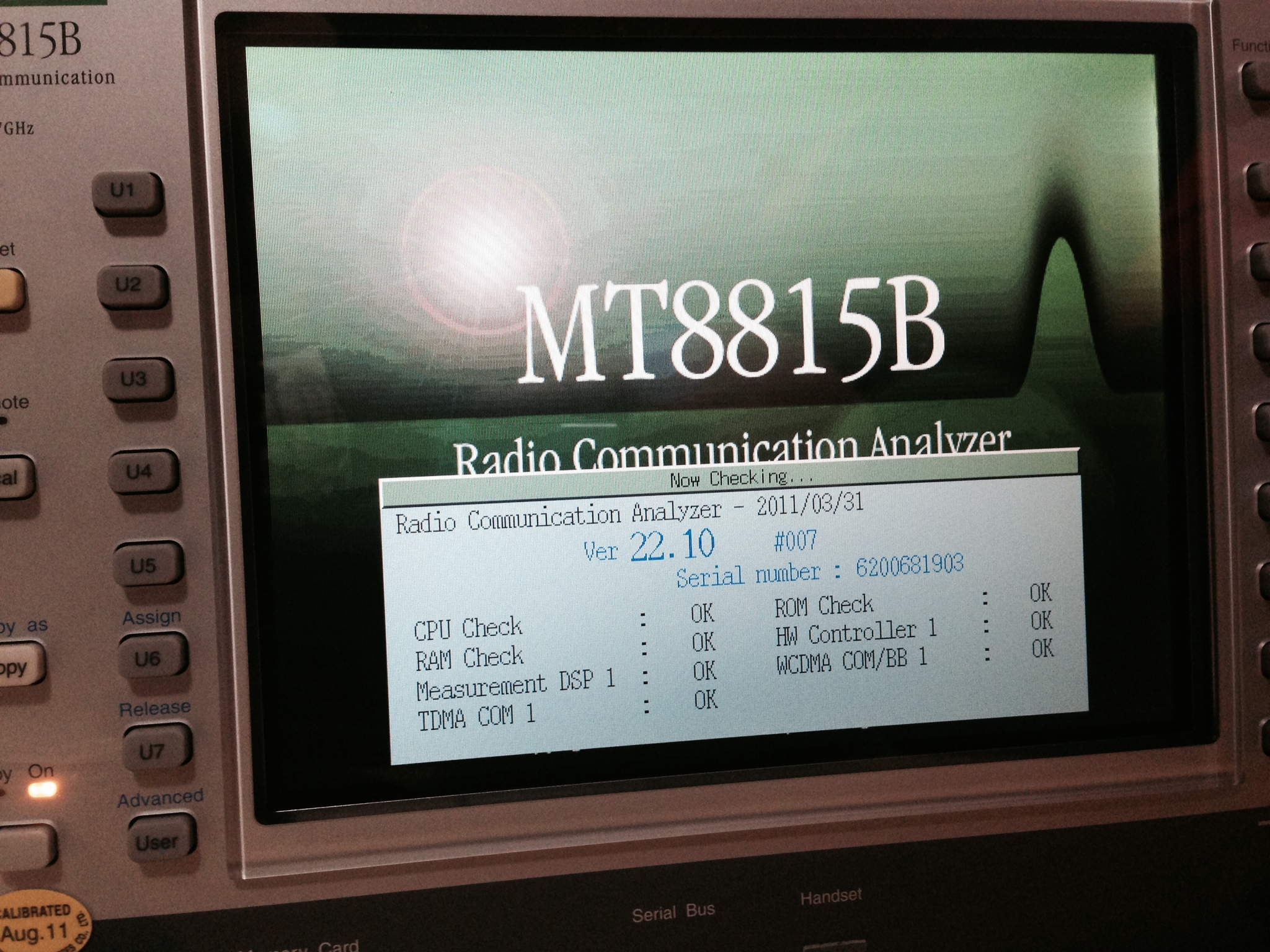
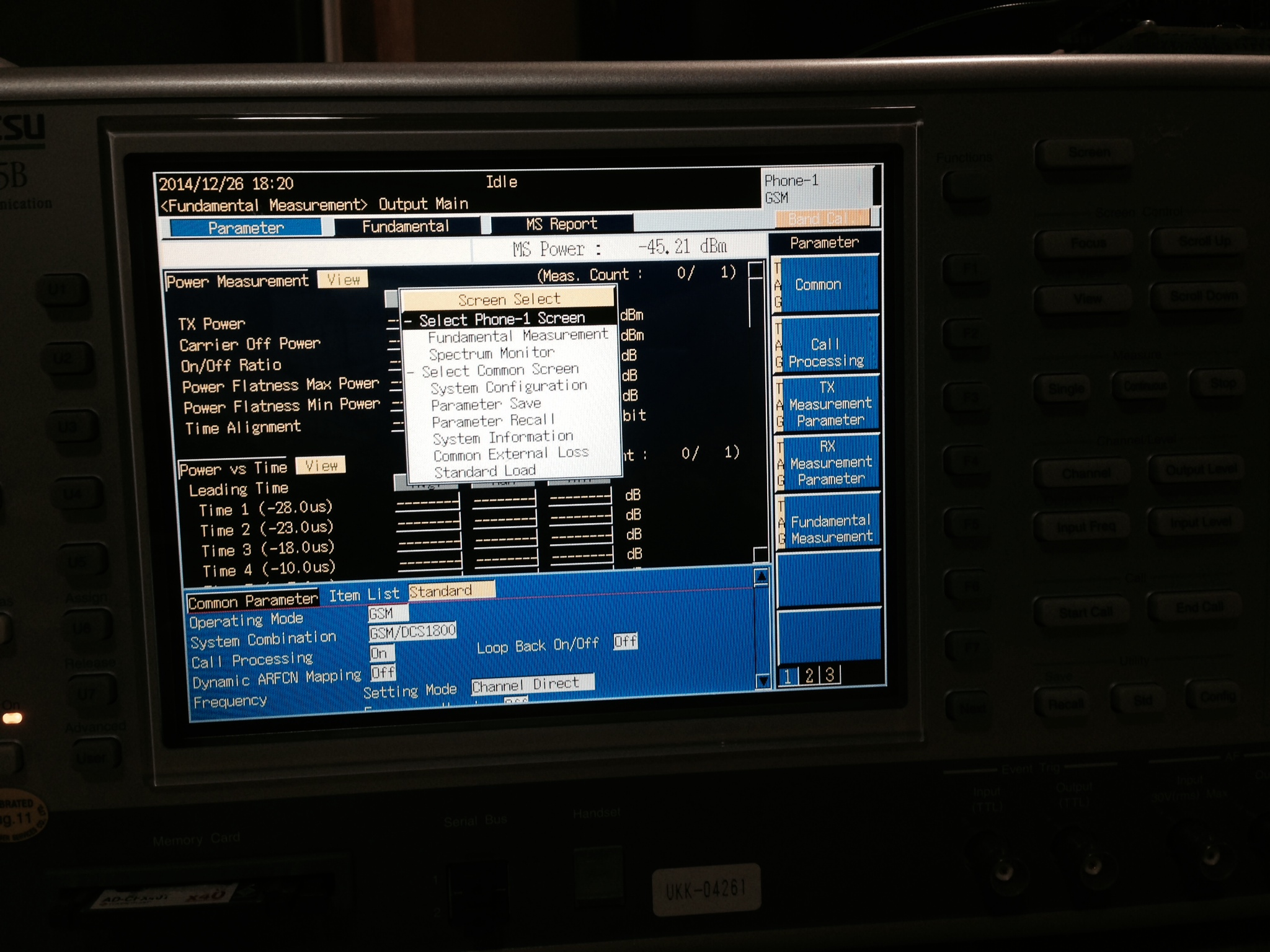
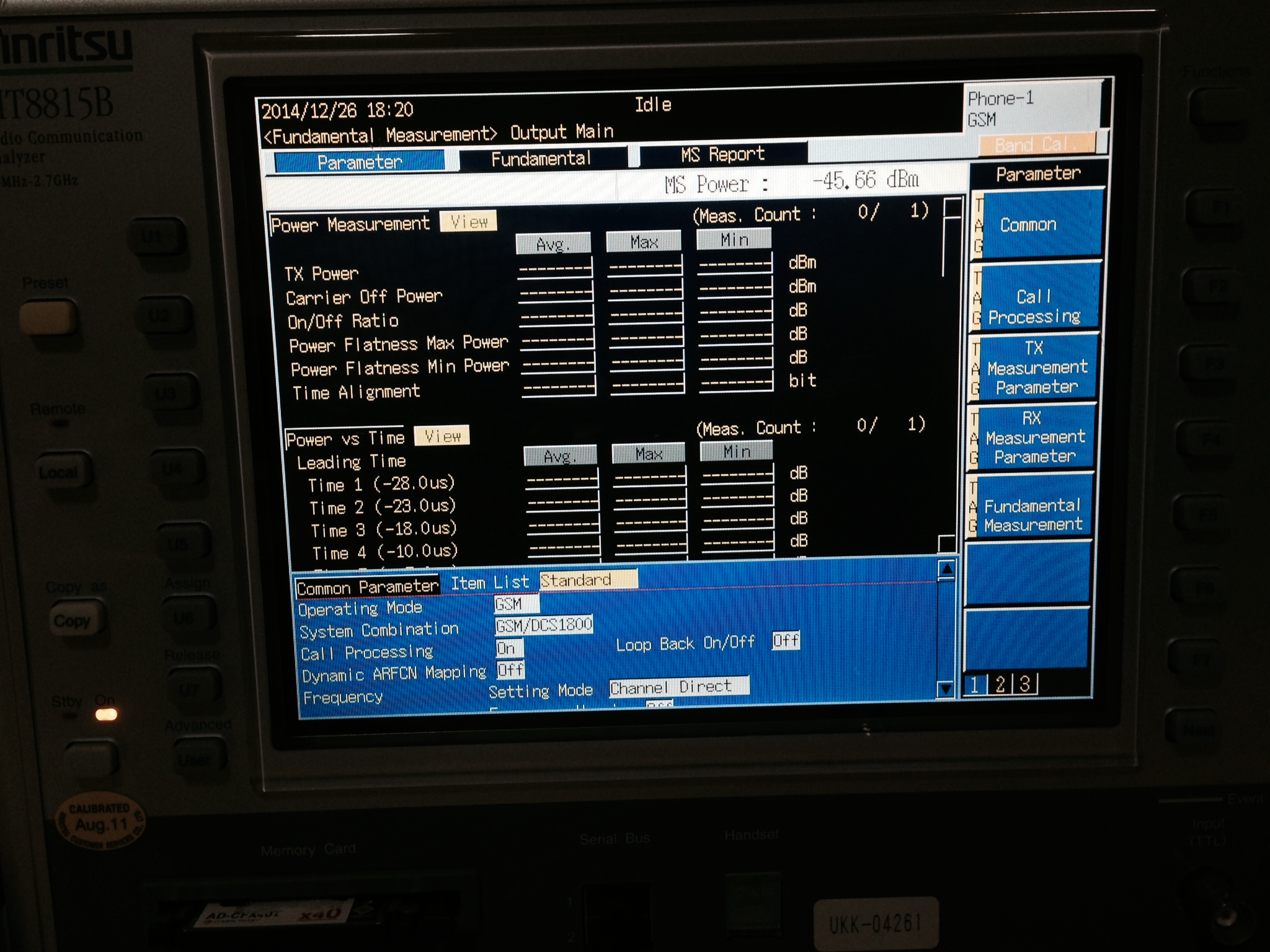
I picked up this comms analyzer ages ago because it looked kind of interesting, and finally go a chance to play with it. It looks like a pretty impressive piece of kit. Perhaps most interestingly it has a spectrum analyzer built in. From my limited understanding it seems like it might be possible to just use the spectrum analyzer functionality independently. Luckily it also came with a complete set of manuals on CD. But even the basic operation manual is 400 pages (linked below). Looks like I’ve got some reading to do!
When I get a chance to play with it again, I’ll update this page with more info.
opm_e_8_0
January 17, 2015, 1:52 am
The basic esp8266 examples have the following basic format:
//Main code function
static void ICACHE_FLASH_ATTR loop(os_event_t *events) {

  // DO STUFF

  os_delay_us(100);
  system_os_post(user_procTaskPrio, 0, 0 );
}

//Init function
void ICACHE_FLASH_ATTR user_init() {

  // init system

  //Start os task
  system_os_task(loop, user_procTaskPrio,user_procTaskQueue, user_procTaskQueueLen);
  system_os_post(user_procTaskPrio, 0, 0 );
}
The support libraries appear to manage a message queuing system, system_os_task adds a new task type, with a given priority and sets it’s callback function. Tasks are then fired by sending them messages with system_os_post. I would guess that they have scheduler which waits for messages to be posted and schedules them appropriately. The basic examples provided create a single task, with the call back of “loop”. “loop” then sends itself a message at exit, insuring it is queued to be called again at some point in the future.
I would guess they also use the same system to schedule various internal processes, and that if “loop” never returns your going to have a bad time.
You can also use the messaging system for your own purposes, for example in my previous uart example, rather than busy waiting for input you can post a message for the uart ISR directly i.e.:
user_main.c:
//Main code function
static void ICACHE_FLASH_ATTR loop(os_event_t *events) {

  int c = uart0_rx_one_char();

  if(c != -1) {
   uart_tx_one_char(c);
  }
}

uart.c:
LOCAL void uart0_rx_intr_handler(void *para) {

...

   system_os_post(user_procTaskPrio, 0, 0 );
}
And loop will still regularly get called when there’s new data. I’d be slightly careful here, as the documentation is incomplete and there may be issues I’m unaware of. A modified version of that UART example I previously posted using modified to use this messaging method can be downloaded here:uart_test_messaging.tar
This is a continuation of my notes on the esp8266 microcontroller, you can find a complete list of my esp8266 posts here
 RSS
RSS