Ultra-cheap Chinese Microcontrollers

I’m heading to Shenzhen and one of the things I want to take a look at is the ultra-cheap MCUs that are available in the Chinese ecosystem. Ultimately I’d like to see what the cheapest part available is, and how much a reel would cost. This post documents the parts I’ve seen on taobao. I was surprised not to see anything from General Plus as I’ve seen them crop up in designs before but perhaps they just don’t make it to taobao. If you have any recommendations let me know.

MDT10P53
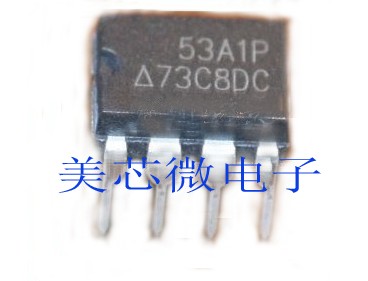
mdt10p53

Chinese language datasheet: 48576_MDT10P53

4Mhz Internal RC osc. Up to 20Mhz external. 1K EPROM, 41 byte of SRAM. Doesn’t appear to have an ADC.

Listed as “fully compatible microcontroller PIC12F508/PIC12F509”. The datasheet contains the full instruction set which I’ve not checked is identical to a PIC12, they may only mean pinout/signal levels. Listed at 0.7CNY, which at the time of writing is 11 cents on taobao. Further searching shows some sellers down at 0.1CNY (1 cent!) no idea how reliable those guys are.

HT46R005

English datasheet: HT46R005

512bytes OTP program memory. 32bytes RAM. 3channel 12bit ADCs. Up to 16Mhz operation.

0.85CNY on taobao (13 cents).

HT48R005

Identical to the HT46 above (same datasheet), but lacks ADCs.

0.8CNY on taobao (12 cents).

These are OTP parts and the HT66F03 and HT68F03 appear to be their flash equivalents. Available for about 20 cents (further searching shows them down to about 0.5CNY, 8cents).

HT66F03 Datasheet: ht6xf0xv160

HT46R064B
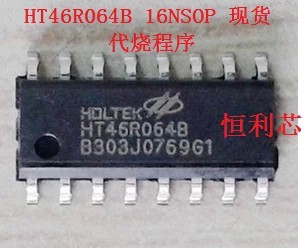
ht46r064b

English language datasheet: ht46r06xbv110

Up to 12Mhz, 8 12bit ADCs. 64B has 1K flash, 64bytes of SRAM. Series has up to 4K flash, 128bytes of SRAM.

HT68F03C
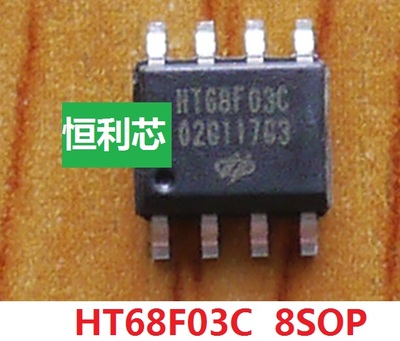
ht68f03c

Chinese language datasheet: sim6xF0xC
ha0075sV110

4->20Mhz I think there’s an internal RC but it’s unclear. 1->2K of 14bit word (I guess code) flash. 64 to 96bytes of SRAM. Seen for 1.2CNY (about 20 cents) on taobao.

STC15L104E
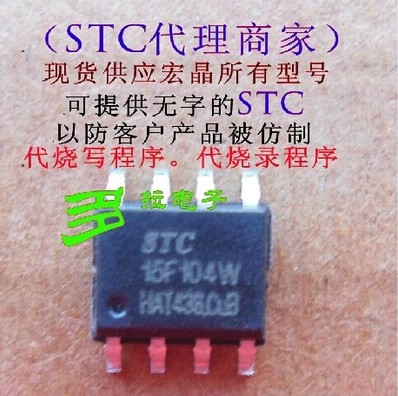
stc15f104

An 8051! Internal RC OSC. Rated upto 35Mhz (RC goes to 33), 128bytes RAM, upto 6K of flash. Doesn’t appear to have ADC, can’t locate a complete datasheet.

1.48CNY on taobao (24 cents). And here for 0.9CNY (14 cents).

HT66F017
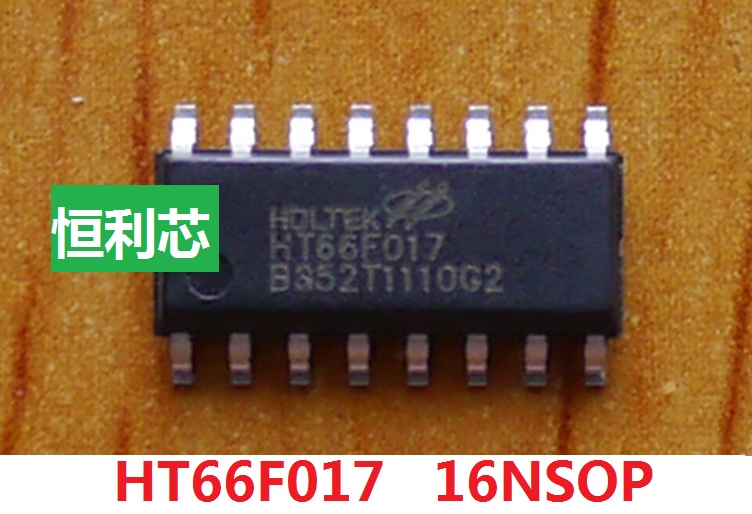
ht66f017

Available for 1.7CNY on tabobao (27 cents).

100+ page datasheet here: ht6xF016_017v120

PIC12F675

Possibly real PIC12s for 2.3CNY (about 36 cents) on taobao. 2K flash, 128bytes EEPROM, 64 bytes SRAM. 4Channel 10bit ADCs.
Some simple Arduino code to read from a keypad

arduino_keypad

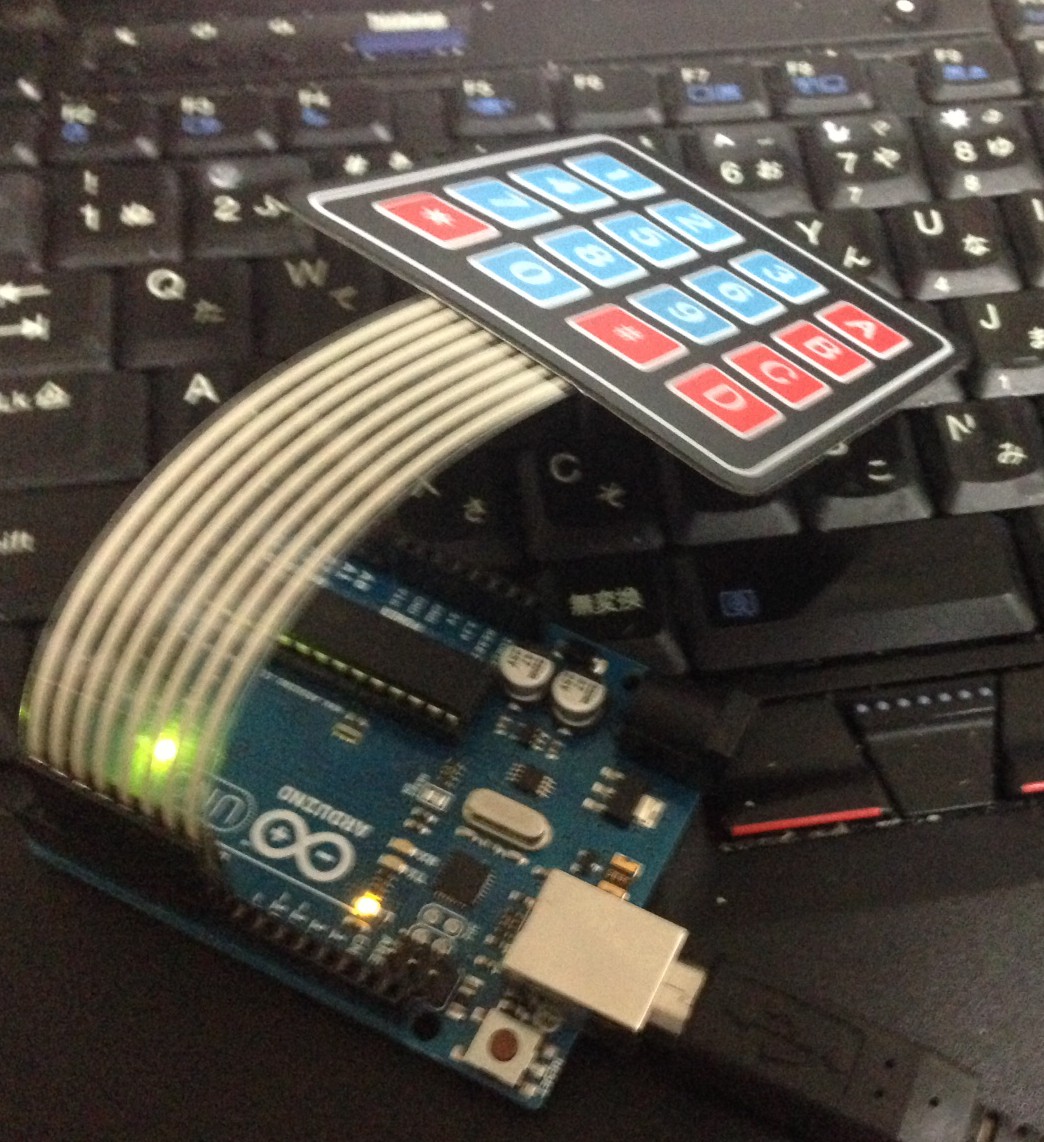
Wired up a cheap keypad to an Arduino. These keypads were a few cents each on ebay and look suitable for a project I’m working on. This is the same keypad as used here and their code is worth referring to.

The following reads presses from the keypad and prints them over serial. It only returns a valid keypress when a different key is pressed, not when the key is held down.

#define rows 4
#define cols 4

const char keymap[rows][cols] = {
    { 1, 2, 3, 10 } ,
    { 4, 5, 6, 11 } ,
    { 7, 8, 9, 12 } ,
    {13, 0,14, 15 }
};

const int row_pins[rows] = { 2, 3, 4, 5 };
const int col_pins[cols] = { 6, 7, 8, 9 };

void setup() {
  Serial.begin(9600);

  for (int r=0;r<rows;r++) {
    pinMode(row_pins[r],INPUT);
    digitalWrite(row_pins[r],HIGH);
  }

  for (int c=0;c<cols;c++) {
    pinMode(col_pins[c],OUTPUT);
    digitalWrite(col_pins[c],HIGH);
  }
}

int get_key() {
  int key=-1;
  for(int c=0;c<cols;c++) {
    digitalWrite(col_pins[c],LOW);
    for(int r=0;r<rows;r++) {
      if(digitalRead(row_pins[r]) == LOW) {
        key = keymap[r][c];
        digitalWrite(col_pins[c],HIGH);
        return key;
      }
    }
    digitalWrite(col_pins[c],HIGH);
  }
  return key;
}

int last_key=0;

int get_key_db() {
  int k1 = get_key();
  delay(10);
  int k2 = get_key();

  if((k1 == k2) && (k2 != last_key)) {last_key=k2; return k2;}
          else return -1;
}

void loop() {
  int key = get_key_db();
  if(key != -1) {
    Serial.print("key: ");
    Serial.print(key);
    Serial.print("\n");
  }
}

Using the Arduino tools from the Linux command line

arduino_commandline

I’m not a huge fan of GUI tools, my workflow is mostly on the commandline. As such, I find the standard Arduino interface a bit painful, so I figured it was time to figure out how to get this working on the commandline. Historically, there have been a number of alternatively, the Arduino tools themselves are of course a wrapper round avrdude, so it’s possible to use that directly. There have also been other projects such as inotools, and sets of Makefiles which will work against Arduino ino files. However with version 1.5 of the Arduino tools command line support has been introduced natively.

Debian Jessie, unfortunately doesn’t appear to have 1.5 in it’s repository (it is after all still in beta). So you’ll need to download it. You can download the latest Beta here (1.5.8 at the time of writing).

First of all if you have the arduino package installed, you should probably remove it (apt-get remove arduino). You can then install the new arduino tools, for example (make sure you have a /opt directory):

tar zvxf arduino-1.5.8-linux64.tgz
sudo mv arduino-1.5.8 /opt/
sudo ln -s ./arduino-1.5.8 ./arduino
echo "PATH=\$PATH:/opt/arduino" >> ~/.bashrc
sudo sh -c 'echo "PATH=\$PATH:/opt/arduino" >> /root/.bashrc' # if you want it in the root path

You will need to restart your terminal to pickup the new arduino path. (note sudo arduino wont work, because sudo on Debian defaults to using “secure_path” for the path, you need to use sudo -i arduino). You can then upload a sketch from the commandline as follows:

sudo -i arduino --upload /home/new/gitcode/arduino_snmp/arduino_snmp.ino --port /dev/ttyACM0

You may, or may not need to use the full path, or specify the port/other configuration info. The tool is supposed to retain the port configuration set in the UI. A full list of command line options is available here.

Simple JS->DNS Proxy with golang server side

jsdnsproxy

I wanted the ability to resolve DNS addresses in client side Javascript. Unfortunately you can’t do DNS lookups in browser. As a hack I wrote a quick DNS proxy in golang which allows the JS to perform GET requests to a golang server which will lookup and DNS entry and return IP addresses.

The HTML and golang code is below, there’s also a tarball here. You can run the go code with “go run”. If the html file is stored in the same directory you will be able to access it from localhost at http://localhost:8080/web.html.

<html>
<head>
<meta charset="UTF-8" />

<script>
  
  function gethostbyname(hostname) {
    var xmlHttp = new XMLHttpRequest();
    xmlHttp.open("GET", "http://localhost:8080/dns?hostname=" + hostname, false);
    xmlHttp.send(null);
    return xmlHttp.responseText;
  }

  function press() {
    var hostname = document.getElementById('hostname').value;
    document.getElementById('comms').innerHTML += hostname + "=" + gethostbyname(hostname)  + "<br>";
  }

</script>

</head>
<body>
  ServerIP: <input id="hostname" type="text" /><br>
  <input type="button" id="lookup" value="lookup" onclick="press()"></input><br><br>
  <div id='comms'></div>
</body>
</html>
package main
 
import (
    "net/http"
    "net"
    "fmt"
)

func DNSProxyHandler(w http.ResponseWriter, r *http.Request) {
 
  r.ParseForm()
  hostname := r.Form.Get("hostname")

  fmt.Printf("hostname: %s\n",hostname)
  
  addrs, err := net.LookupIP(hostname)

  var sendbytes string;
  if err == nil {
    sendbytes = addrs[0].String()
    fmt.Printf("sending: %s",sendbytes)
  } else {
    fmt.Printf("fail in dnsroxy\n")
  }

  fmt.Fprintf(w, "%s",sendbytes);

}
 
func main() {
  http.HandleFunc("/dns" , DNSProxyHandler)
  http.Handle("/", http.FileServer(http.Dir(".")))
  err := http.ListenAndServe(":8080", nil)
  if err != nil {
    panic("Error: " + err.Error())
  }
}