Couldn’t remount RDWR because of unprocessed orphan inode list. Please umount/remount instead

My Debian laptop rootfs decided to go readonly this evening. The usual solutions are to either fsck the drive or remount readwrite. Unfortunately the usual solutions didn’t work this time. These are my notes on fixing the issue, any mostly for my own reference and to document the pain and suffering involved…

First of all it seems that my system didn’t have fsck.ext4 installed, and of course I couldn’t install it as the system was readonly. In anycase, as I’m using the root FS I wouldn’t have been able to run it anyway…

So I attempted to remount rw using “mount / -o remount,rw” as usual but was presented with the following error:

“Couldn’t remount RDWR because of unprocessed orphan inode list. Please umount/remount instead”

So… what next. Well after much fumbling I decided to see if I could create a new FS and boot to that, install fsck.ext4 and clear the errors. Of course my system also lacked mkfs.ext4… So I figured maybe I could create a new root file system in a ram disc install mkfs.ext4 on that and then setup the new partition.

I created a tmpfs (ram disc) using “mount tmpfs ./mnt -t tmpfs -o size=2048mb”. Then used:

mkdir sbin;mount --bind /usr /mnt/sbin
mkdir bin;mount --bind /bin /mnt/bin
mkdir usr;mount --bind /usr /mnt/usr
mkdir lib;mount --bind /usr /mnt/lib
mkdir lib64;mount --bind /lib64 /mnt/lib64
mkdir proc;mount --bind /proc /mnt/proc
mkdir run;mount --bind /run /mnt/run

To bind the various static user files. I copied etc manually. var was not copied, but I copied files into var as required. Make sure the swap is turned off (swapoff -a)

Next it chrooted into this tmpfs (chroot ./mnt). apt-get update (faff around adding missing files/directories to /var). Then, apt-get install e2fsprogs. This fails as too much of the tree is still readonly. Anyway… dig out the dpkg (find / -name e2fsprogs*). And extract it… (mkdir e;dpkg -x e2fsprogs_1.42.12-1.1_amd64.deb e).

Then find mkfs.ext4 in the extracted files… and make the new fs (mkfs.ext4 /dev/sda5 (or whereever your swap was)) .

Then mount and copy all the important parts of your system across:

mkdir m
mount /dev/sda5 m
cp -r /etc m
cp -r /lib m
cp -r /lib64 m
cp -r /e m
cp -r /bin m
cp -r /sbin m
cp -r /boot m
...

Reboot… struggle with grub changing the boot parameters (e for edit, then change hd0,msdos1 to hd0,msdos5) until the system boot to the new drive.

Find out that it crashes into the initrd. mount the new partition. chroot to the new partition. Run fsck.ext4 /dev/sda1. Hit Y a bunch. Reboot. Sleep.
Cheap Laser Pointers

photo(1)

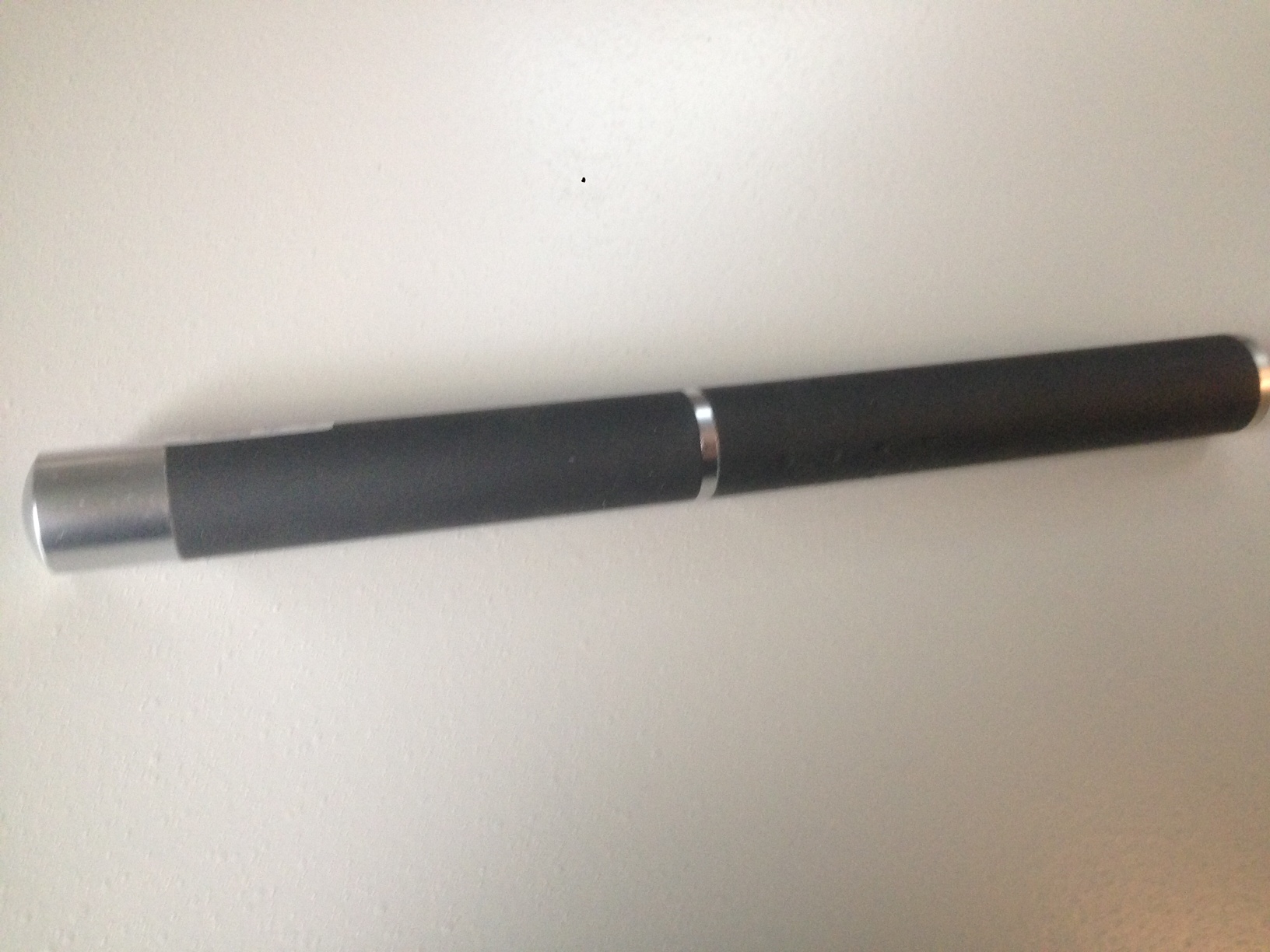
I picked up some of these cheap laser pointer in Shenzhen, then proceeded to order a bunch more on eBay, they’re about 5USD each shipped. The purple laser shown above had no mW rating. But they generally claim to be 1 or 5mW. I hooked a purple laser up to a PSU and it drew about 170mA, 500mW. I’d guess these lasers are actually much more powerful than 5mW, they certainly look it.

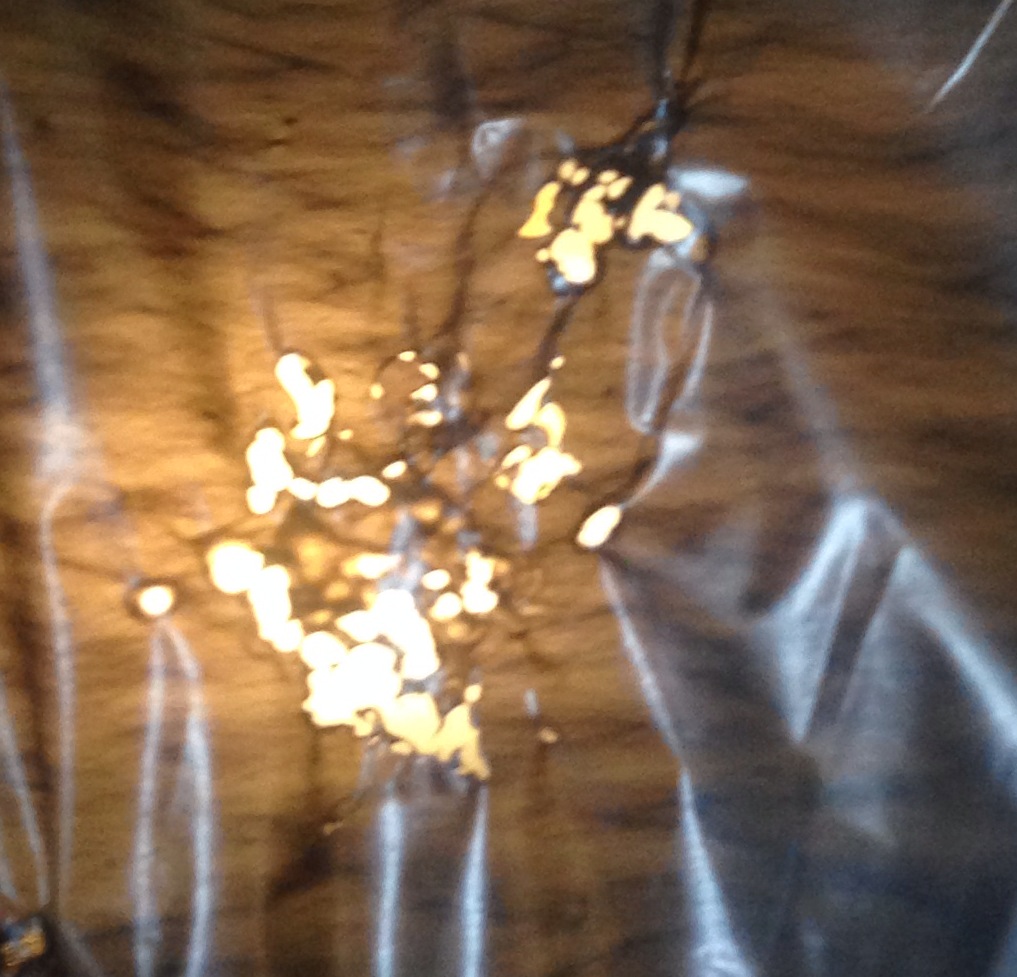
By adjusting the collimating lens so it would focus on a smaller spot, the laser would even burn through plastic:

photo(2)

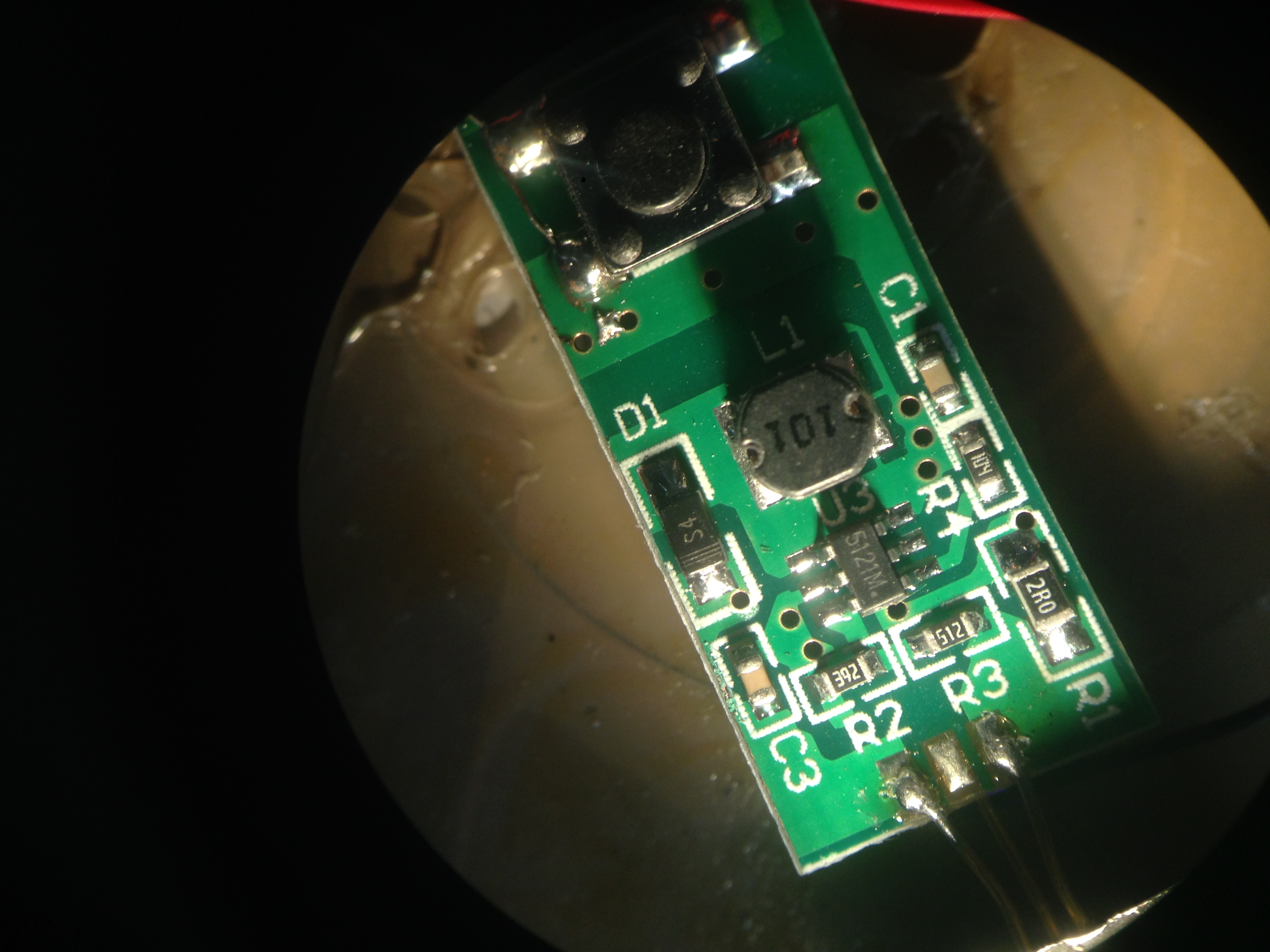
So I’d guess a few hundred mW. It’s not really possible to non-destructively disassembly the pointer, but I sacrificed one. Here’s the PCB.

photo

I can’t find a good dataset for the 5152M, but it appears to be a boost converter. The voltage at the diode is around 7V, but I’d expect the laser to be driven in constant current mode, and I guess the boost maybe operating in this configuration.

+/- 13V PSU Board Bring up

photo 1(3)

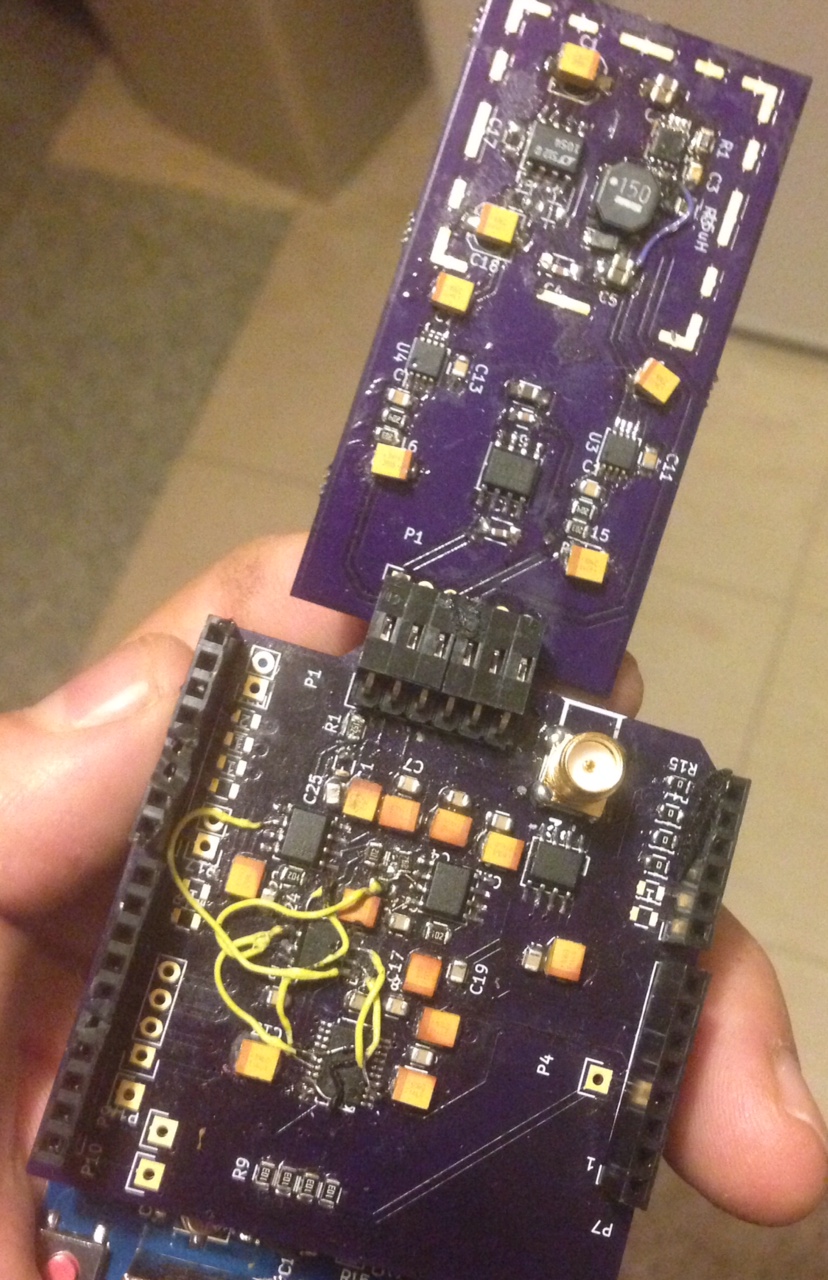
I received the Power supply boards from OSHPark today and built them up. A few patches were required, but a lot less than the DAC board.

The board is designed to provide the 5V reference and +/- rails for the DAC board. The DAC board needs rails 2.5V greater/less than the references. I’m using 10V references. Originally I was going for 15V rails, but decided to go with 13V here.

As noted before, the board uses an LM3224 boost converter to step 3.3V to ~15V. The LT1054 inverts that. I’m concerned about switching noise, so these sit under a can (as yet unplaced) and feed linear regulators on the output. There’s also a 5V reference which is used by the DAC board to derive +/- 10V references.

Revisions required:

* Missing connection on R2 (dammit Kicad!)
* Diode silkscreen is wrong (serious Kicad, could the library and footprint pinouts not match?)
* LT1054 resistors/C17 wrong. However should not be placed anyway.
* C18 10uF ok? Placed as tantalum.
* Add thermal pads under regulators.
* Change regulator 10uF caps to tantalum.

Cheap Shenzhen Inspection Microscopes

photo 5

Well I finally got round to playing with the inspection microscopes I picked up in Shenzhen. If I remember correctly the whole system came to about 80USD. The purchasing process is almost as exciting as the price, you need to buy the optics from one place, the CCD PCBs from another, and the CCD chassis from yet another place. Luckily they’re all in the same building which specializes in security equipment.

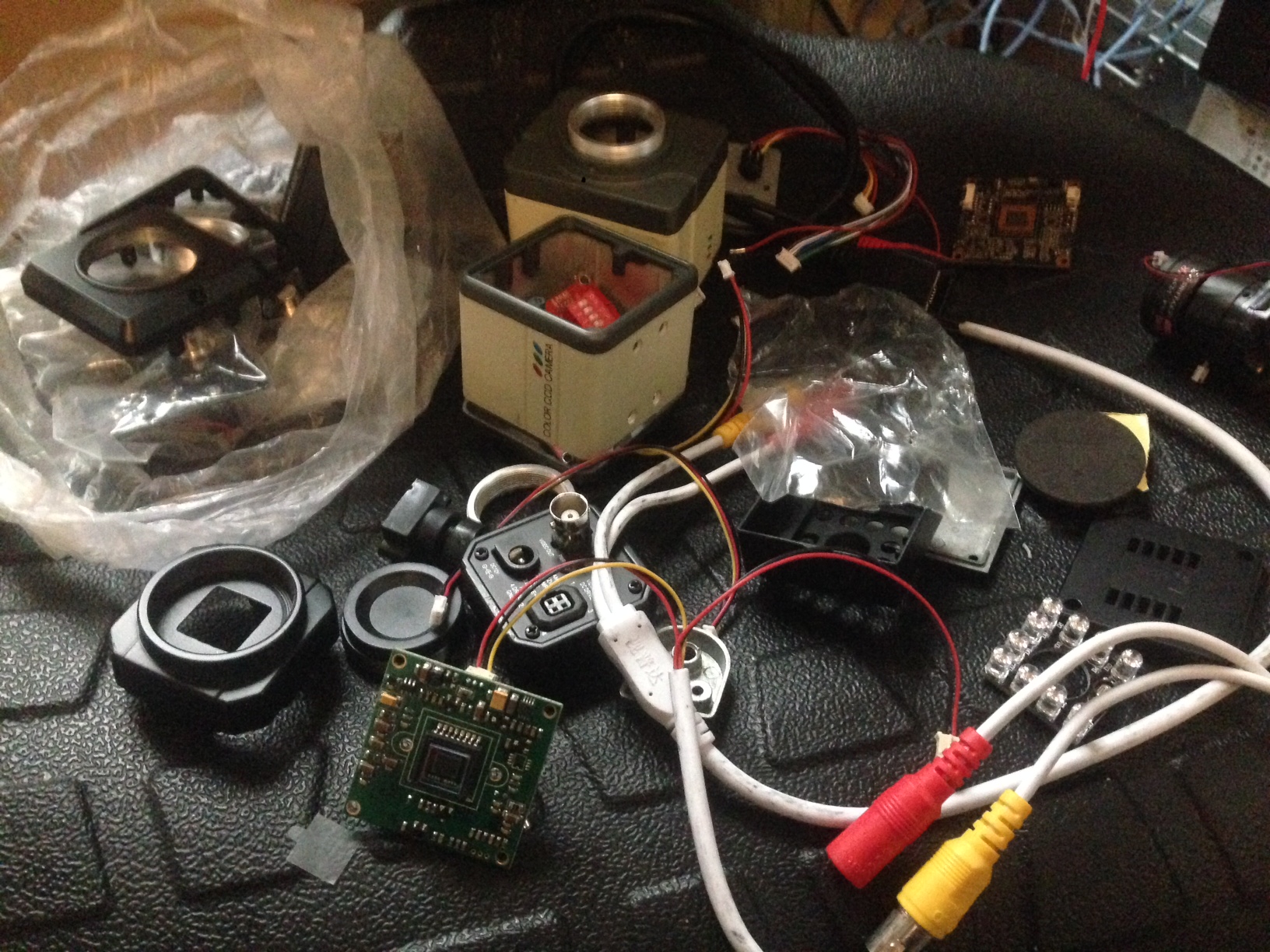
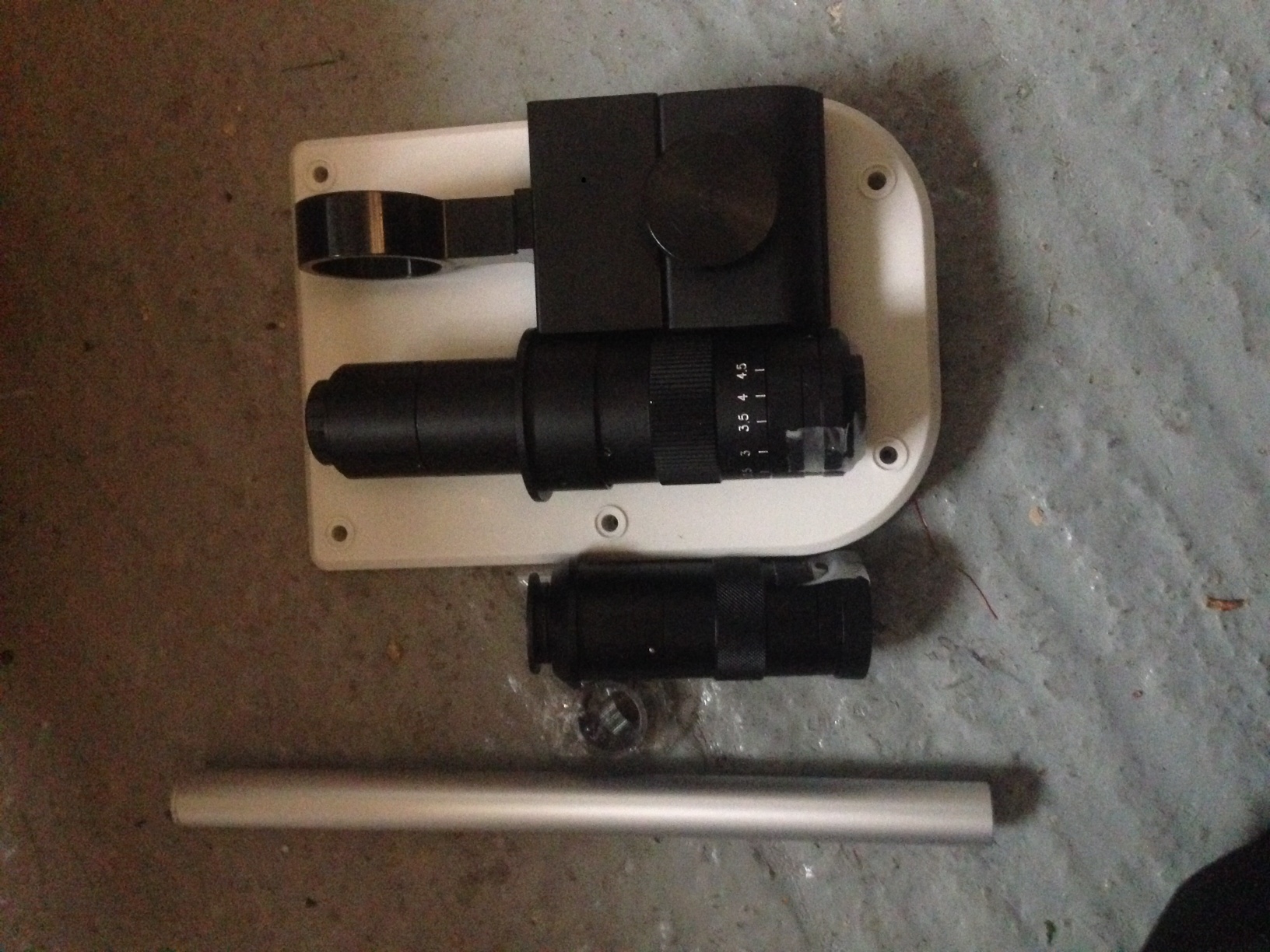
Here’s a selection of parts:

photo 1

photo 2

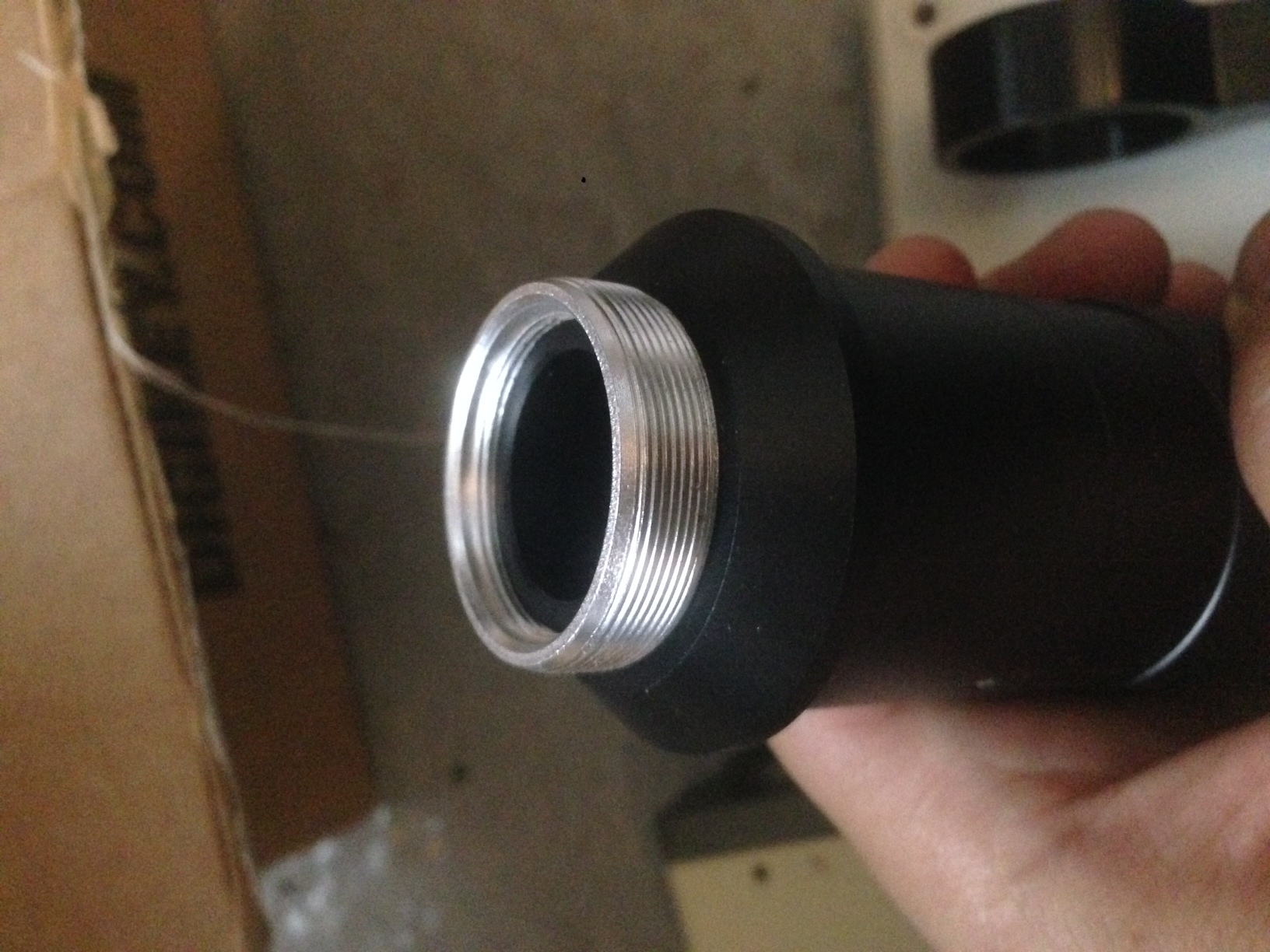
The CCD cameras and optics are all C-mount sometimes with C to CS (?) adapters. This is handy as most modern microscopes use C-mount and for older microscopes you can get eyepiece to C-mount adapters.

photo 3

There are various CCD and CMOS imaging PCBs available. With a variety of network, composite, USB, and HDMI connections. Interesting composite seems to be favored for its low latency. I guess this is particularly important for inspection and rework. However it’s a little sad that the digital stuff isn’t faster these days…

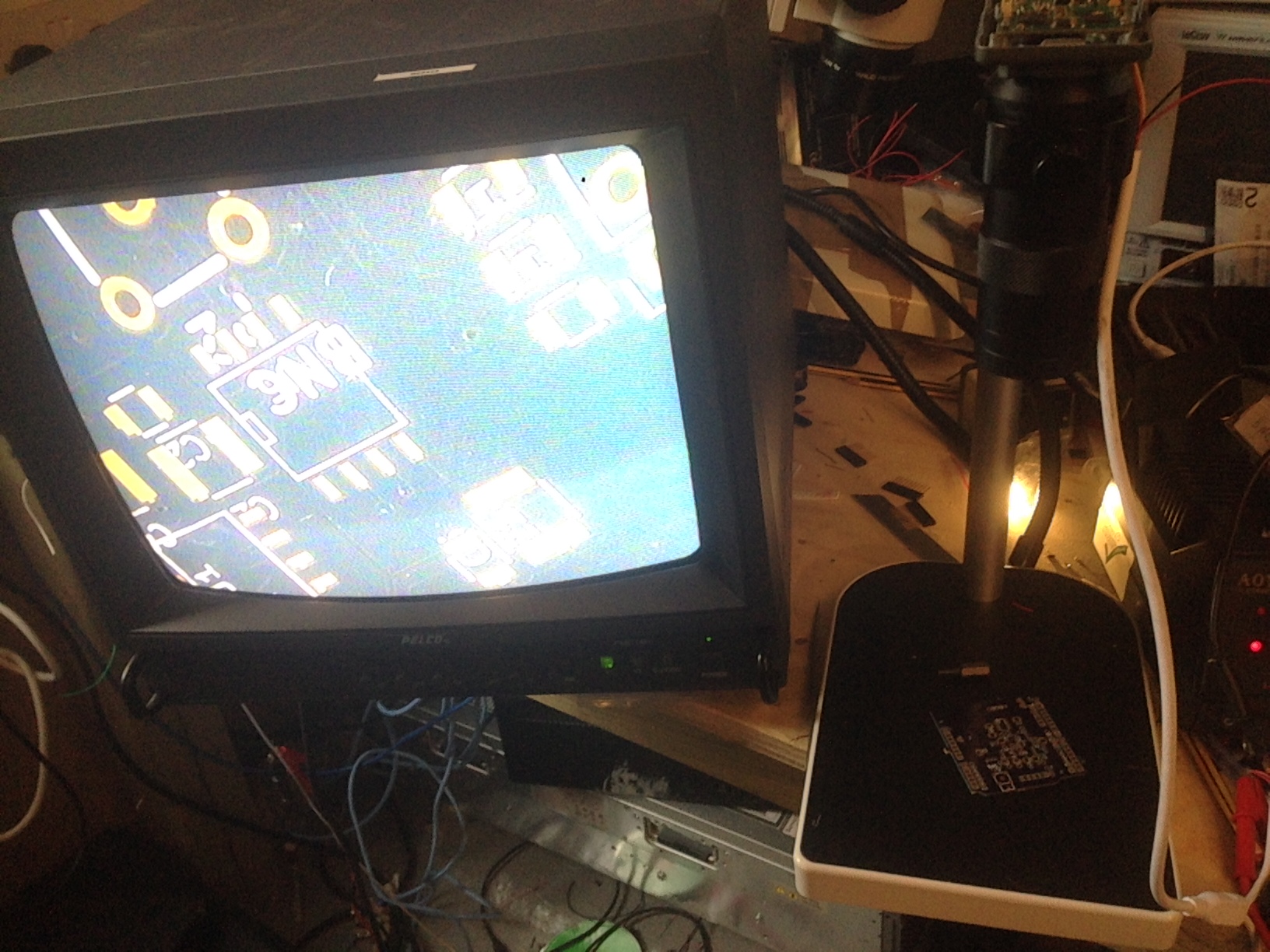
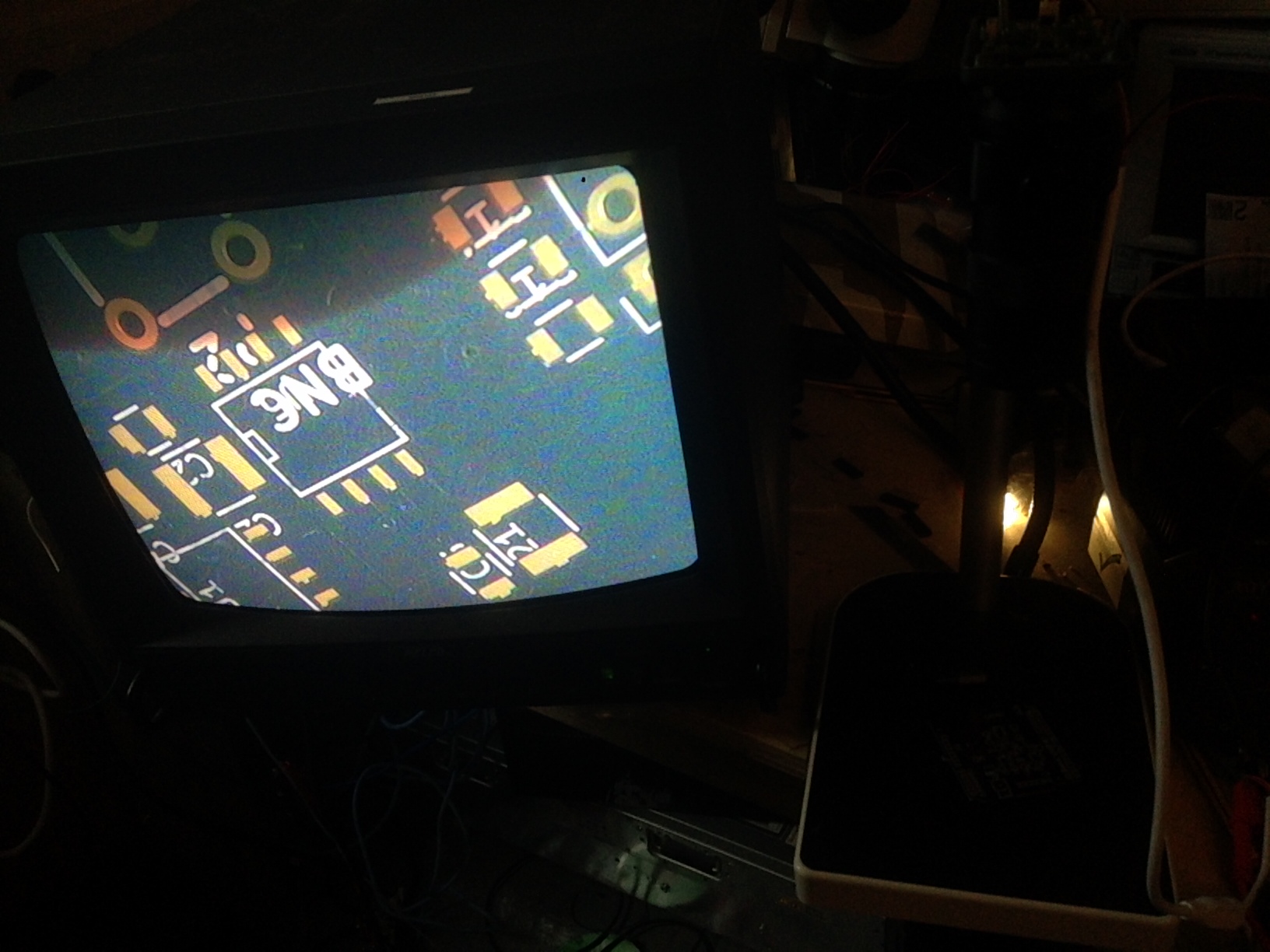
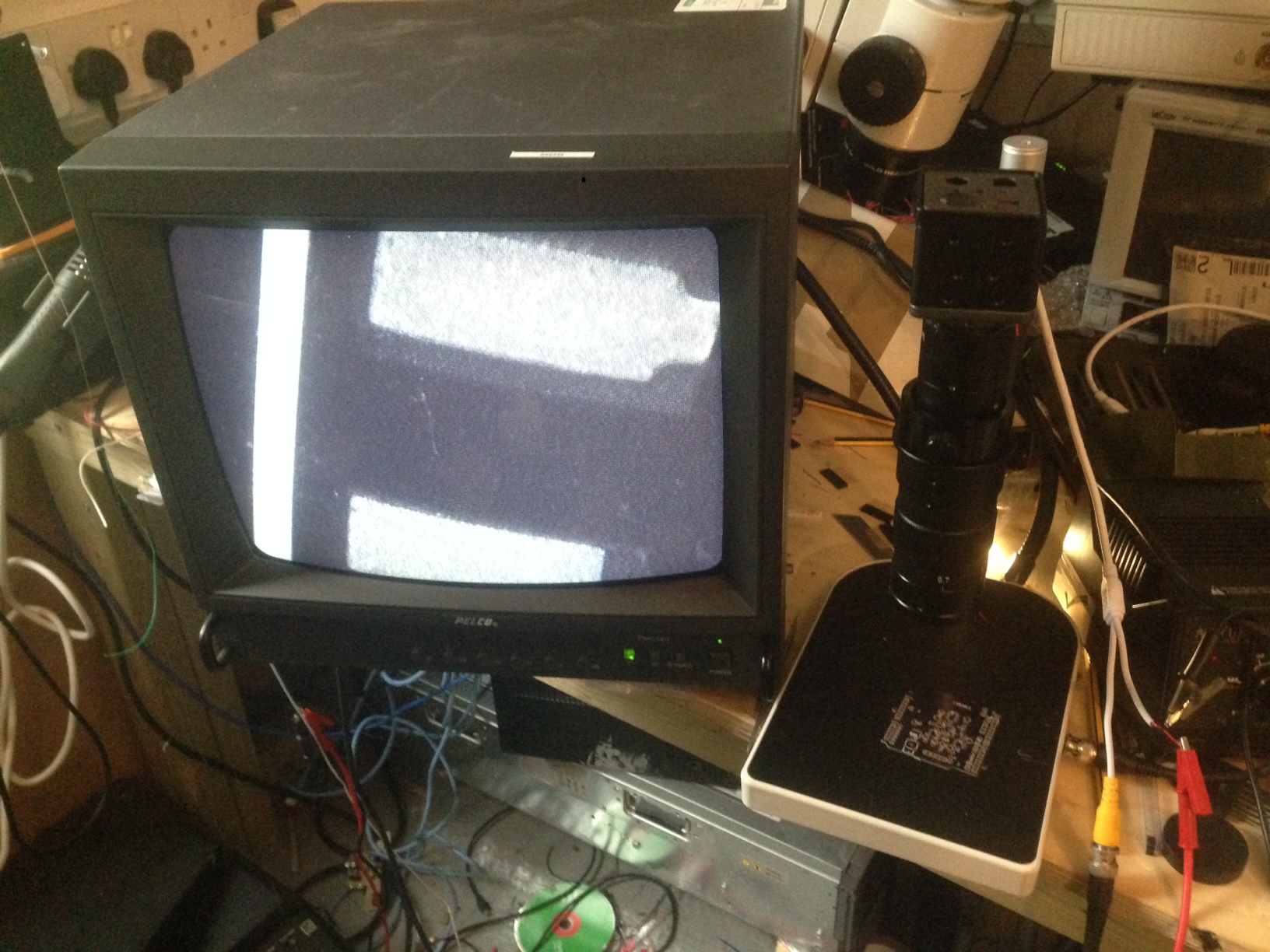
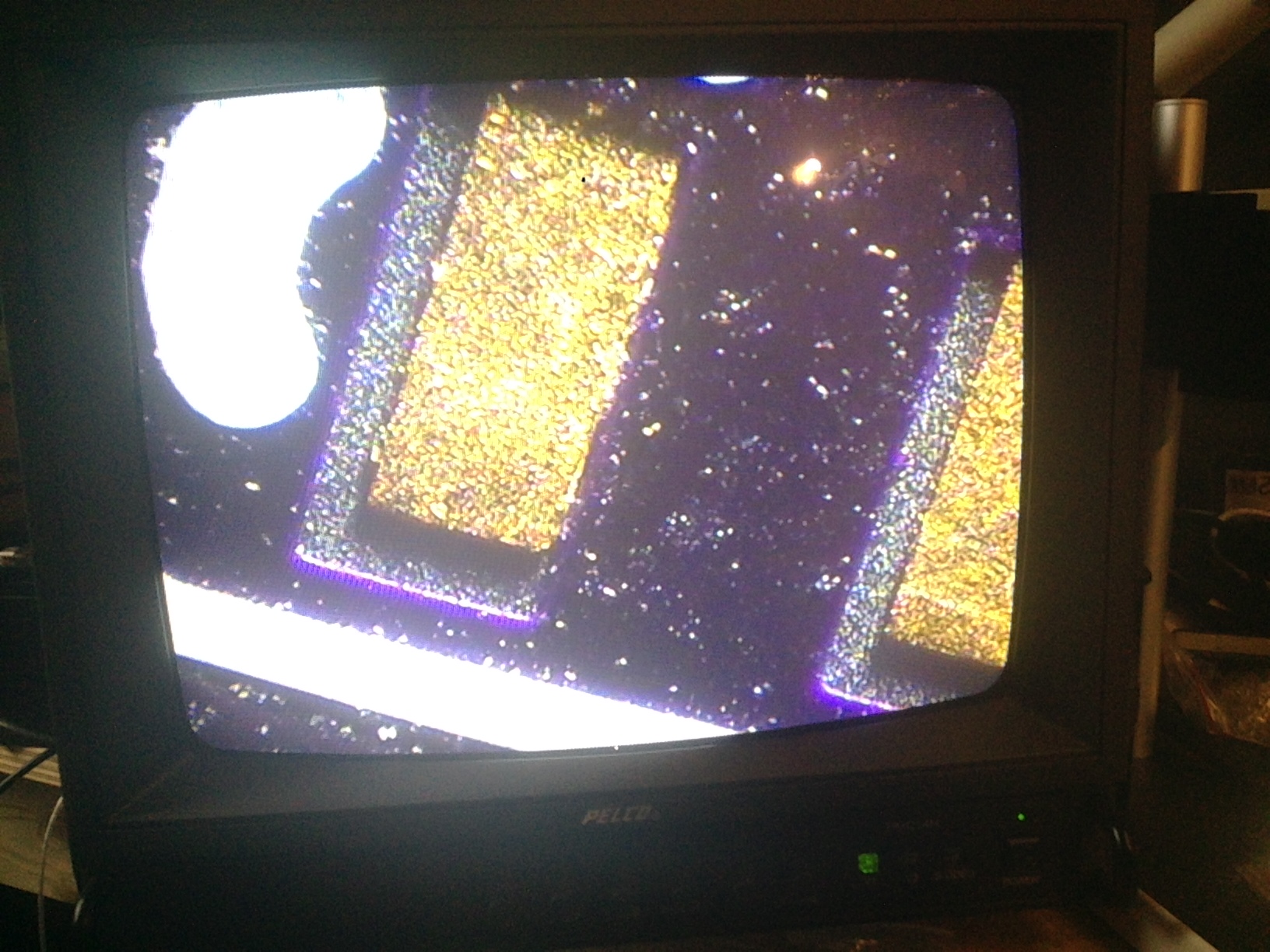
I’ve been using the CCD, mostly because I’m kind of interested in CCD interfacing. It module uses a Sony CCD and CCD driver IC. It takes a 12v input. I hacked the connector off and used a lab PSU the supply it. Connecting the black to ground and other two wires to 12v. The module draws about 70mA. I used an old composite input monitor I had. I think I’ll buy some small monitors and a PC composite input acquisition card of some kind.

I purchased 2 sets of optics. One was fixed magnification, the other variable. First the fixed, the pads shown are for an SOIC8:

photo 1(1)

photo 5

Then the variable, at max magnification. This is one of the pads from the device above:

photo 3(1)

photo 2(2)

As you can see the first image I took was pretty grey and washed out. This was due to poor lighting. Without illumination the images from the variable magnification lens were much poorer. However I’m very impressed by the working distance should be great for rework.

One issue with the variable magnification lens is that you have to keep refocusing as you change magnification. This isn’t an issue with the Wild Heerbrugg M8 which I’ve been using for rework lately, and it’s very handy to be able to zoom in and out. That however has a secondhand value for a 1000USD+.