September 28, 2011, 2:26 pm
I’ve written my first post on a first, simple Ruby program. But I’ve not included notes there on installing and running Ruby programs. That’s because Ruby runs on a lot of different systems. And Ruby programs can be run in different ways.
You can find advice on installing Ruby here.
If you’re using a Mac your in luck as Ruby is already installed on Snow Leopard and Lion! You’ll need a text editor though. Try TextWrangler. When you save files save them as myprogram.rb. To run them open up a terminal and type:
ruby myprogram.rb
You’ll need to make sure you’re in the same directory you saved your Ruby program to. By default TextWranger saves files to Documents so you’ll need to type:
cd Documents
ruby myprogram.rb
I hope that gets you started if you’re using a Mac. There are lots of instructions on getting up and running on other platforms around.
September 28, 2011, 1:56 pm
I’m going to try and write some simple ruby programs. Here’s the first one. It prints a triangle of stars like this:
*
**
***
****
*****
******
*******
********
*********
**********
***********
And here is the code:
star_string = "*"

10.times do
    puts star_string
    star_string = star_string + "*"
end
I hope you can understand it. The program creates a string called “star_string”. Then it loops 10 times. Each time it loops it prints (puts) out star_string, and adds another * to the string. That way star_string gets longer and longer.
I’m also going to show you how this is done in C++. If you don’t want to learn C++ you don’t need to look at this. But C like languages are so common it’s worth at least gaining some familiarity with the syntax.
#include
#include
using namespace std;
int main() {
string star_string = “*”;
for(int n=0;n<10;n++) {
cout << star_string << endl;
star_string = star_string + "*";
}
}
[/sourcecode]
Can you modify the program so it prints more than one triangle, like this?
[sourcecode language="html"]
*
**
***
****
*****
******
*******
********
*********
**********
*
**
***
****
*****
******
*******
********
*********
**********
[/sourcecode]
Post your solution in the comments sections below. Everytime someone posts a solution, I'll try to post a new example and problem the next day.
The part 2 is now HERE.
September 28, 2011, 2:18 am
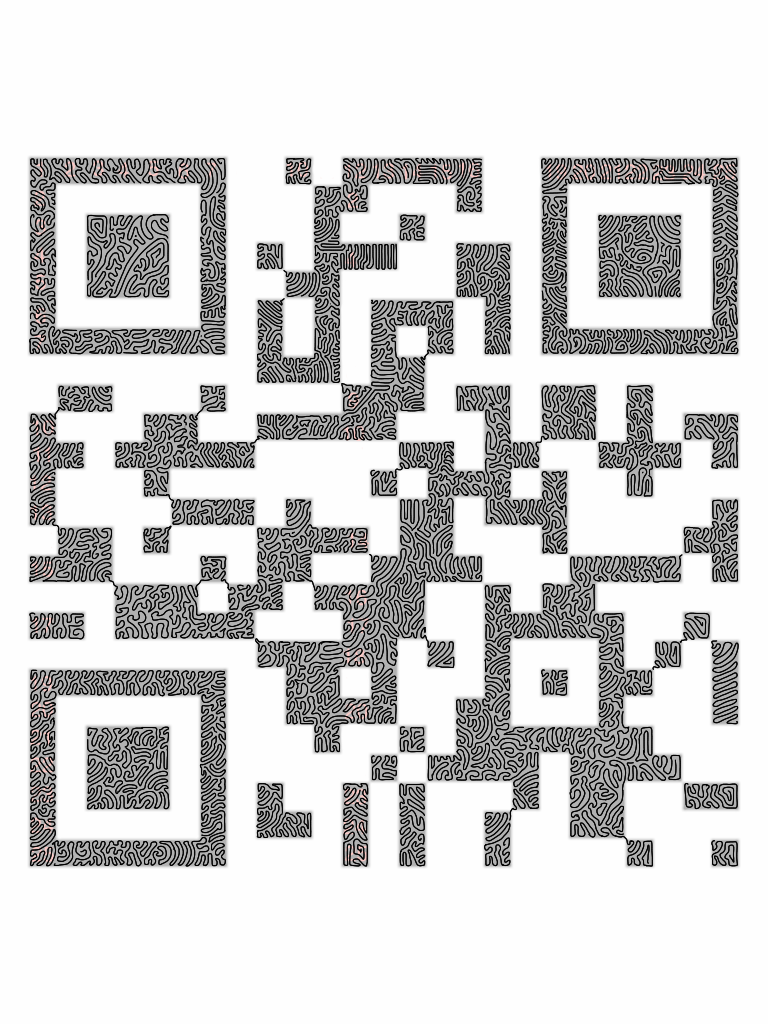
That is all.
September 26, 2011, 2:40 pm
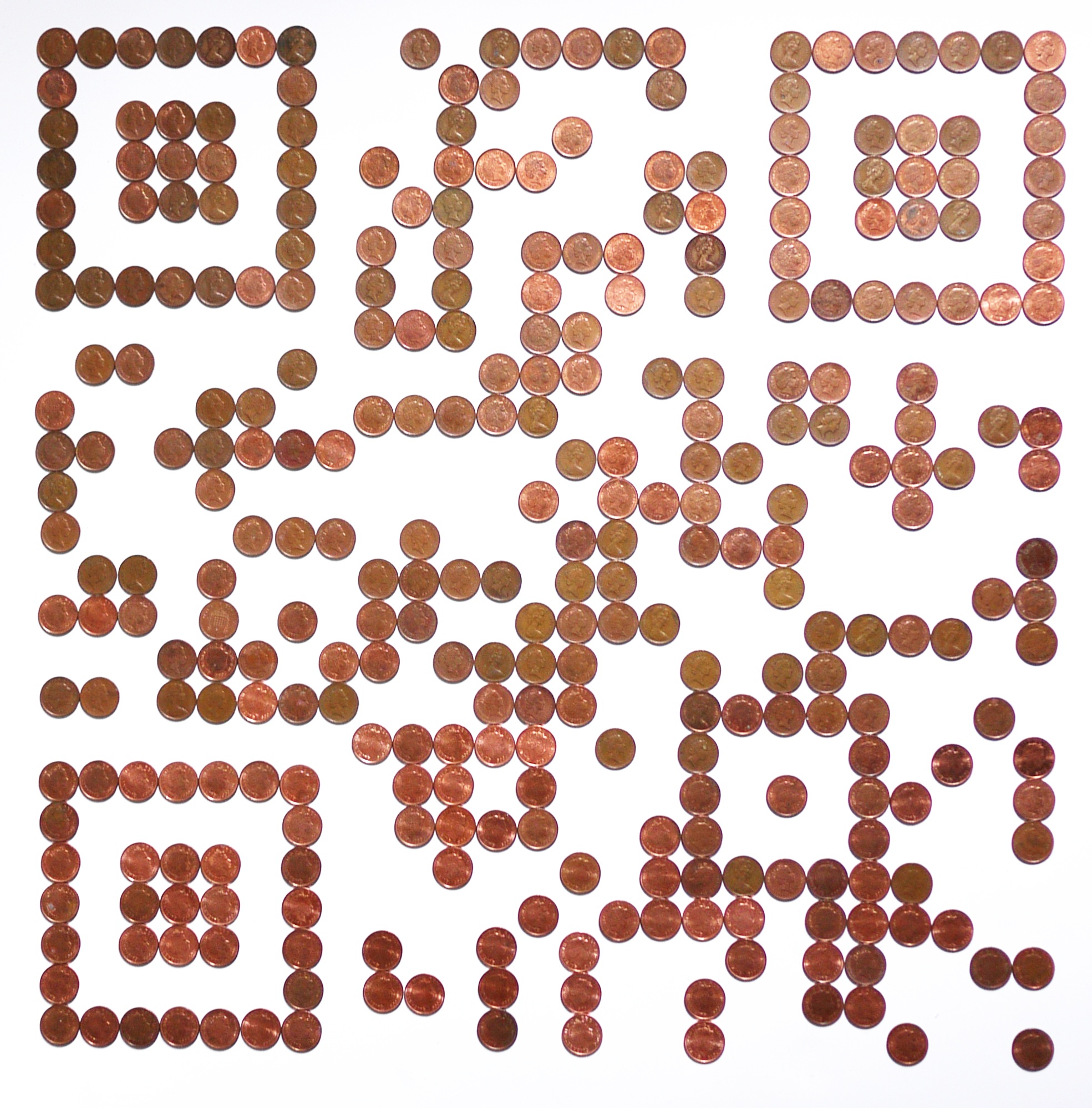
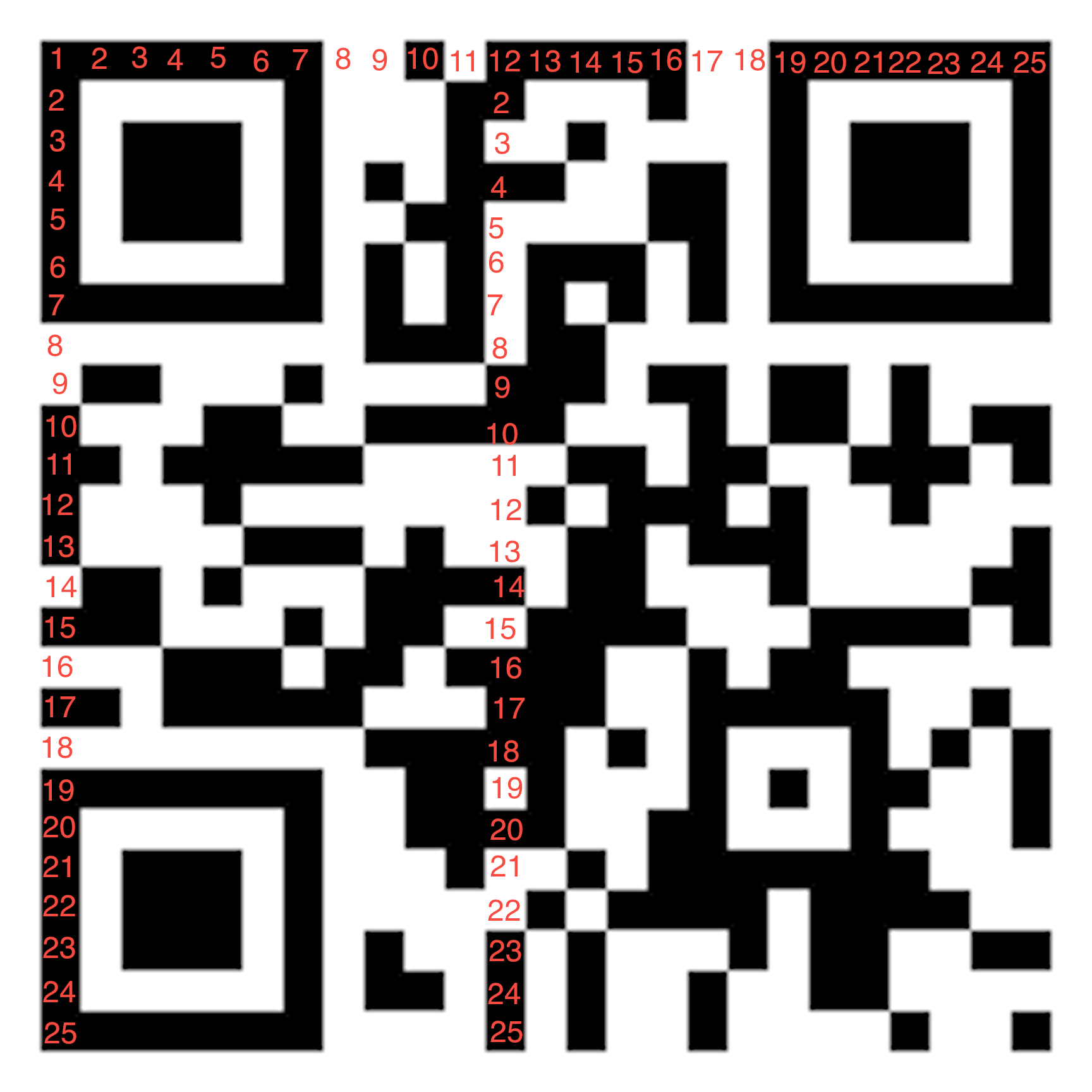
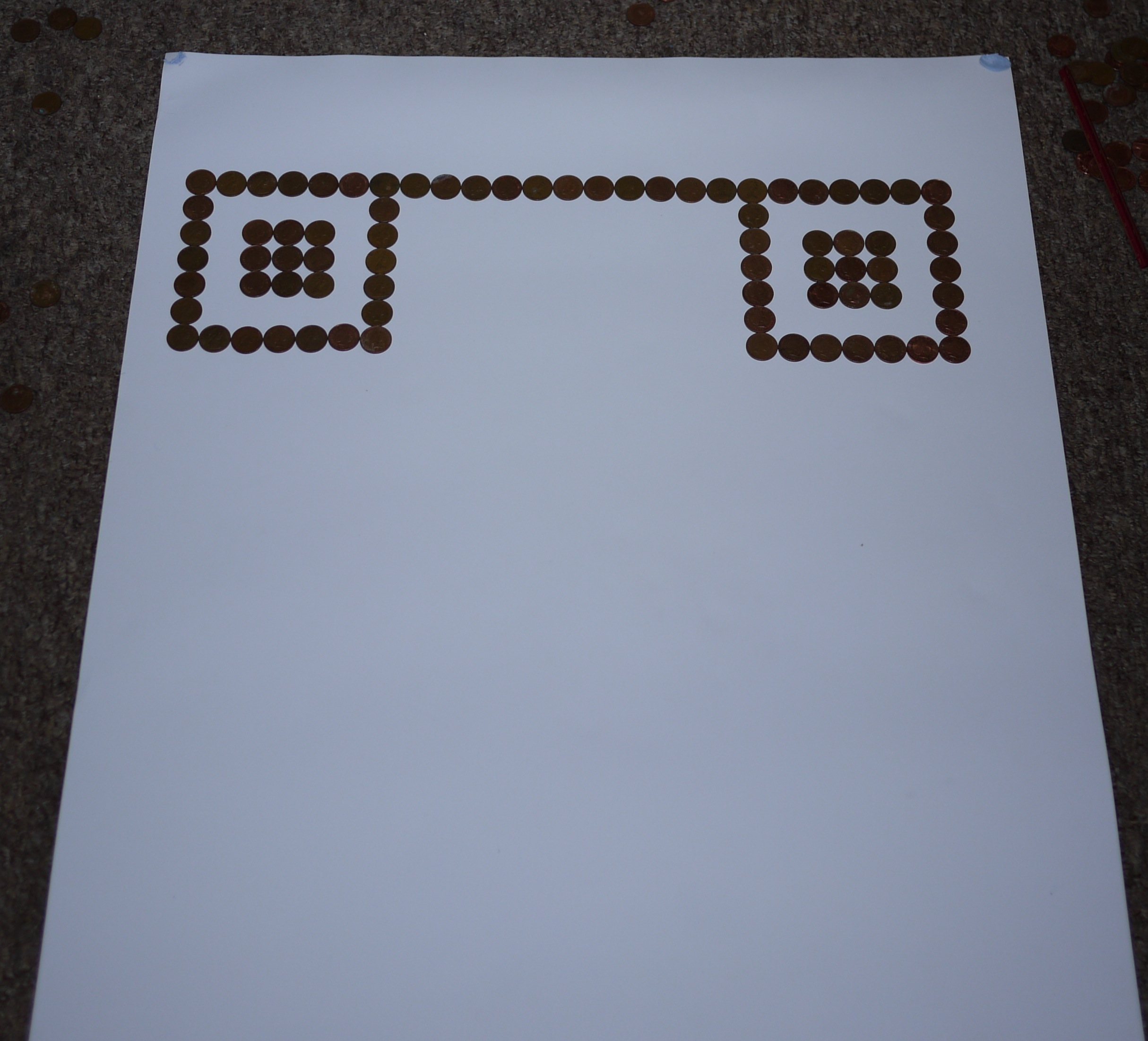
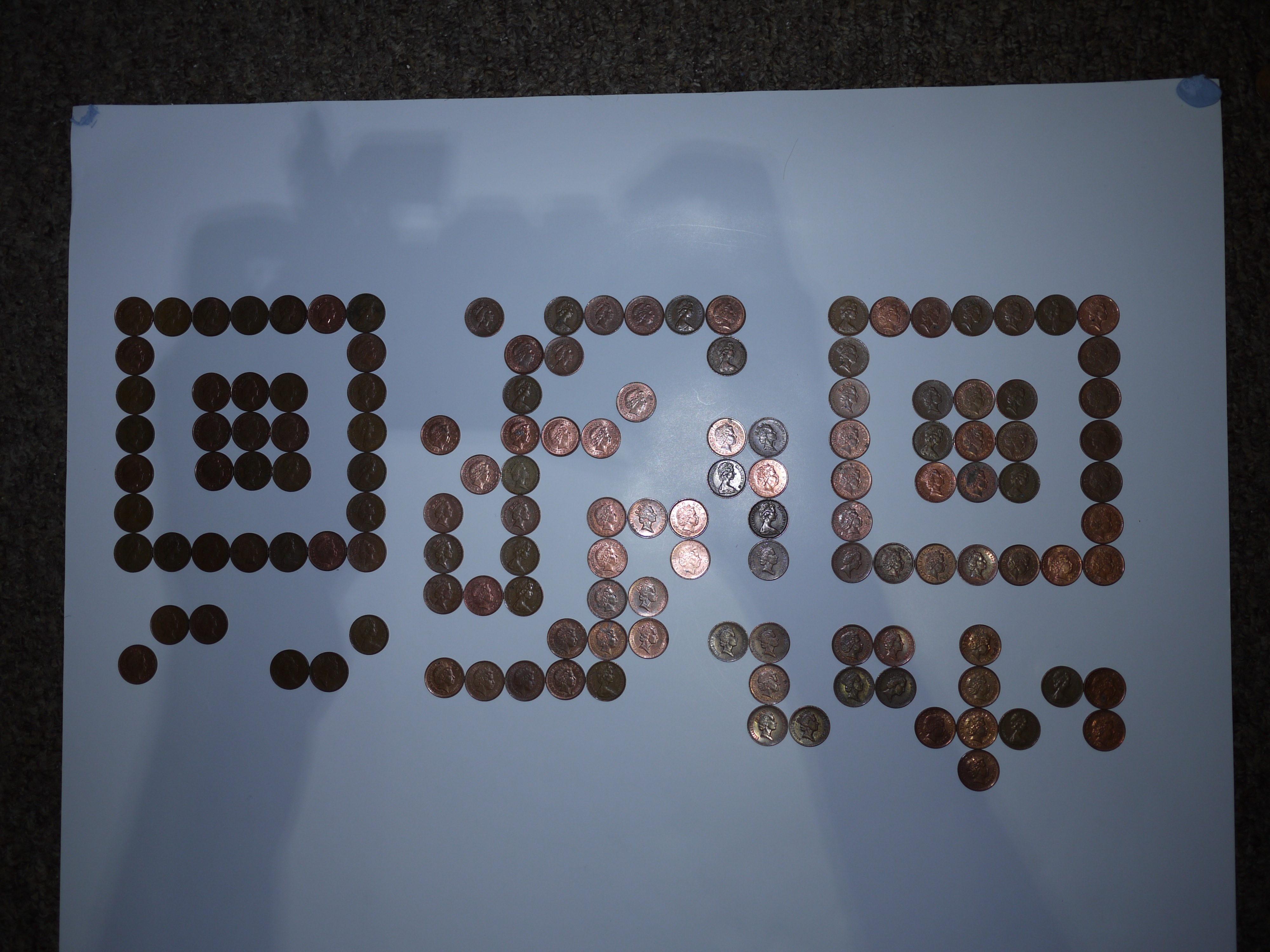
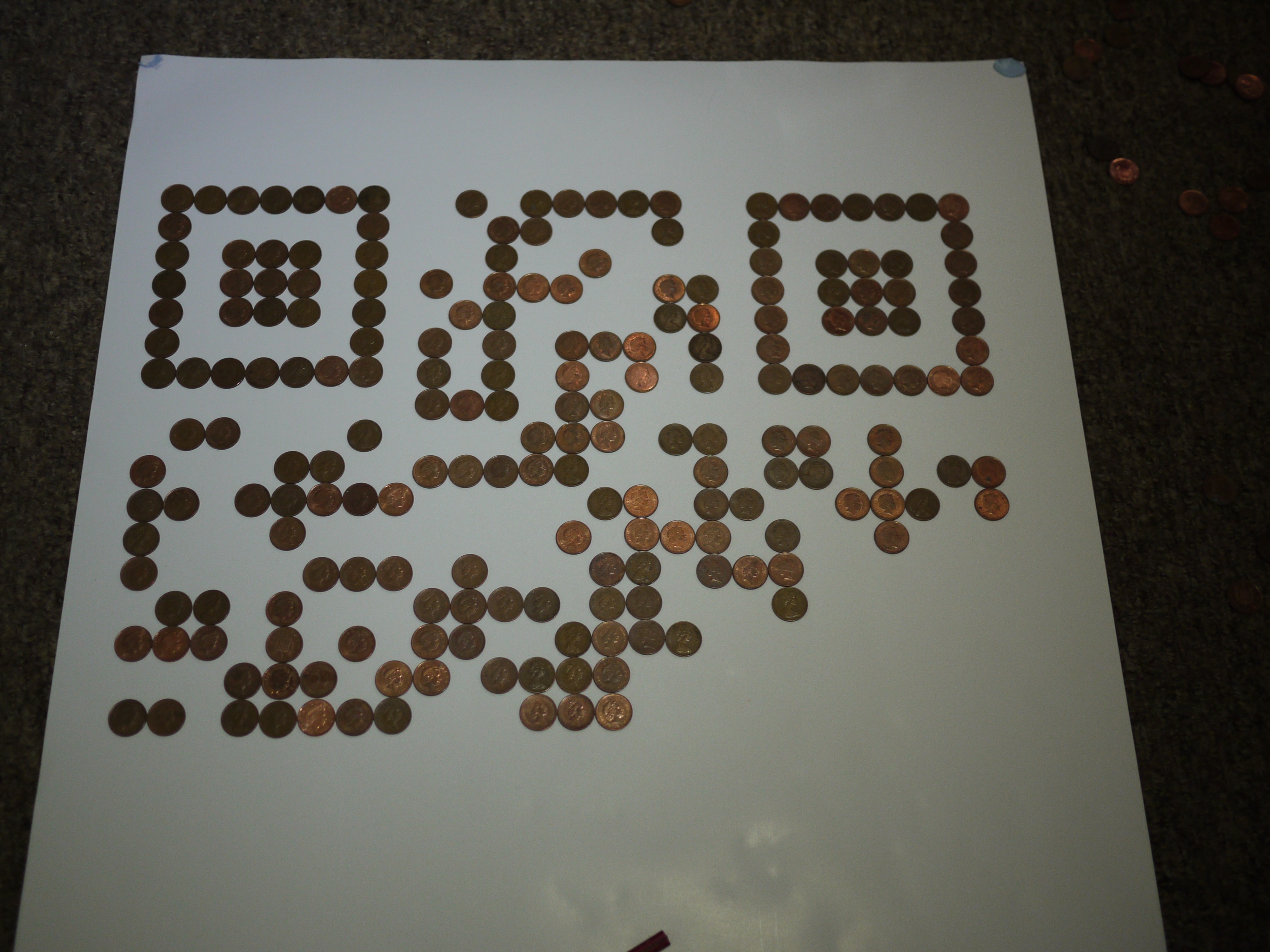
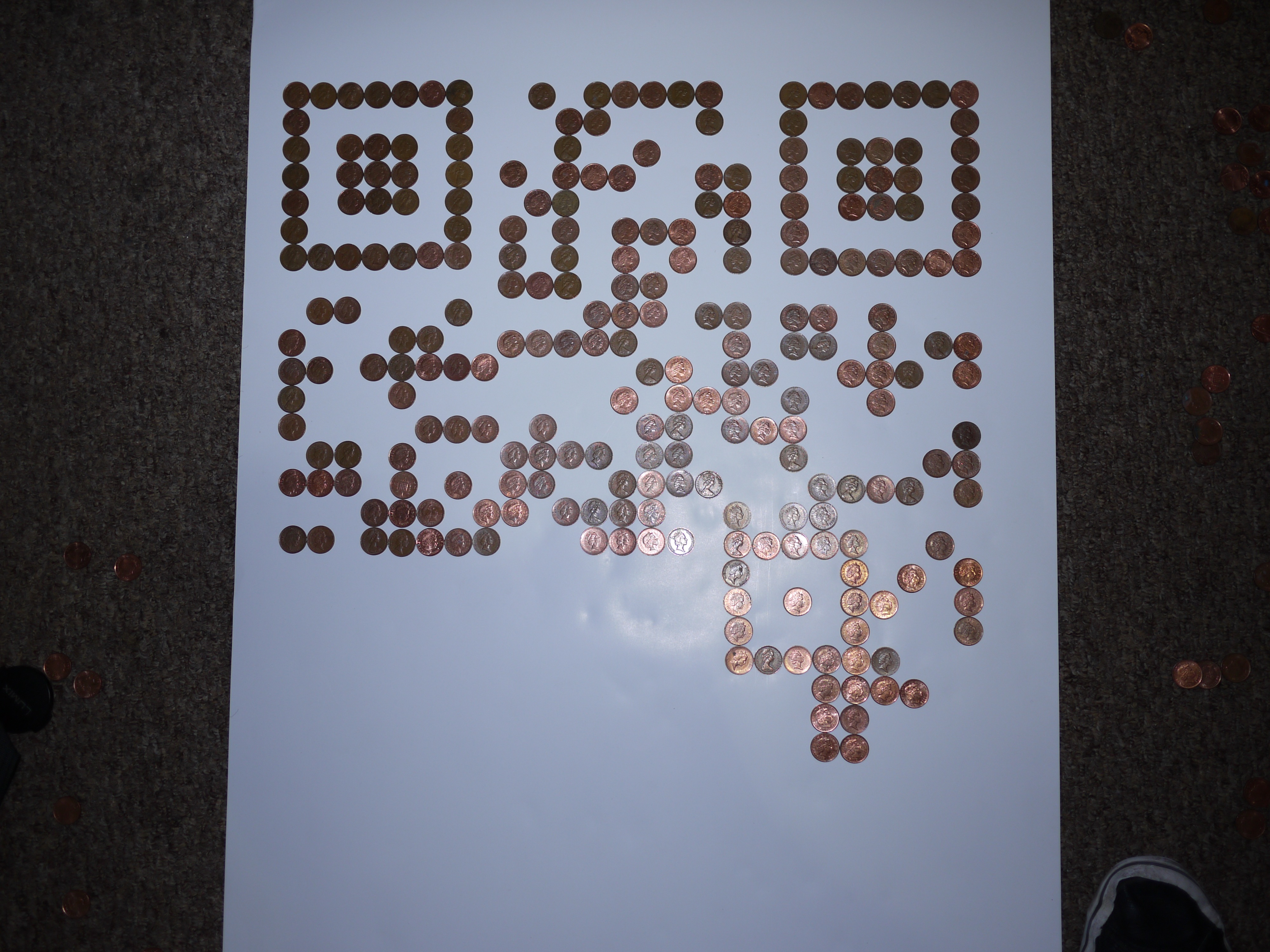
I’ve been inspired by the QR codes made of cookies, paint tins etc. and decided to make a QR code from money.
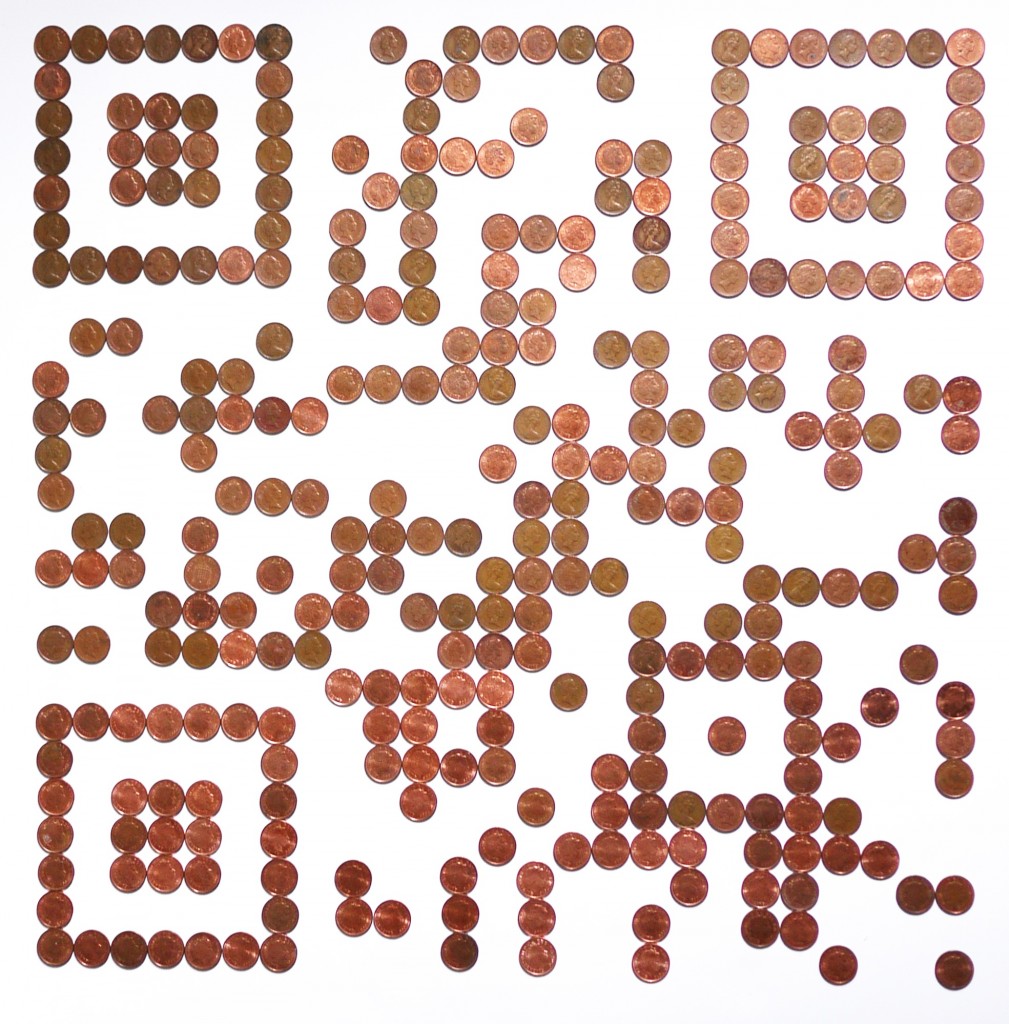
It scans pretty well with the QR code reader on my iPhone, which is called imaginatively enough “Scan” by QR Code City.
I generated the QR code using an online service here.
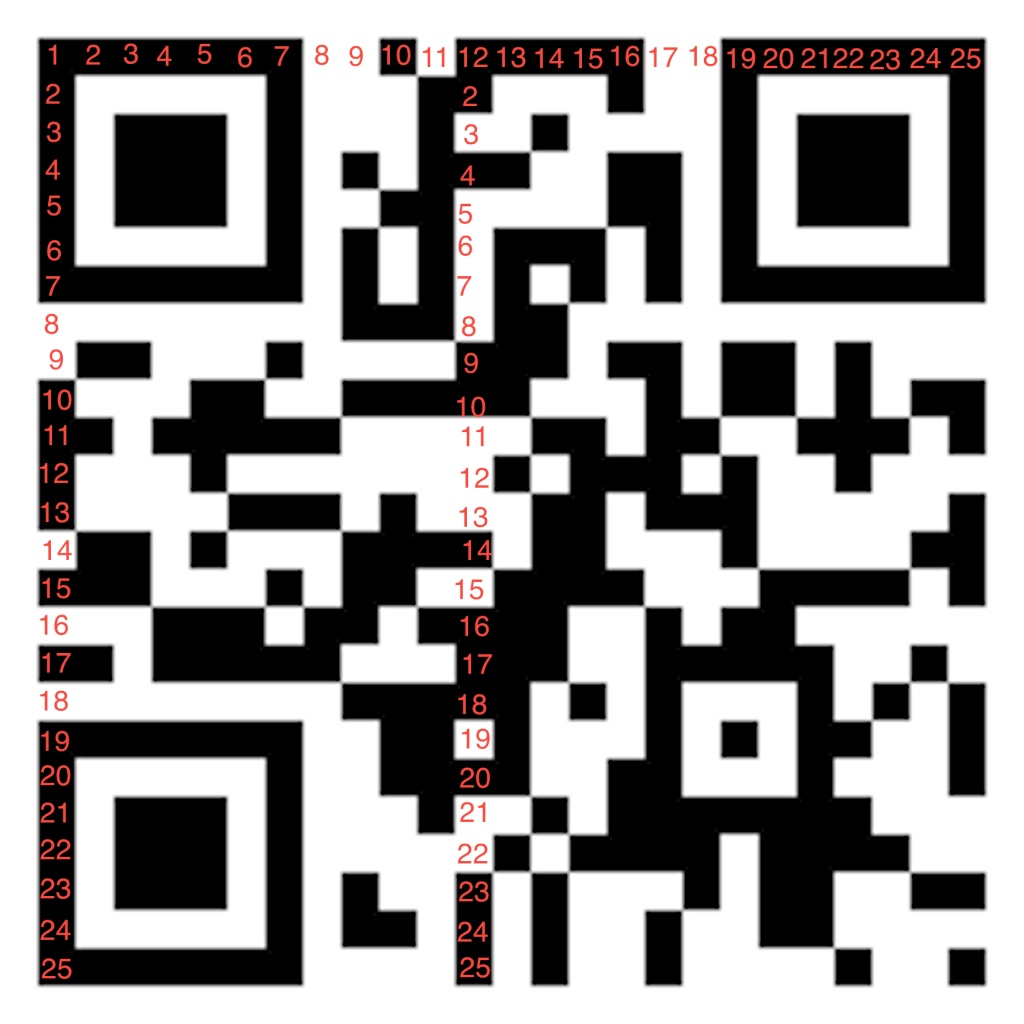
I then annotated that image to make it easier to lookup different pixel values. Once that was one I started laying the coins out of a sheet of paper. I have to say if I were to do this again I’d get a A1 printer and print a template with markers just smaller than the coins. It would make life a lot easier.
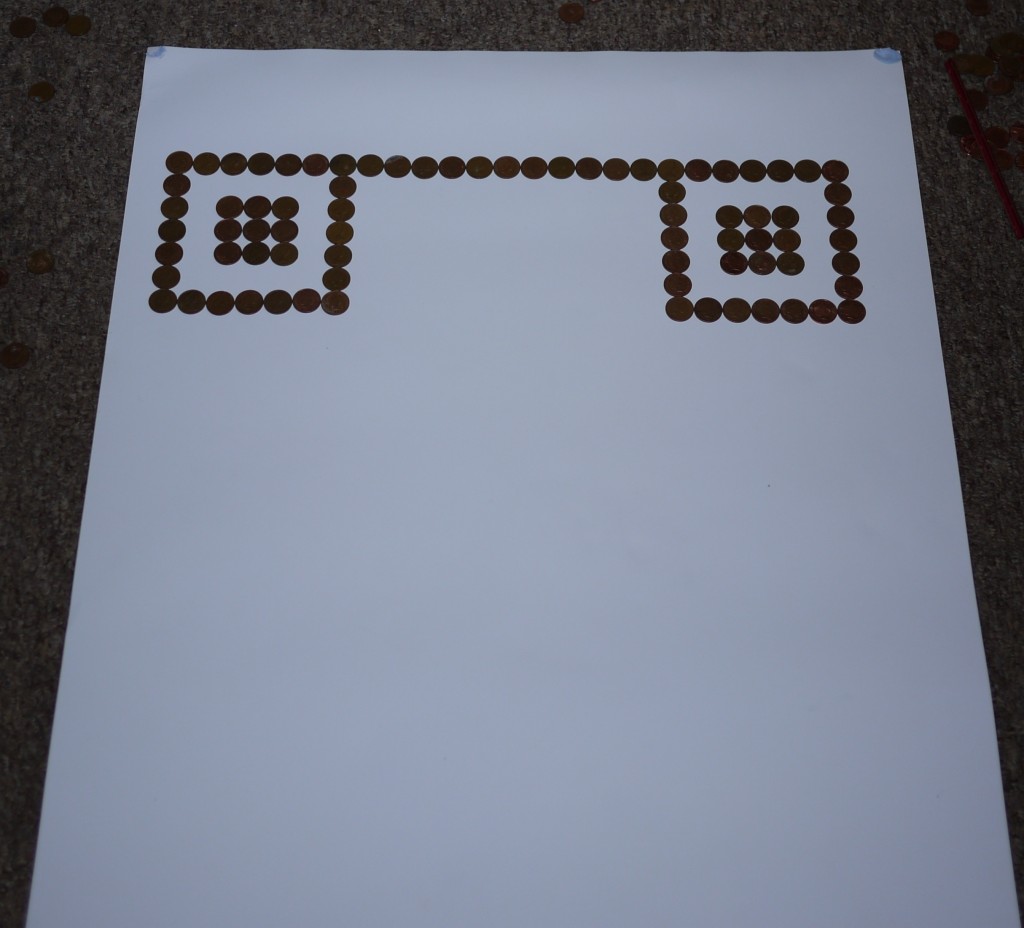
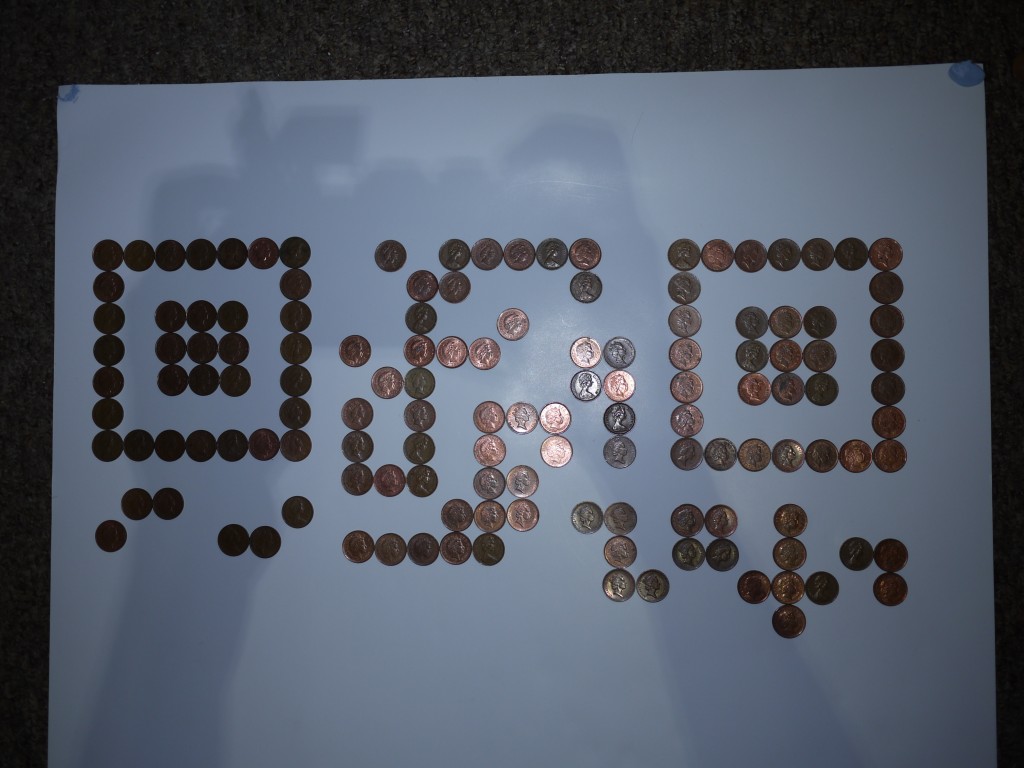
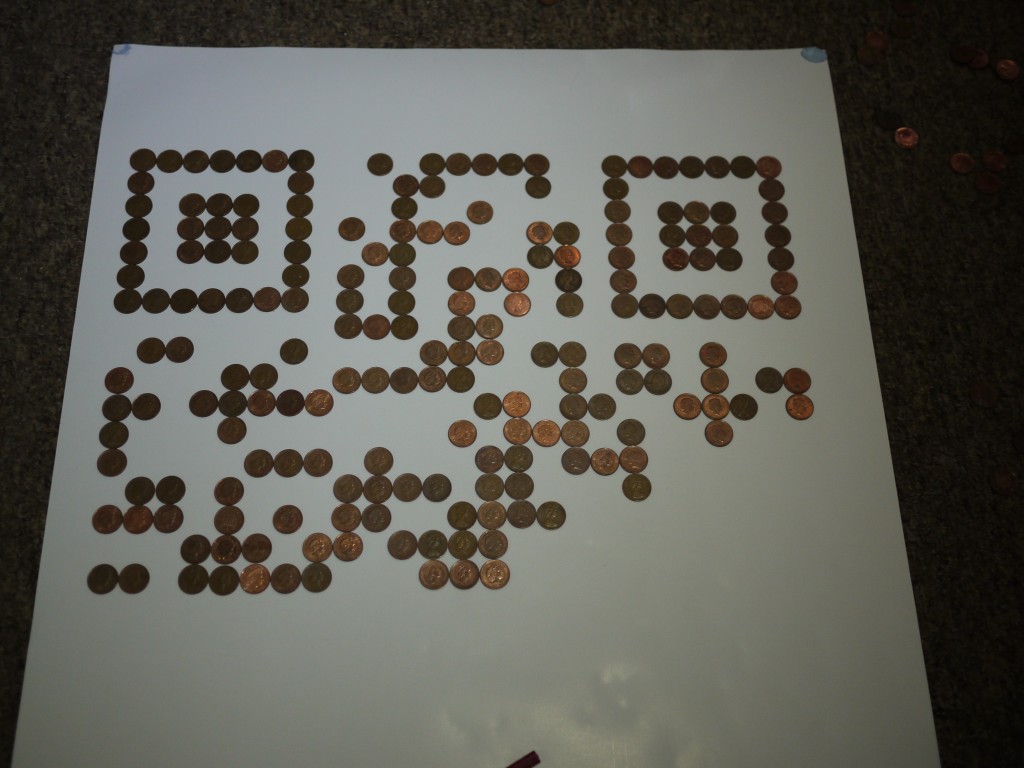
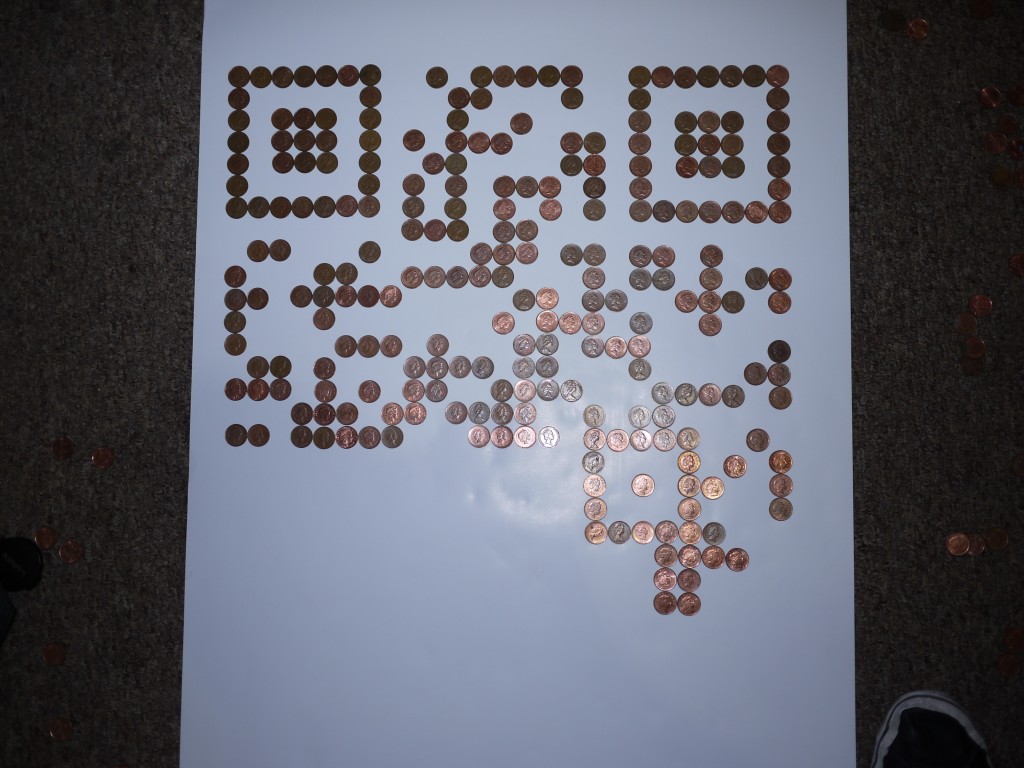
My my reckoning the image is worth 3 pounds 13 pence. Next up a QR code made of chickens… or air… or ennui…
 RSS
RSS