You can find detailed rooting information for the Palm Pre here. These are some quick notes on how to root the Pre on a Mac, and some additional software you might want to install after the phone is rooted.
0. Check device information, in order to run Preware later you need firmware version 1.4.0 or above.
1. To enable developer mode:
In Card view or in the Launcher application, type the following: webos20090606
(follow the on screen instructions)
2. Install the Palm SDK from here (Mac)
3. On your PC run novaterm from the command prompt.
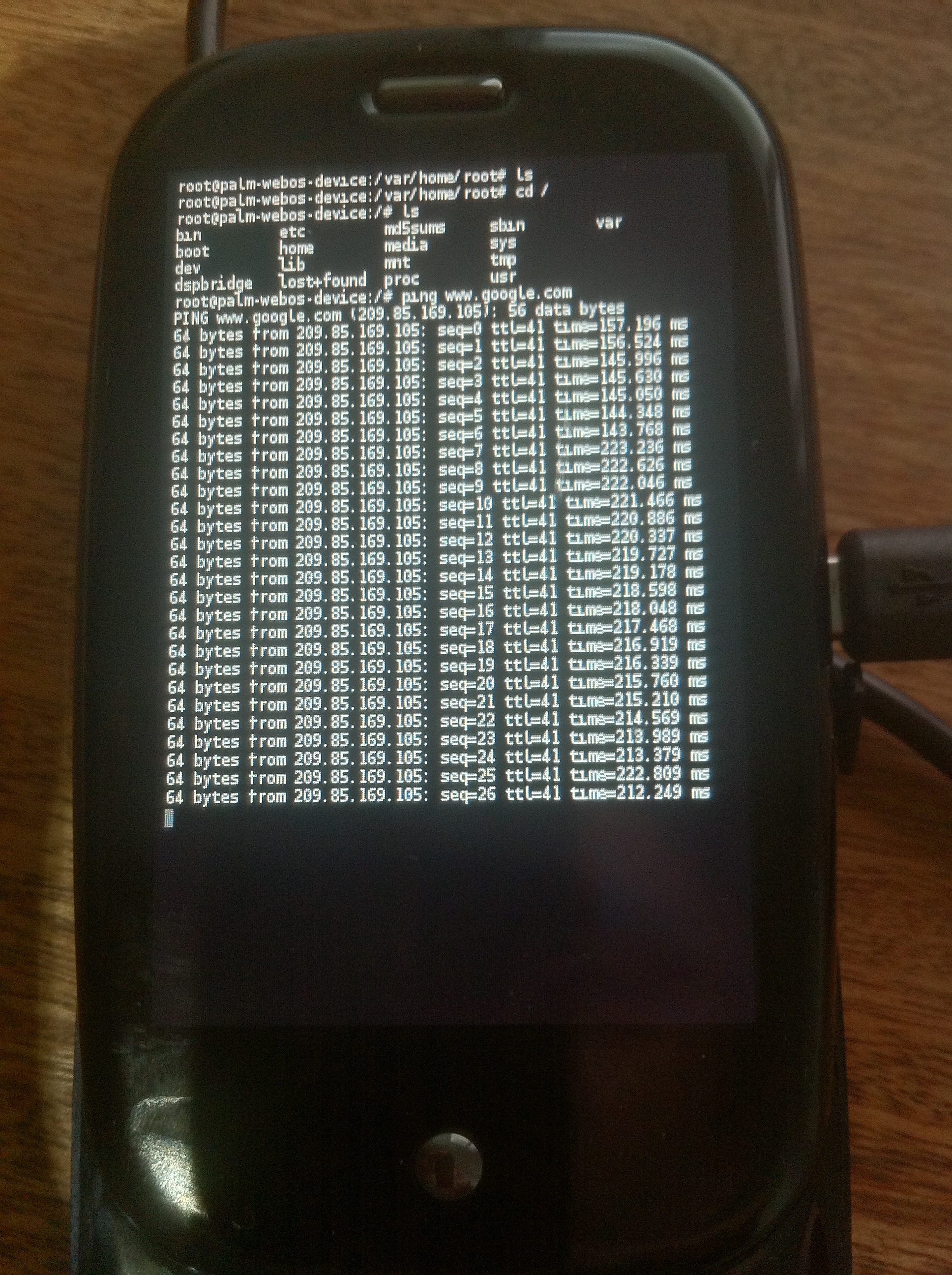
4. You have a root shell yay!
5. Install “Preware”. (detailed instructions here).
In your root shell, type the following:
cd /tmp
wget http://gitorious.org/webos-internals/bootstrap/blobs/raw/master/preware-bootstrap.sh
sh /tmp/preware-bootstrap.sh
(answer yes to everything)
6. In your apps window you’ll have a new app called “Preware” open it. Let it do its thing.
7. In Preware install Terminal and or Terminus (This are in Application/System)
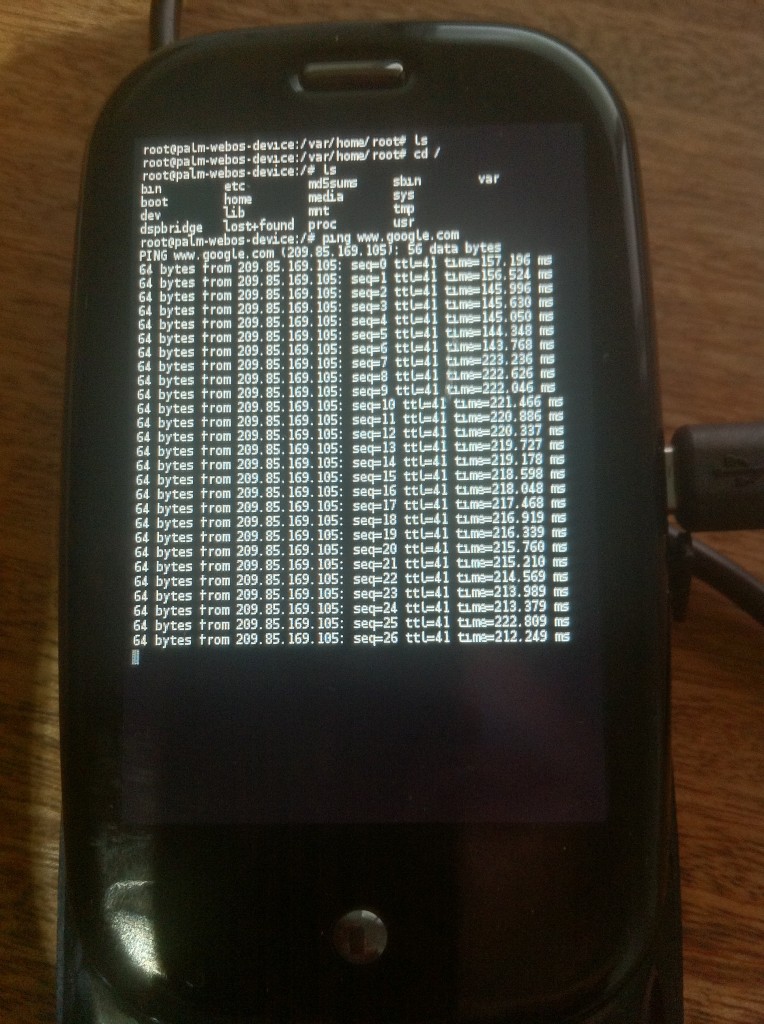
Yay root!
Notes
The Palm Pre uses BusyBox and glibc, yay:
From /lib/libc-2.5.so:
@GNU C Library stable release version 2.5, by Roland McGrath et al.
Copyright (C) 2006 Free Software Foundation, Inc.
This is free software; see the source for copying conditions.
There is NO warranty; not even for MERCHANTABILITY or FITNESS FOR A
PARTICULAR PURPOSE.
Compiled by GNU CC version 4.2.1.
Compiled on a Linux >>2.6.20-16-generic<< org="" software="" libc="" html="">.
and it has busybox complete file listing here: filelist
Output of df:
root@palm-webos-device:/# df -h
Filesystem                Size      Used Available Use% Mounted on
rootfs                  441.7M    413.4M     28.3M  94% /
/dev/root                31.0M     11.3M     19.7M  36% /boot
/dev/mapper/store-root
                        441.7M    413.4M     28.3M  94% /
/dev/mapper/store-root
                        441.7M    413.4M     28.3M  94% /dev/.static/dev
tmpfs                     2.0M    156.0k      1.8M   8% /dev
/dev/mapper/store-var
                        248.0M     22.7M    225.3M   9% /var
/dev/mapper/store-log
                         38.7M      6.0M     32.7M  16% /var/log
tmpfs                    64.0M      2.4M     61.6M   4% /tmp
tmpfs                    16.0M     44.0k     16.0M   0% /var/run
tmpfs                   119.5M         0    119.5M   0% /media/ram
/dev/mapper/store-media
                          6.7G     21.2M      6.7G   0% /media/internal
cryptofs                  6.7G     21.2M      6.7G   0% /media/cryptofs

 RSS
RSS