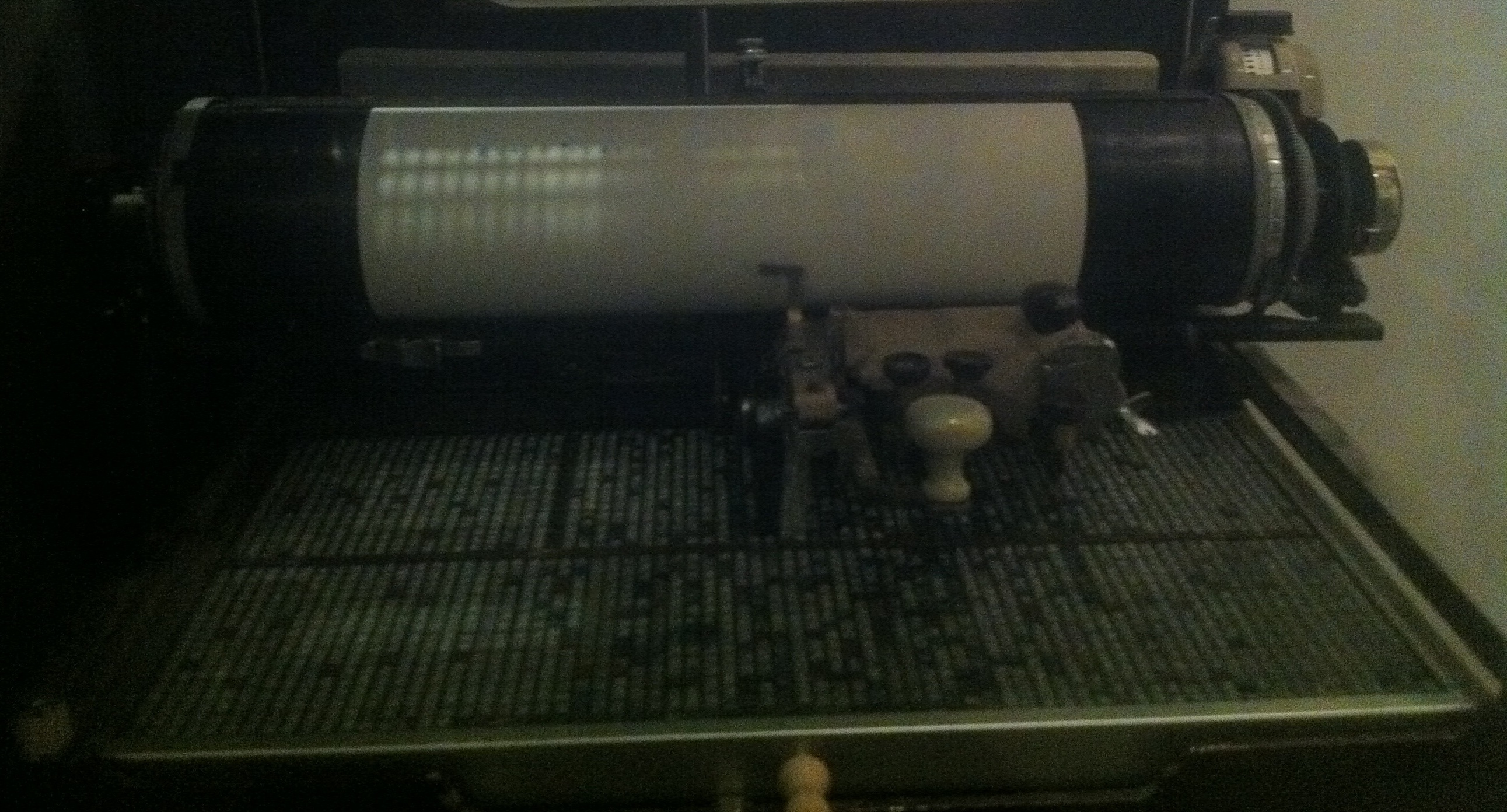
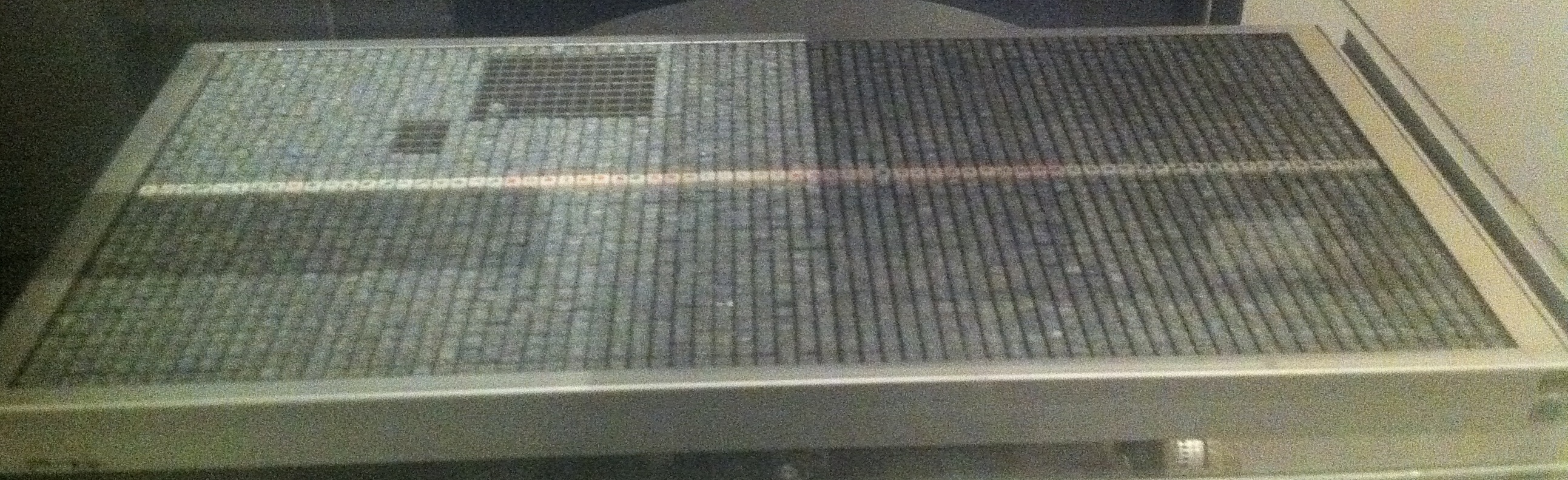
I saw a Japanese made Hanz/Kanji typewriter in the Oxford Muesum of the History of Science today. It seems to be manufactured by a company called Shuangge but I can’t find any information about them.
There’s a youtube video which shows the typewriter in action, pretty impressive. Though by my count he’s getting around 36 Hanz/Kanji per minute, which even if each symbol is representing a whole word is pretty slow compared to a moderate typing speed of 70 WPM in English.
The device seems to work more liking a printing press than a traditional western typewriter, stamps are picked up from a matrix using a magnet, brushed past some ink and pressed onto the page. It looks likes there are enough stamps for all 2500 standard Kanji, though I couldn’t see any hiragana/katakana which indicates this model was designed purely for the Chinese market.
There’s another cool video of a different model here:
In the last example we were working with a purely local repository. This example shows you how to work with remote repositories.
We’re going to convert the local repository we previously created in to a “bare” repository, this is a repository we can easily do “pushes” and “pulls” from (like commits and updates in svn). Once you’ve done this you won’t use this central repository to work on directly, it’ll just be where everything is stored.
0. On your “server”, convert the repository to be a “bare” repository.
cd testproject
git config --bool core.bare true
1. On your client “clone” (checkout in svn nomenclature) the repository.
This depends on how you’re accessing the repository but if it’s over ssh you can do this:
You can buy a big server, and users can take advantage of this for sporadic compute intensive jobs like compiling.
Disadvantages:
It introduces a single point of failure, if the server goes offline no one can work.
Users don’t have the freedom to use there own software. Users can’t always select the version of a tool they need.
It doesn’t scale. As more users are added you need a bigger and bigger server. Eventually you need to add more servers (so why not just give each developer a desktop?).
When a user deletes a file the whole server needs to be taken offline (yes this happened).
Users developing software that needs access to a system resource (e.g. a web server running on port 80) may not be able to get exclusive access to that resource.
Performance analysis becomes more problematic when other software is performing IO/memory access etc.. It’s not possible to isolate this on a shared system.
If you have a tool which requires root, it becomes a security risk to give users access to that tool.
If a user is taxing the system they can slow down other users tasks (particularly in the case of IO intensive work.
My name is Nava Whiteford. I’ve worked for a few sequencing companies. I have equity in a few sequencing companies based on my previous employment (I try to be unbiased in my posts). You can contact me at: [email protected]




 RSS
RSS