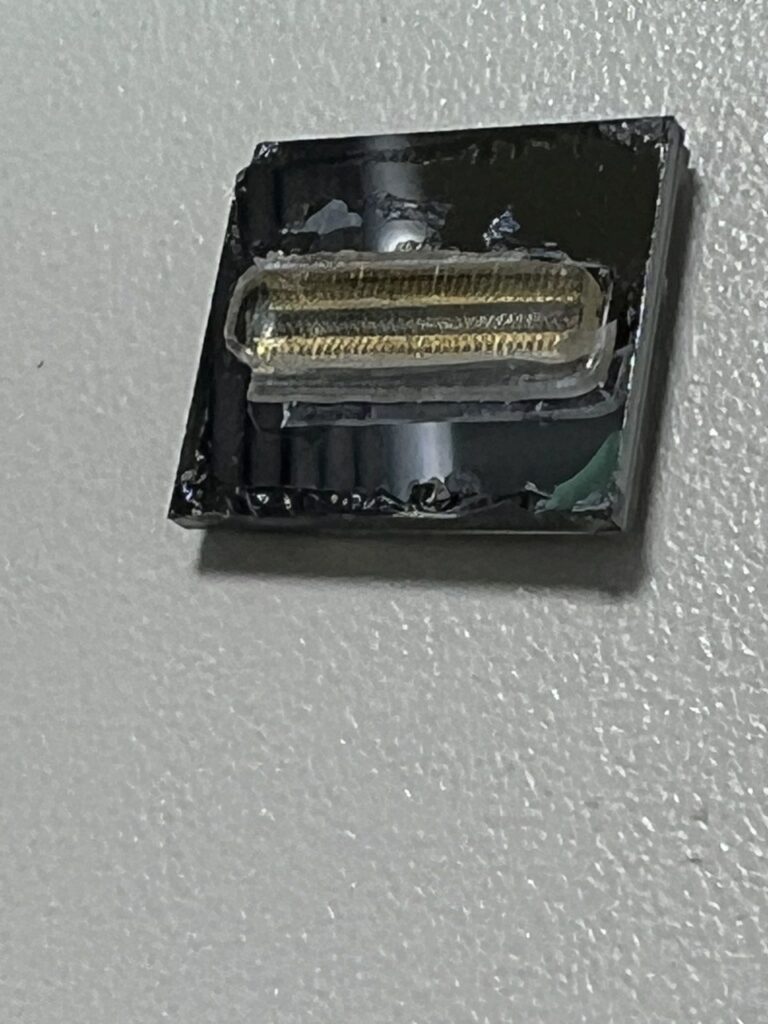
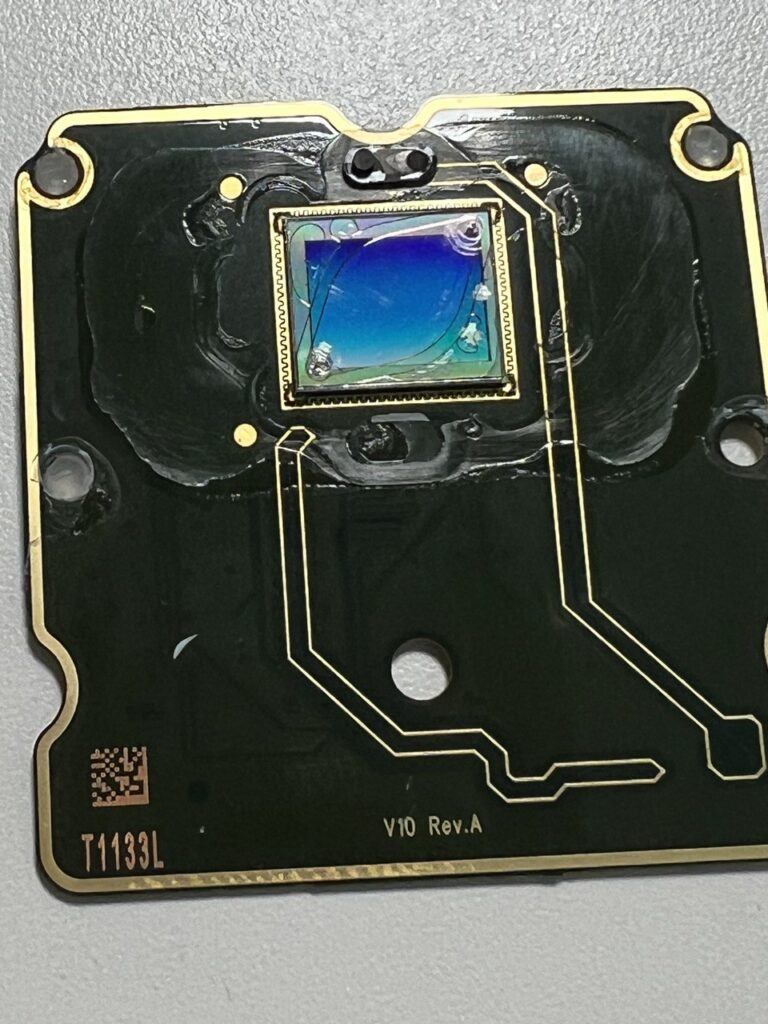
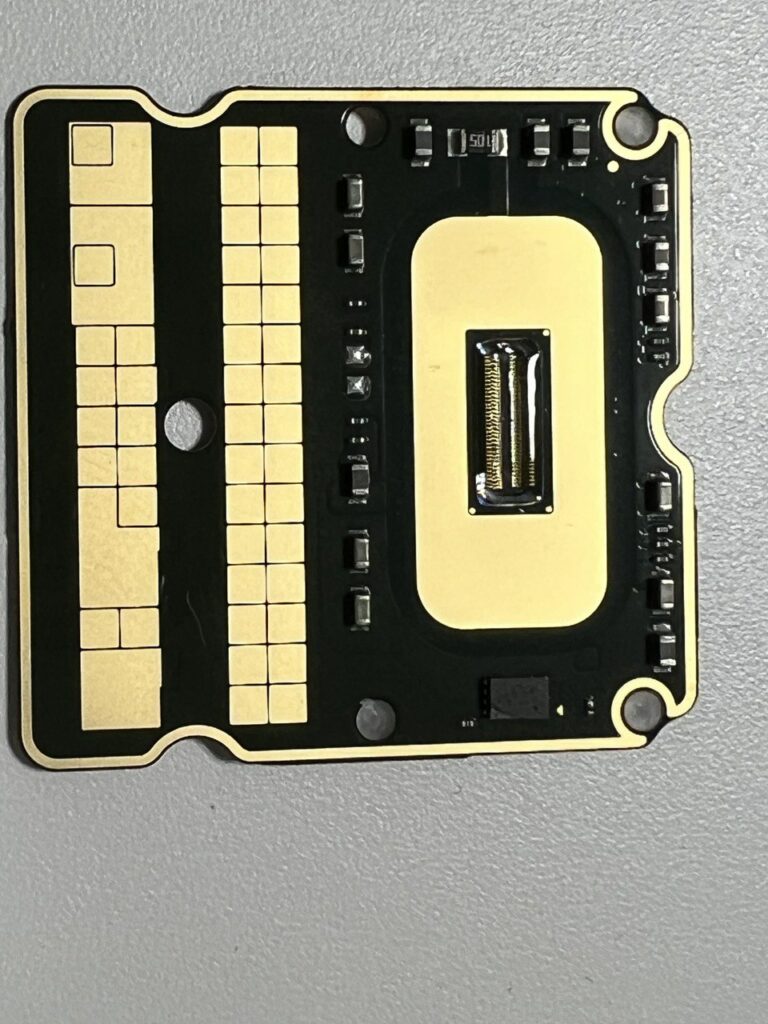
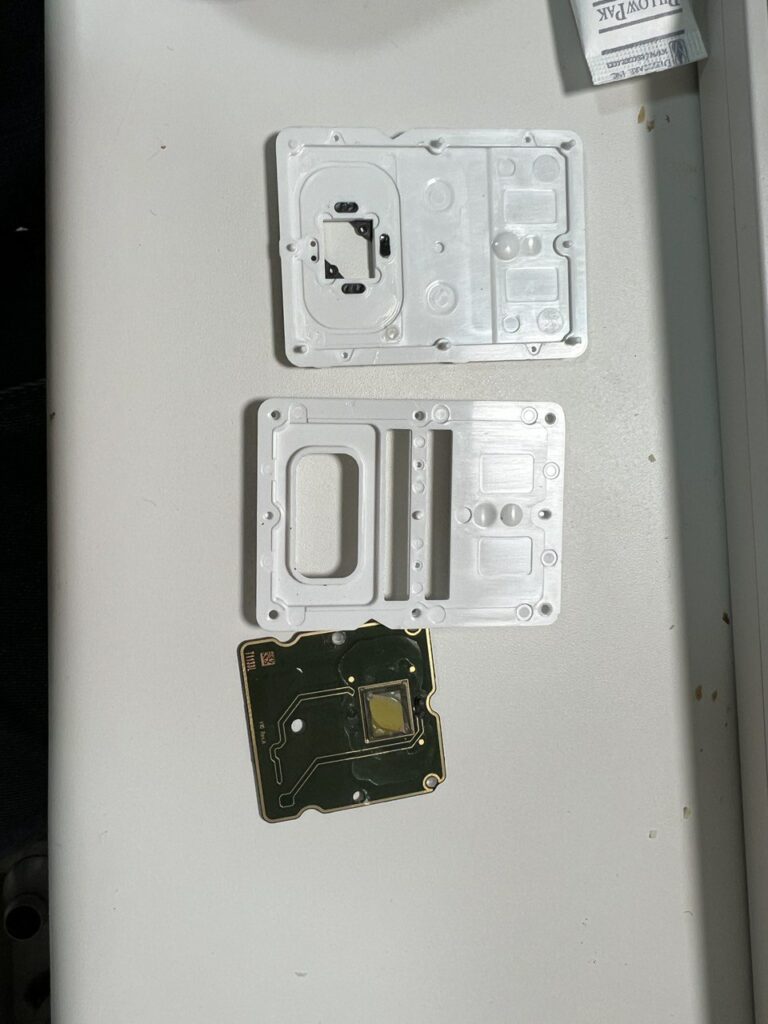
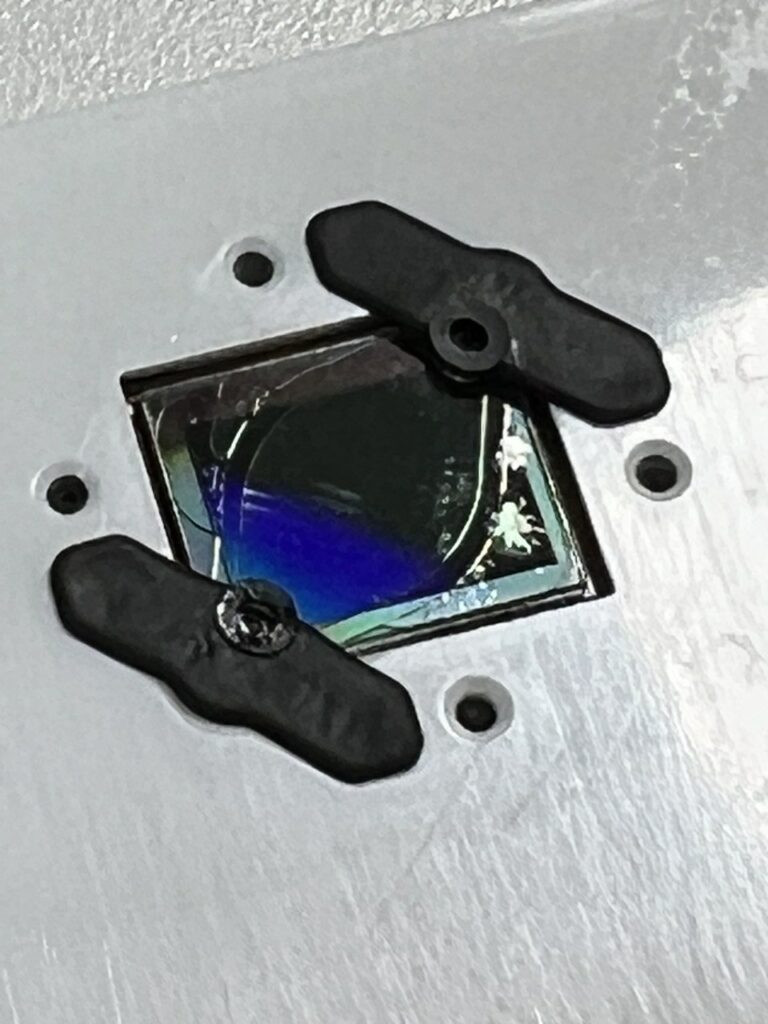
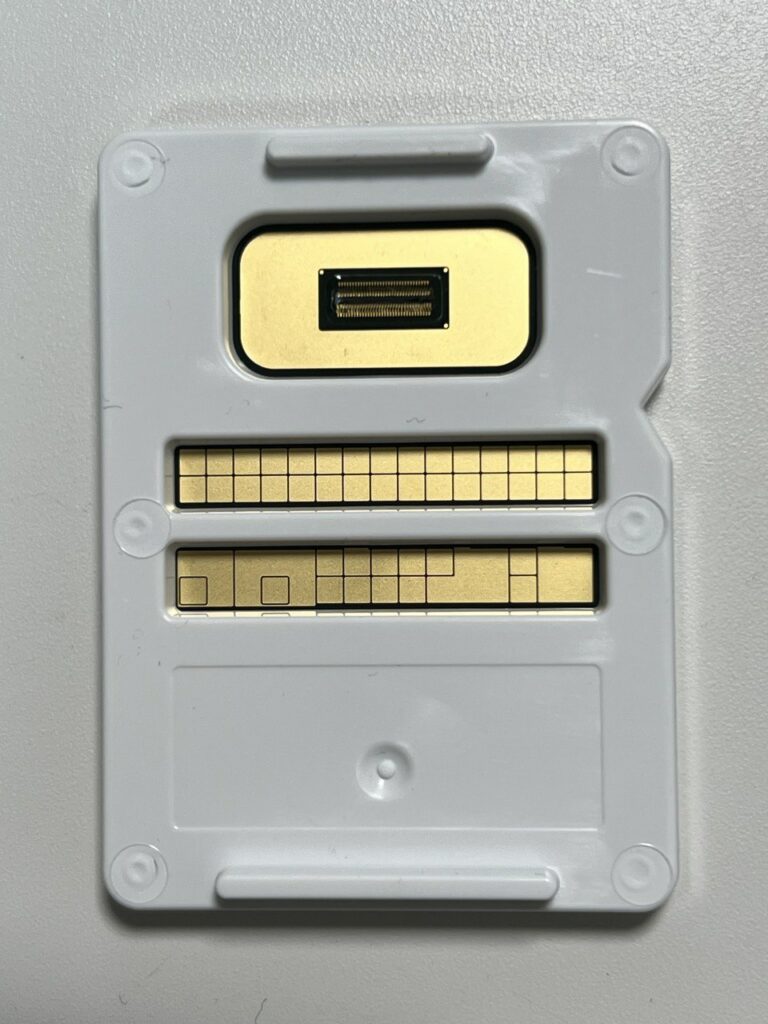
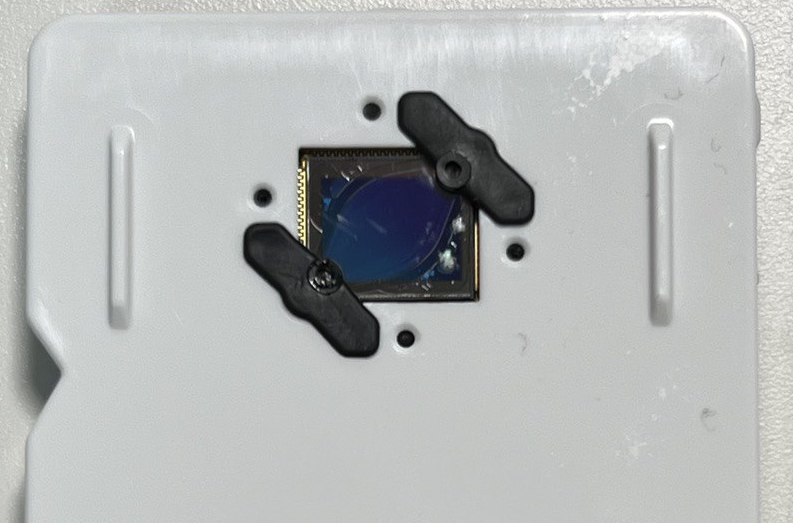
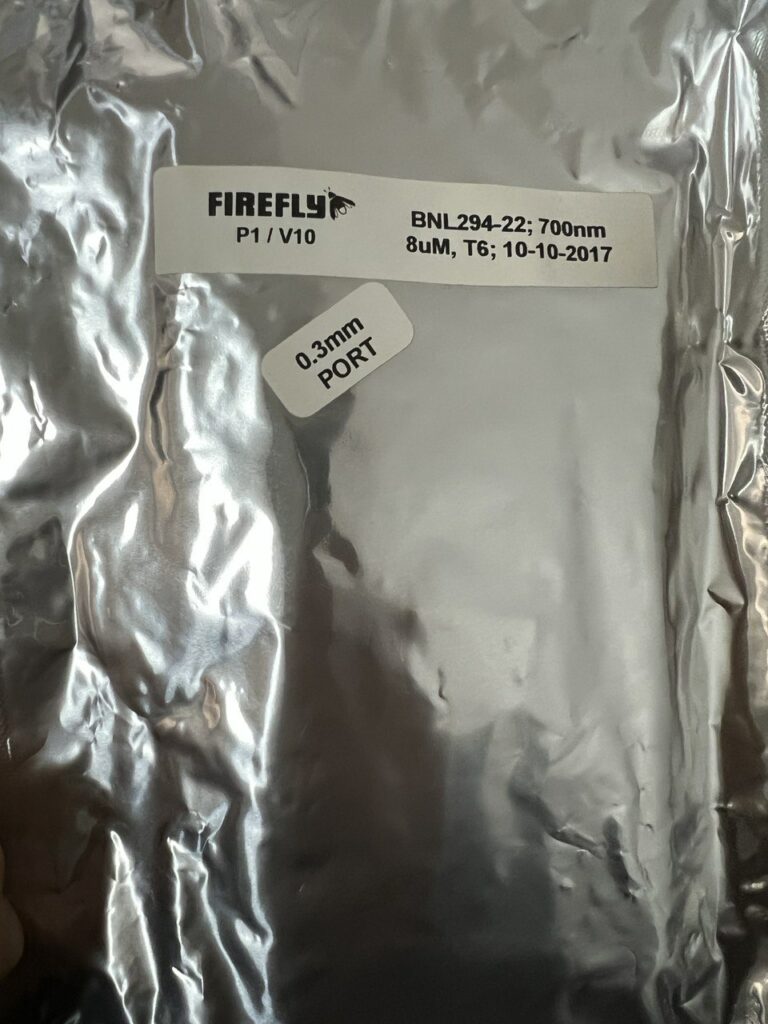
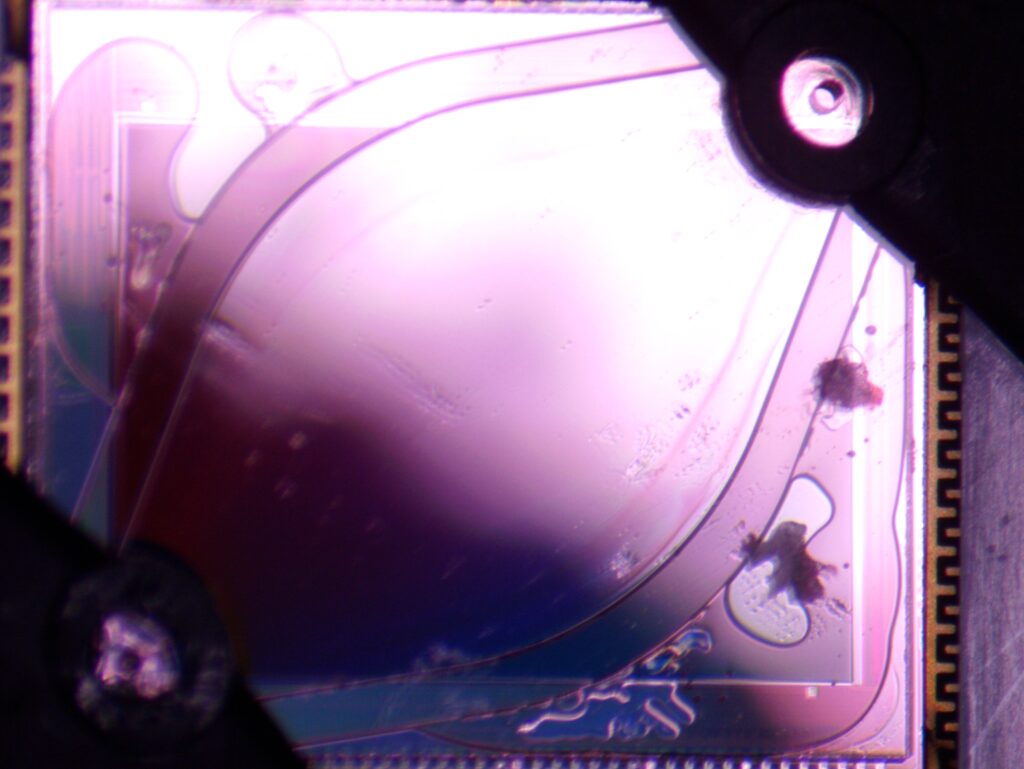
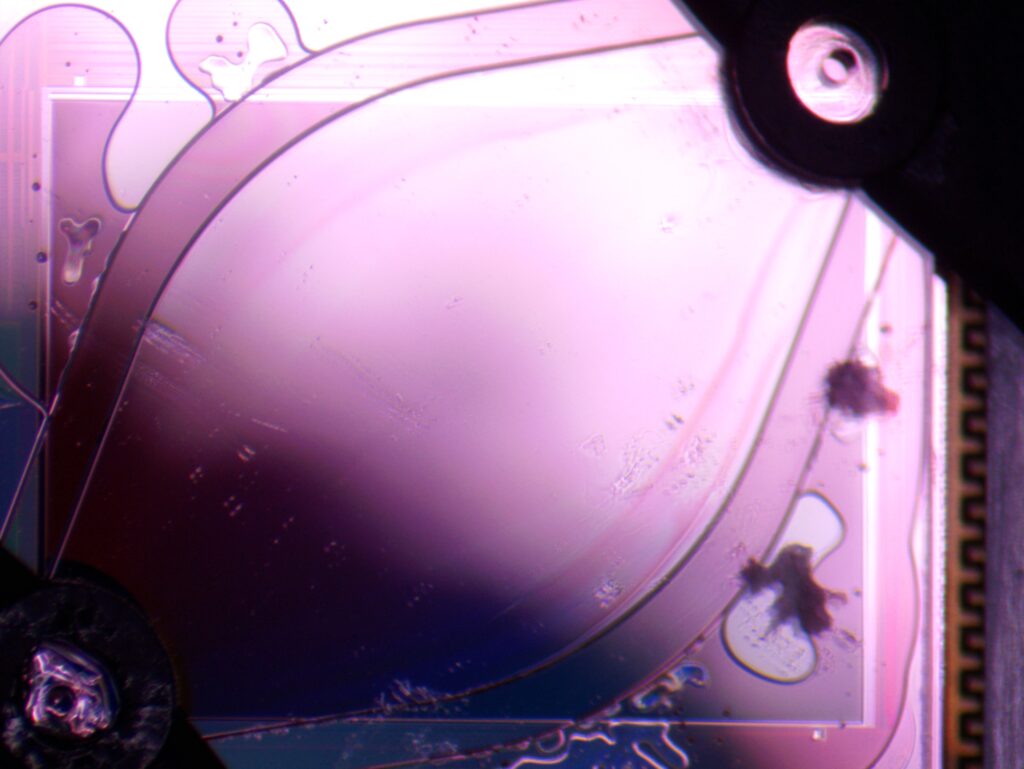
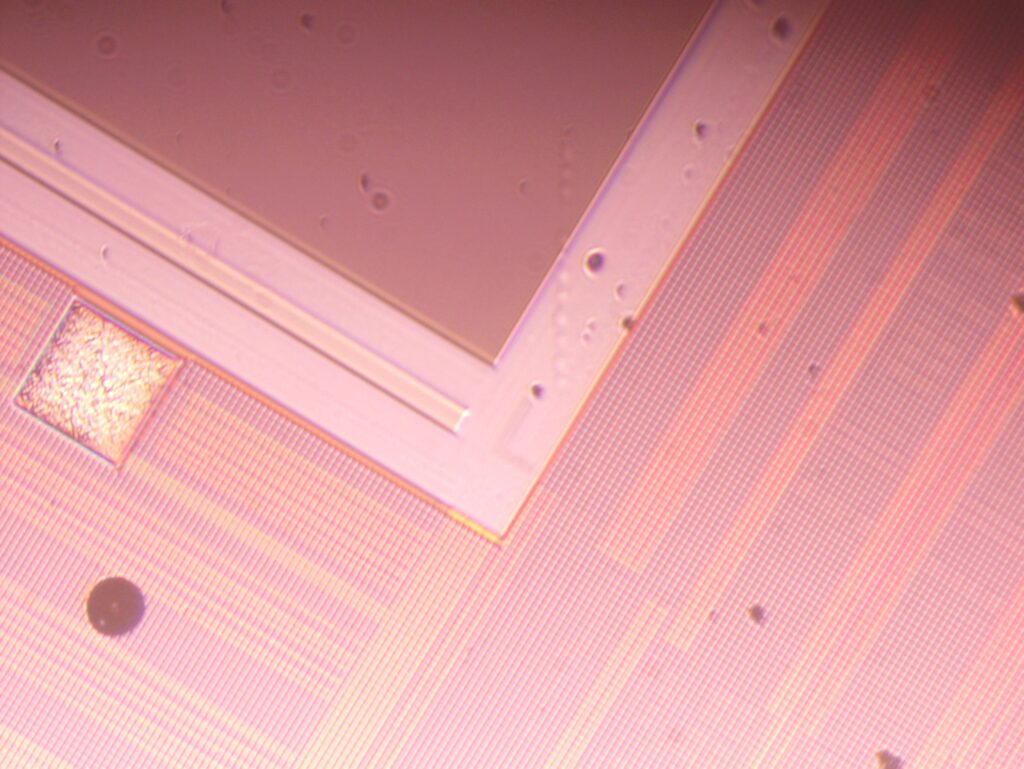
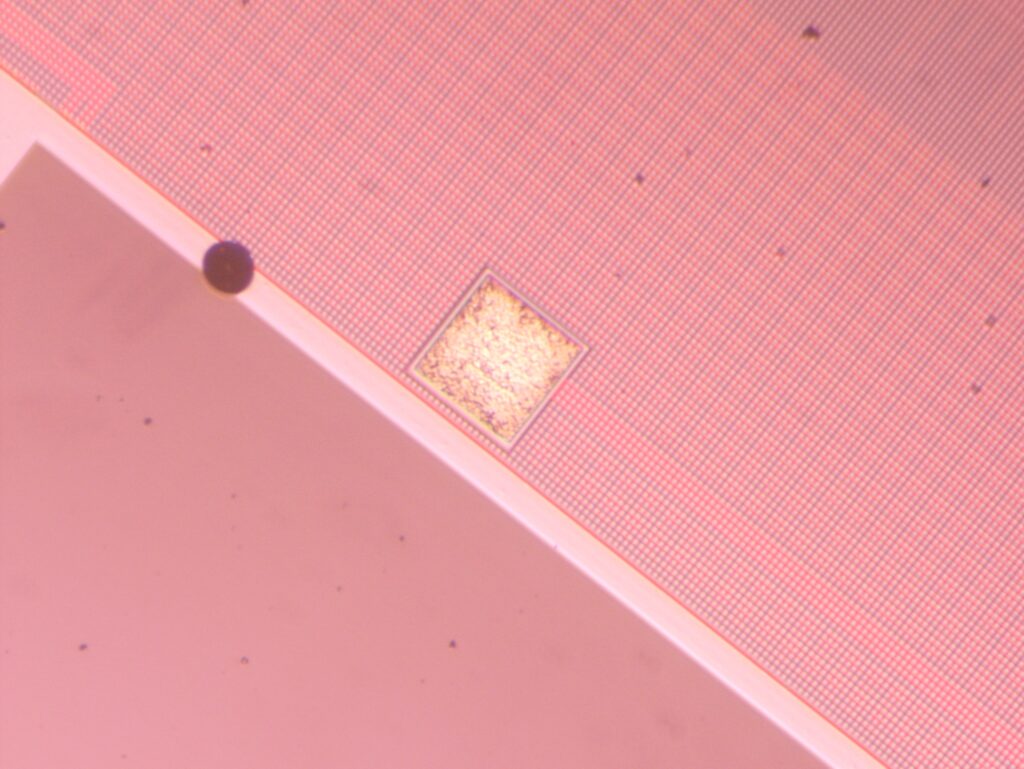
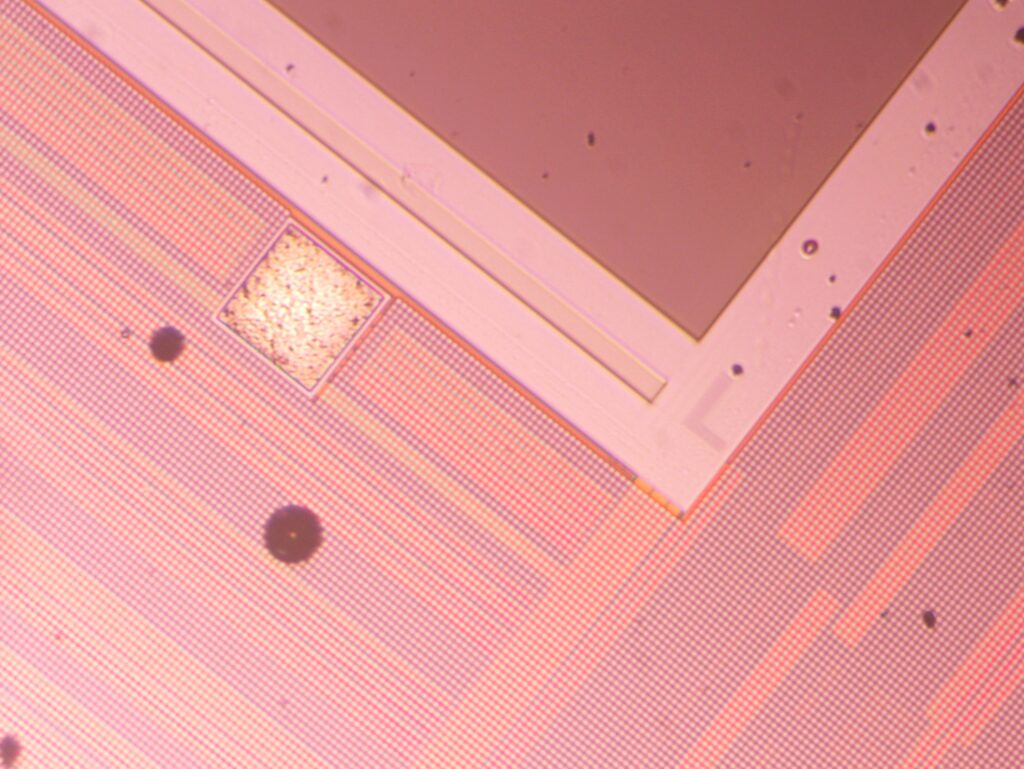
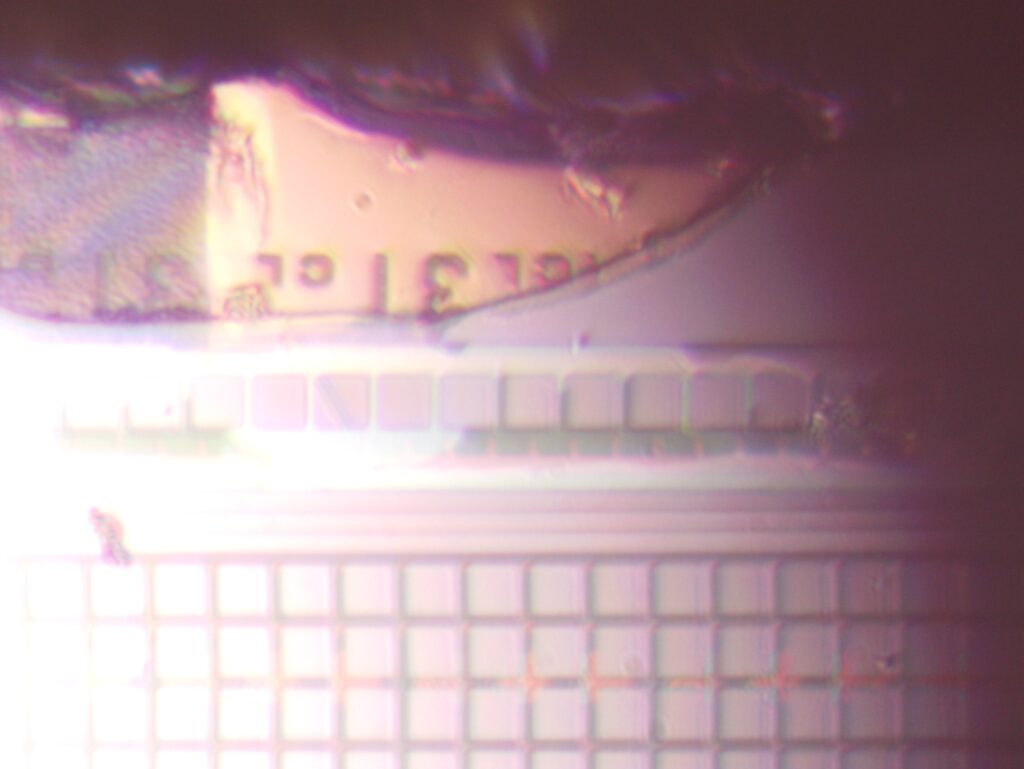
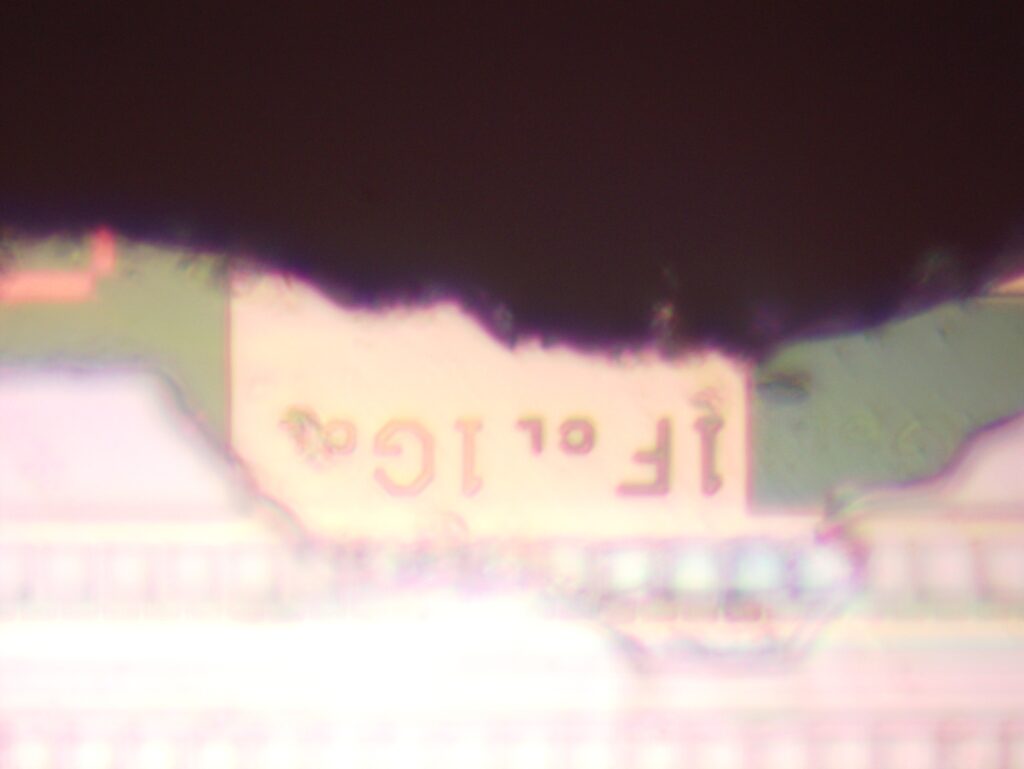
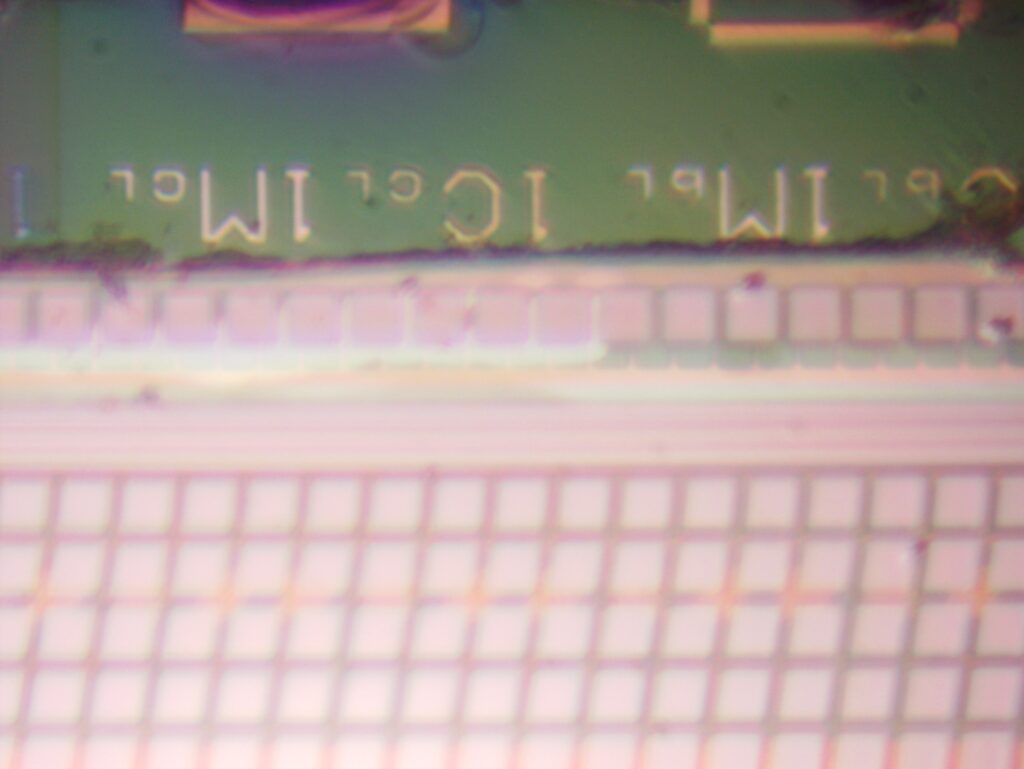
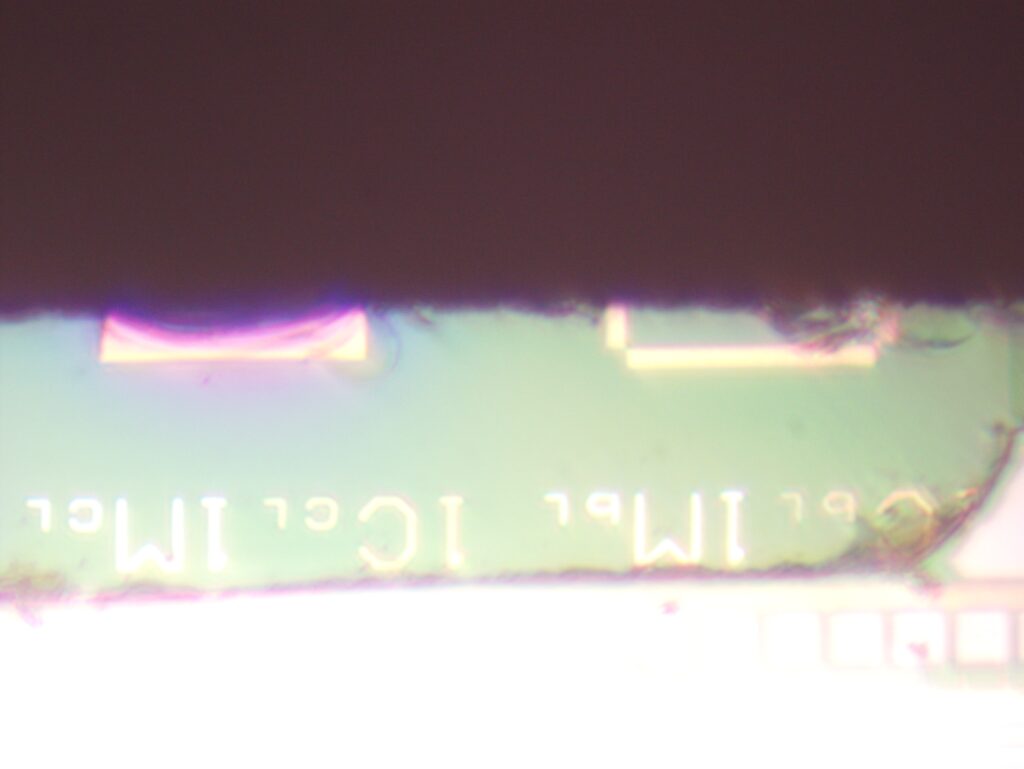
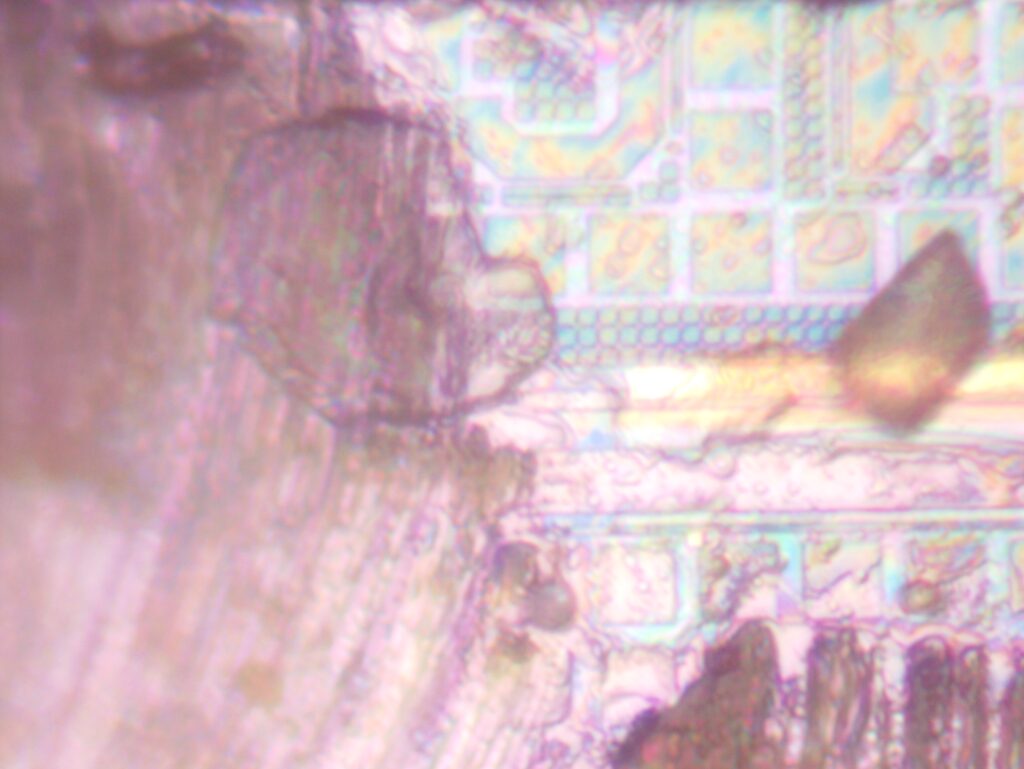
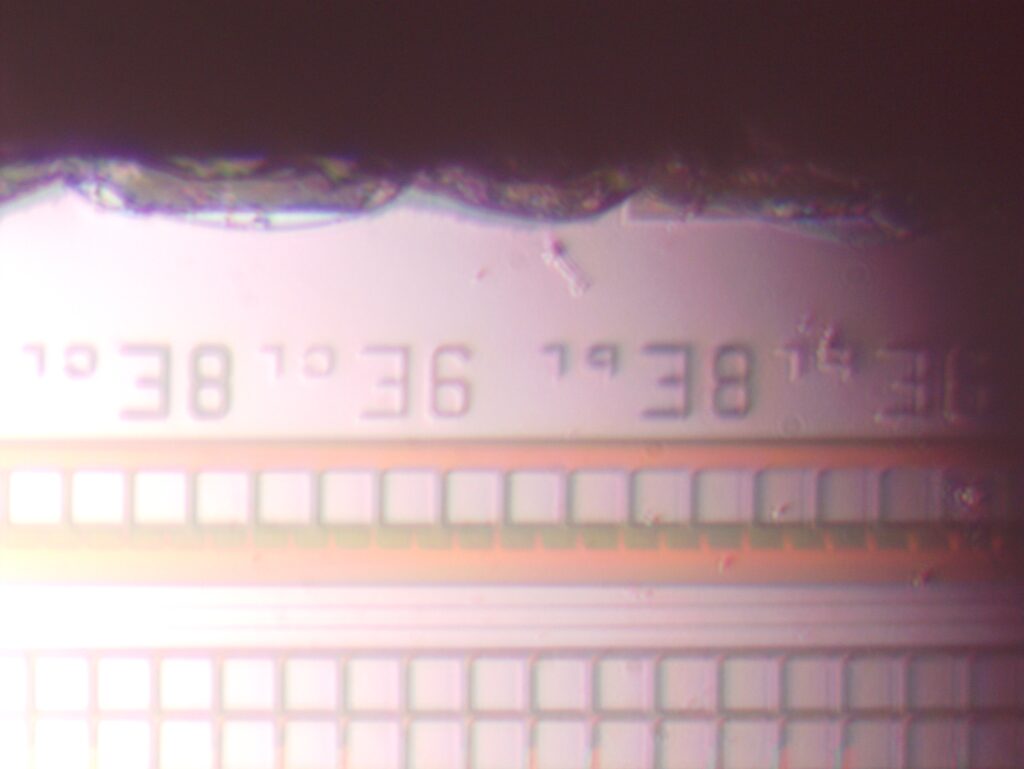
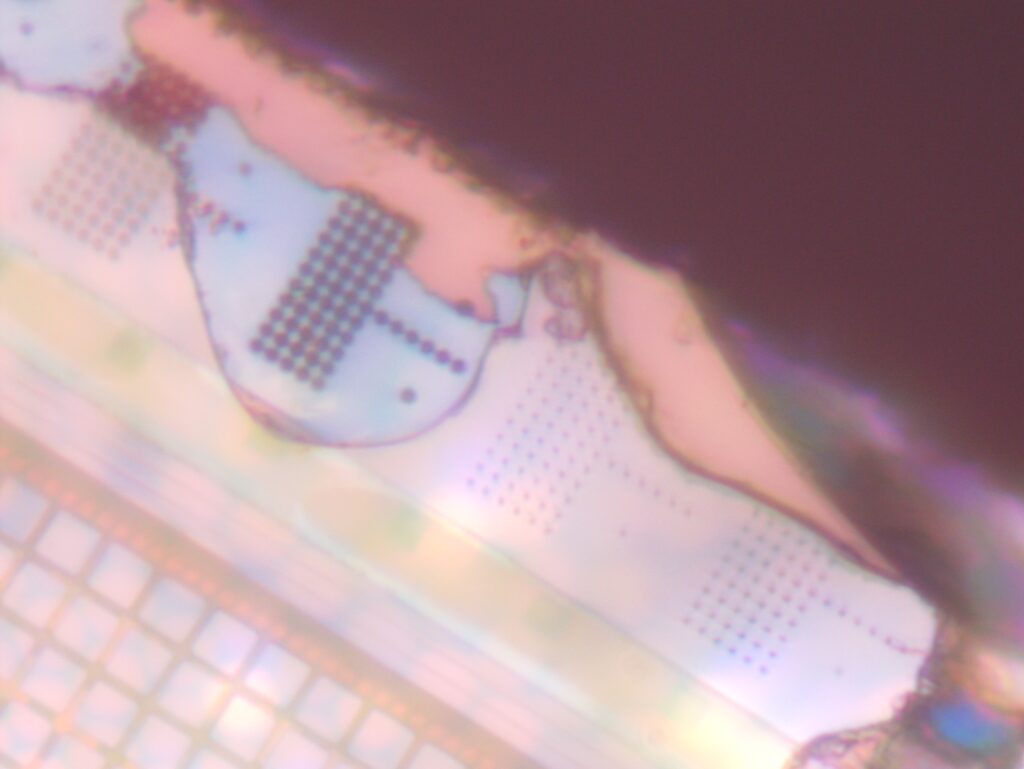
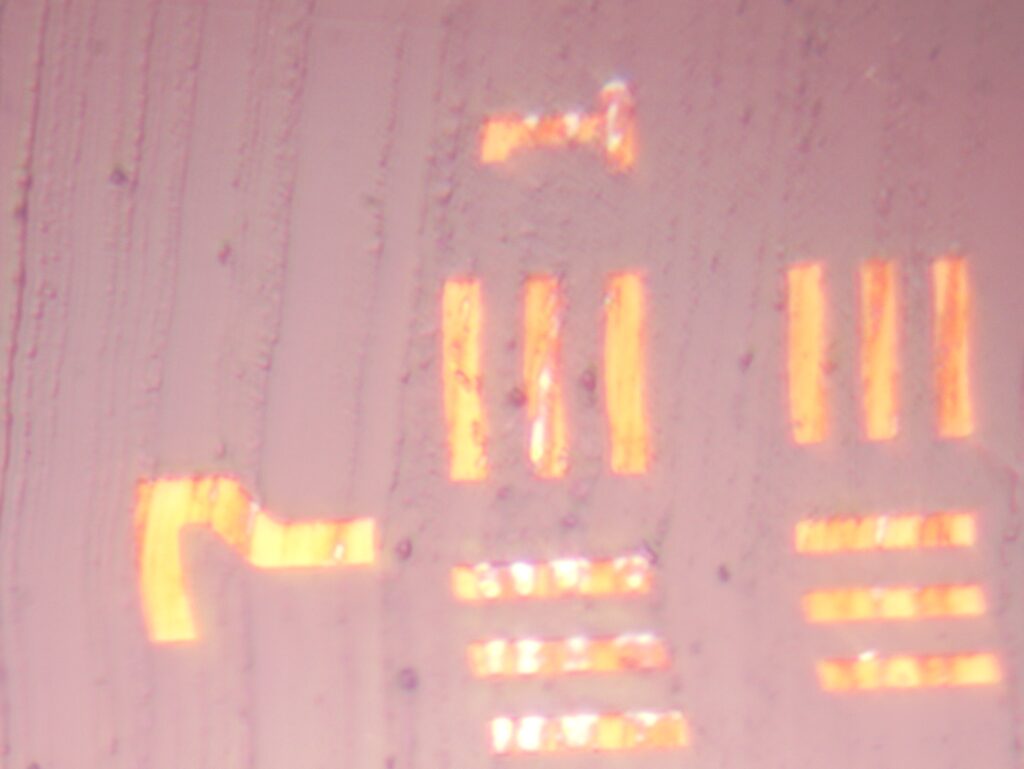
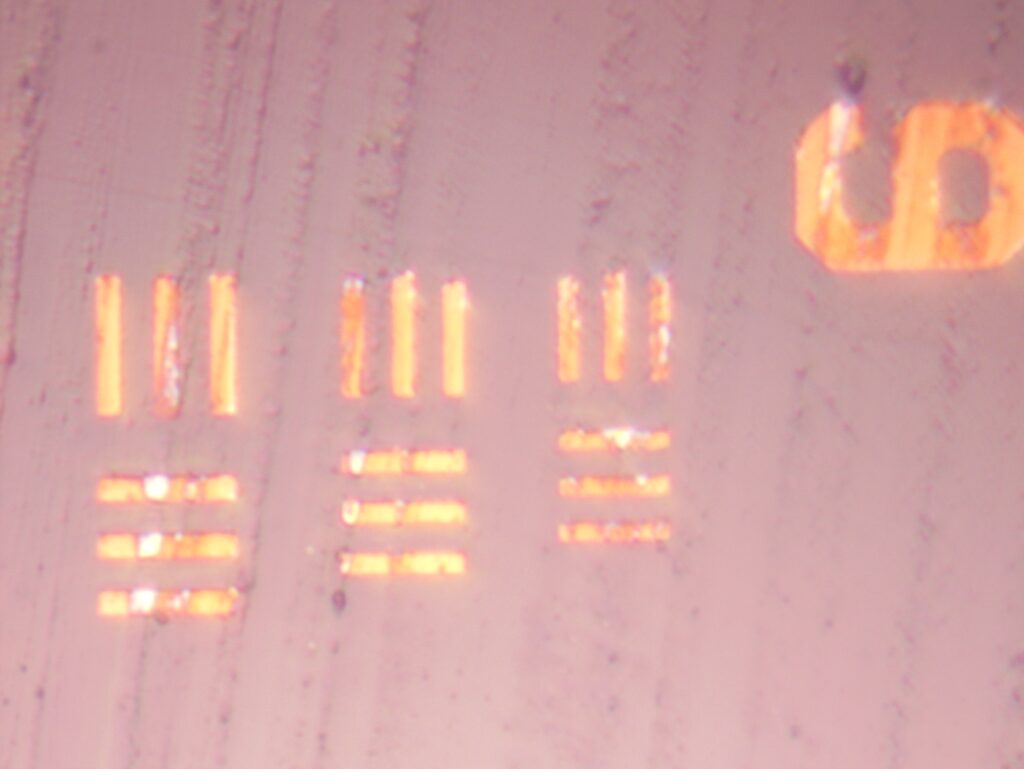
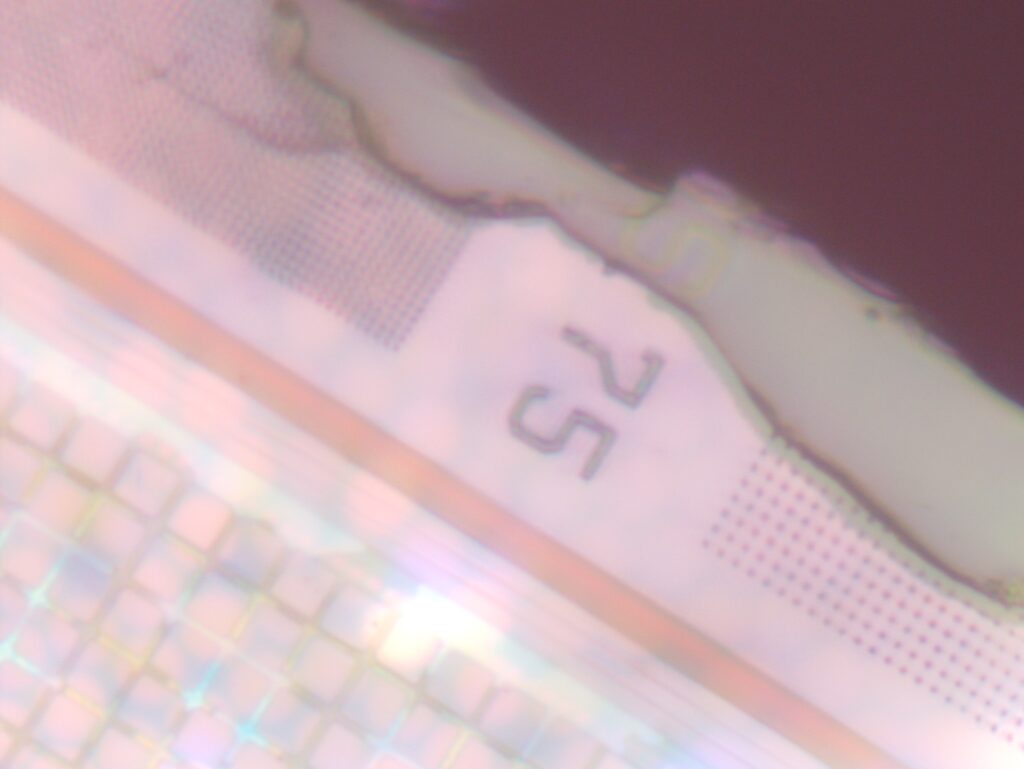
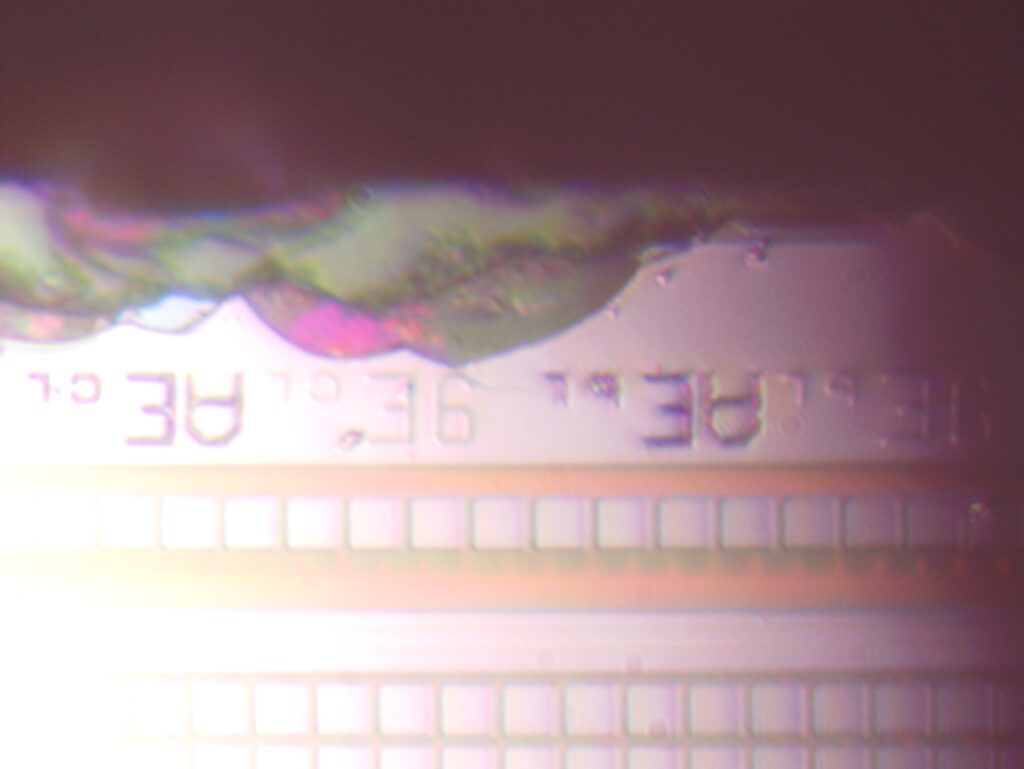
Ion314 die images
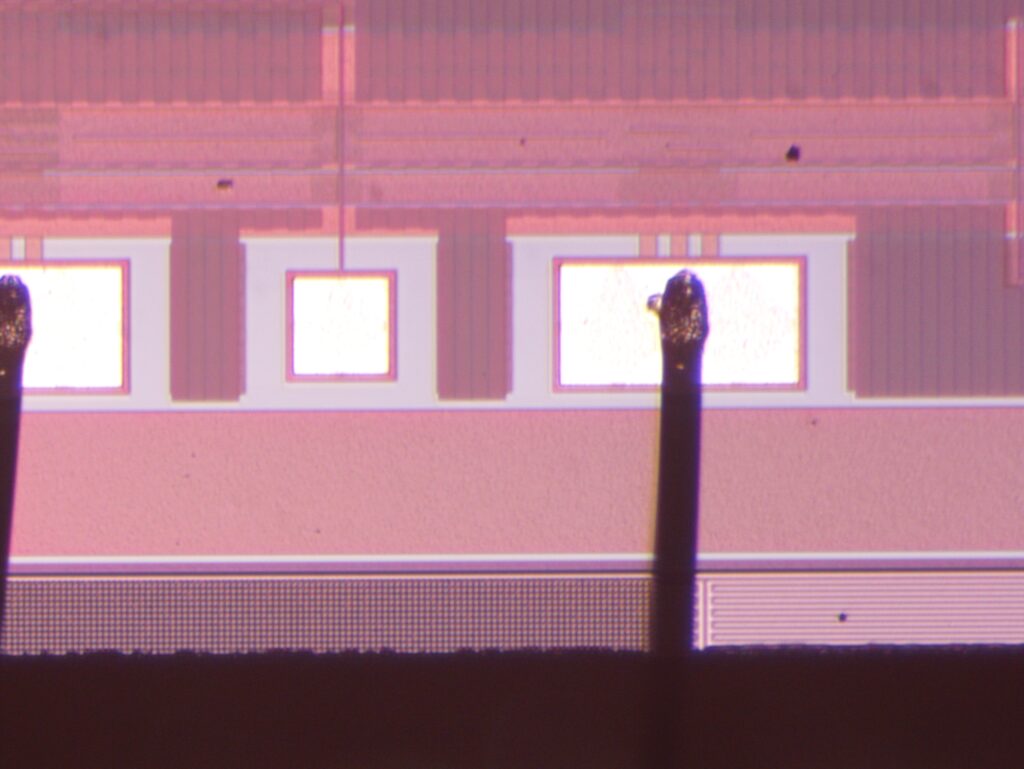
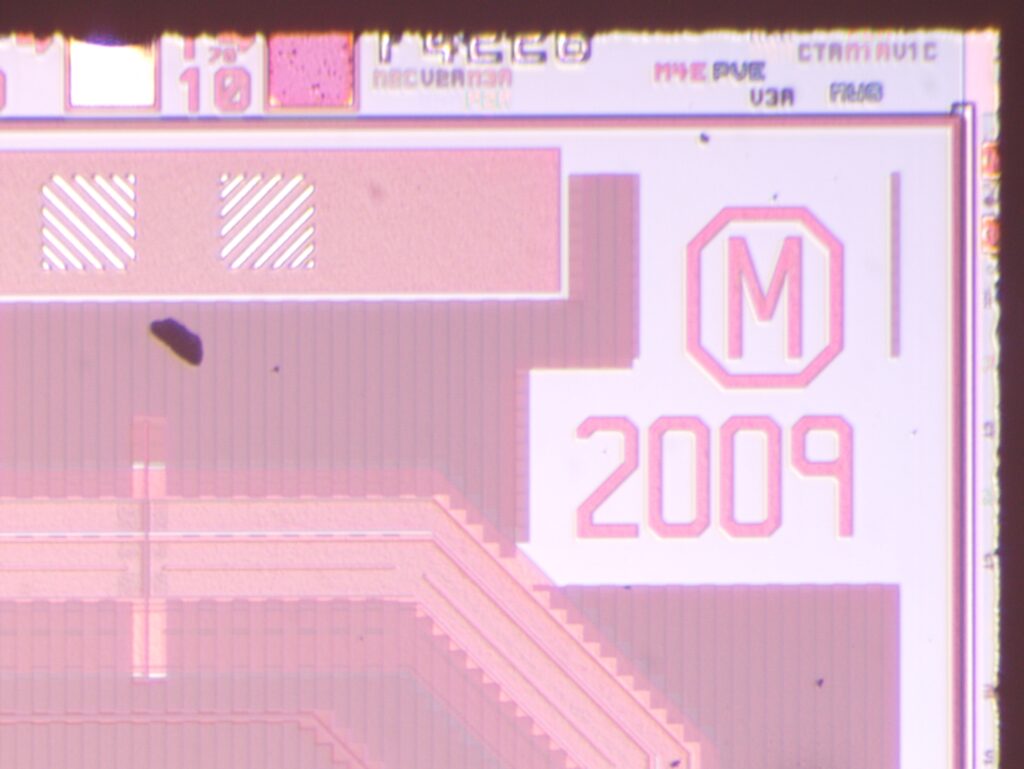
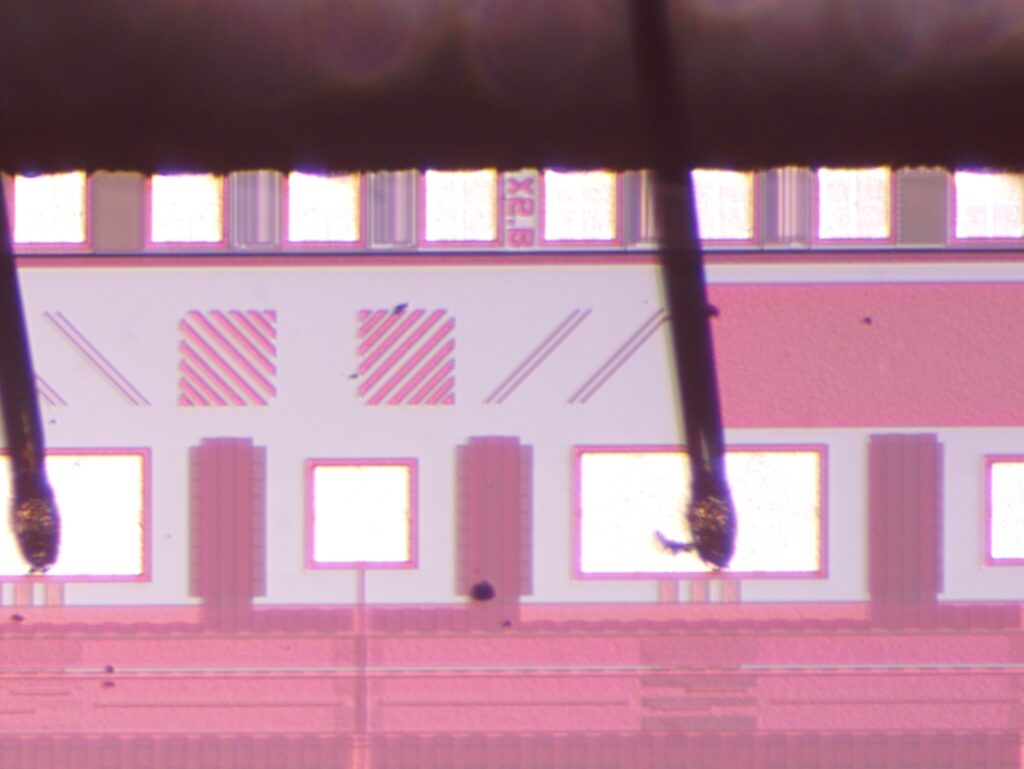
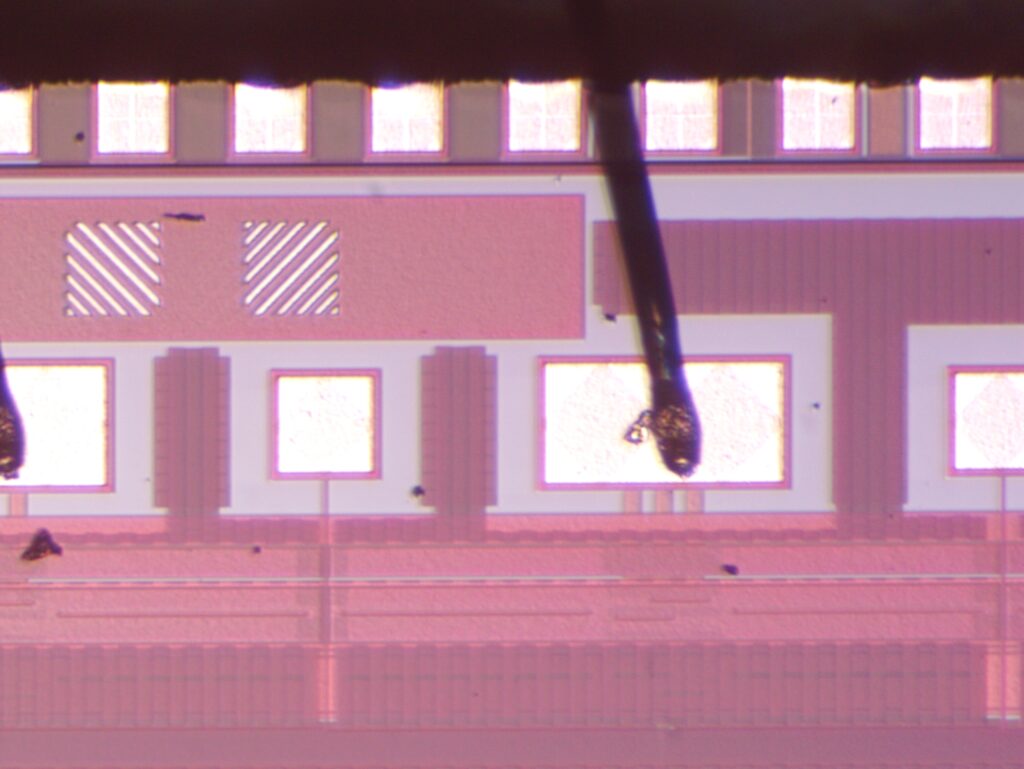


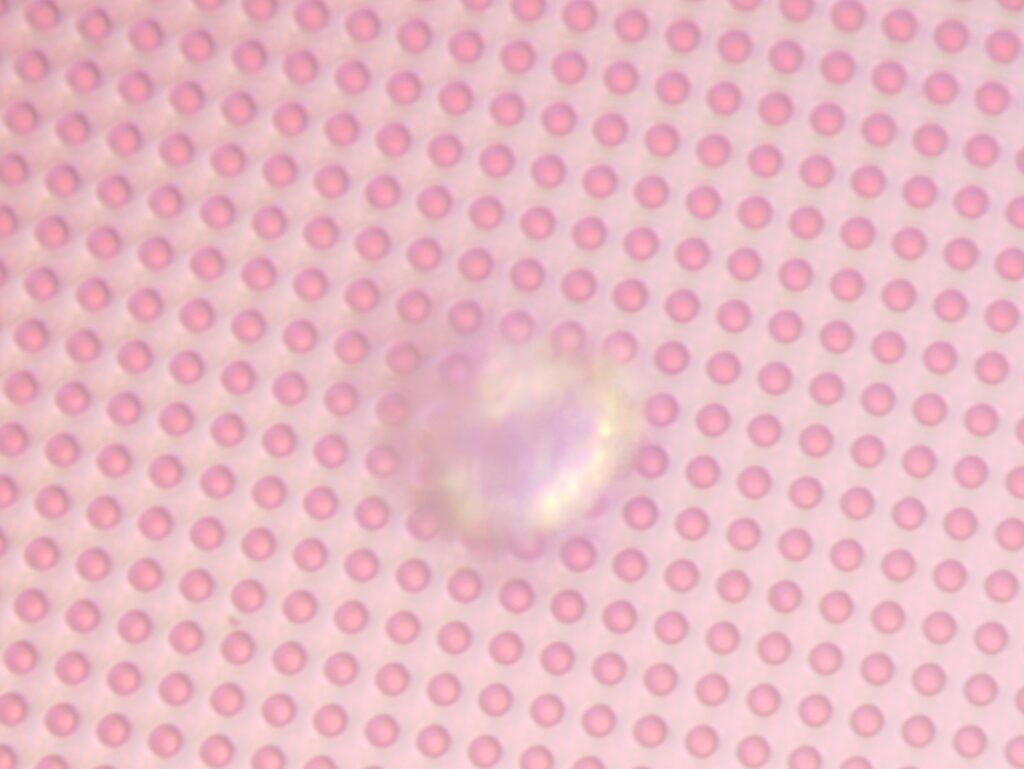
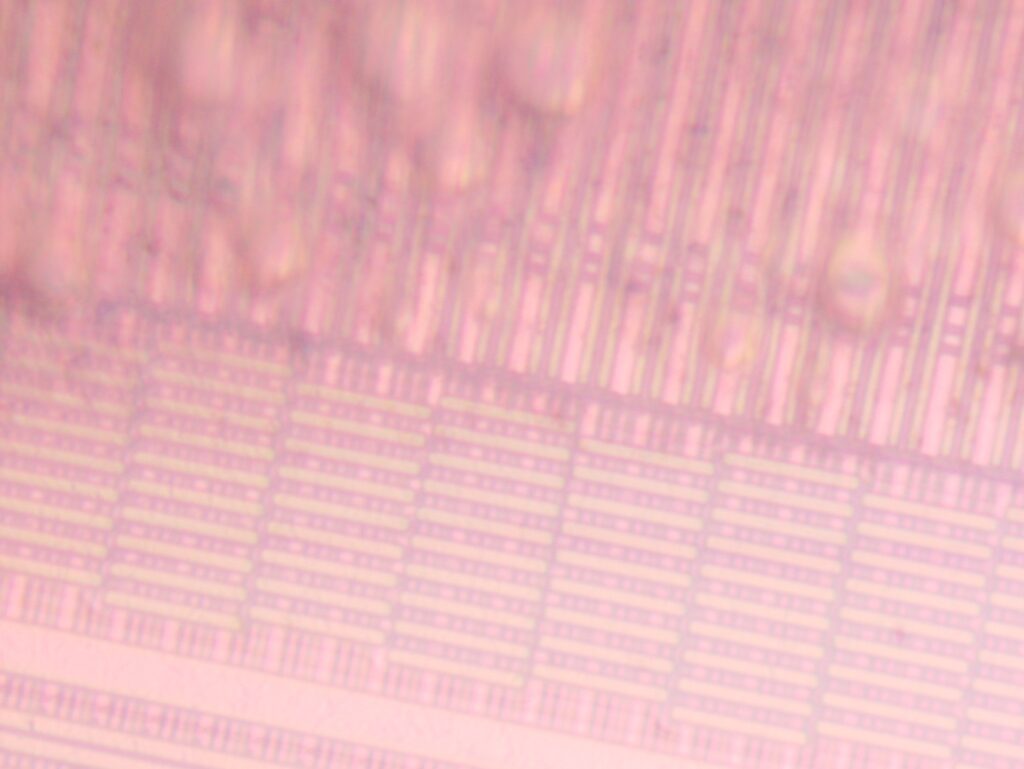
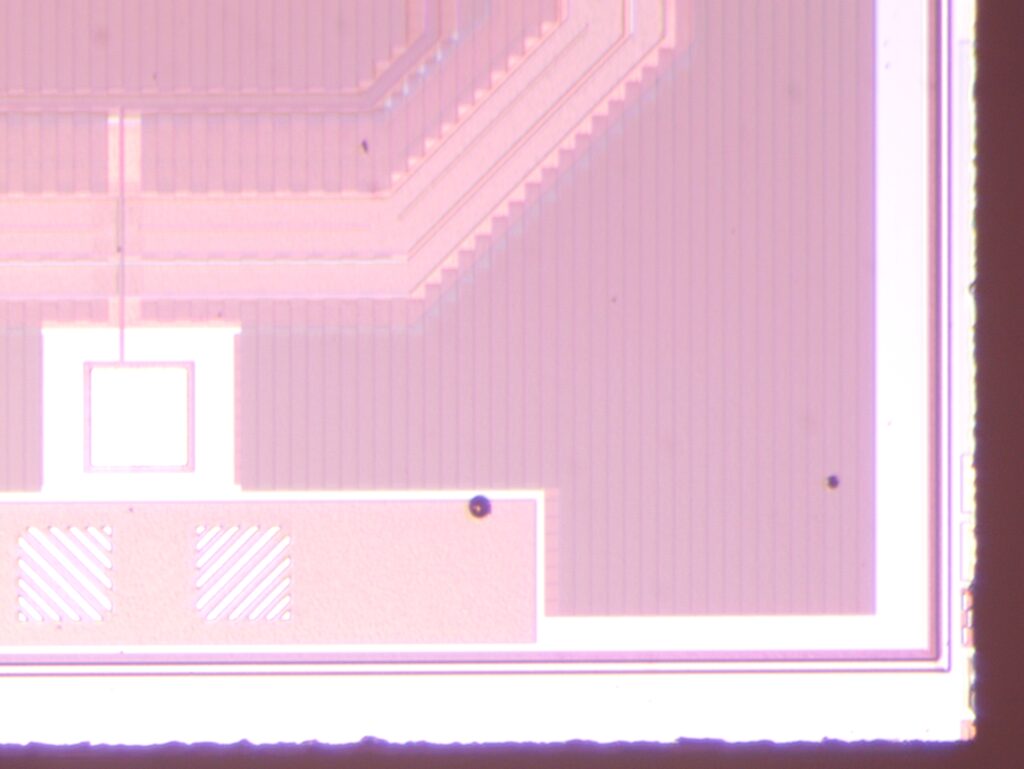


My contribution to the increasing entropy, and eventual heat death of the universe
Looking at n choose k, but you want to get at least one of a target t. For example you have a bag of blue marbles, which contains some number of red marbles. N is the total number of marbles in the bag. K is the number of marbles being chosen. T is the number of red marbles.
This is probably well known, but I worked through it a few different ways anyway…
First a simulation (C++):
#include <iostream>
#include <vector>

using namespace std;


int main(int argc,char **argv) {

  int n = 3000;
  int k = 50;
  int t = 30; // targets

  vector<int> items(n,0);

  for(int i=0;i<t;i++) {
    int itm=rand()%items.size();
    for(;items[itm] !=0;) itm = rand()%items.size();
    items[itm] = 1;
    //items[i] = 1;
  }

  //cout << "items: ";
  //for(int i=0;i<items.size();i++) cout << items[i] << " ";
  //cout << endl;

  vector<int> count(t,0);

  // rounds of choosing
  int rounds=100000;
  for(int j=0;j<rounds;j++) {
    cout << "round: " << j << endl;
    int tcount=0;

    vector<int> selected;
    for(int i=0;i<k;i++) {

      int itm = rand()%items.size();
      for(;std::count(selected.begin(), selected.end(), itm);) itm = rand()%items.size();
      selected.push_back(itm);
      //cout << "selected: " << itm << " " << items[itm] << endl;
      if(i%100000==0) cout << i << endl;
    }

    //count items on target
    for(int i=0;i<selected.size();i++) {
      if(items[selected[i]] == 1) tcount++;
    }
    cout << "tcount: " << tcount << endl;

    count[tcount]++;
  }

  int morezero=0;
  for(int i=0;i<t;i++) {
    if((count[i] > 0) || (i==0)) cout << i << " " << count[i] << endl;
    if(i>=1) morezero+=count[i];
  }
  cout << "One or more: " << morezero << endl;
  cout << "One or more fraction: " << (double)morezero/rounds << endl;
}
Next I calculated this by looking at the number of combinations calculating the fraction of combinations containing at least one target and total number of combinations:
from math import comb
import sys
def totalcomb(n, k, t):
        return comb(n,k)
def targetcomb(n, k, t):

        total = 0
        total += comb(t,k)
        for i in range(k-1,0,-1): #(i=k-1;i>0;i--)
                # print(t," ",i, ", ", n, " ", k-i)
                # Ways of choosing i items out of t. Multiply by
                total += comb(t,i)*comb(n-t,k-i)
        return total

n = int(sys.argv[1])
k = int(sys.argv[2])
t = int(sys.argv[3])
print (targetcomb(n,k,t)/totalcomb(n,k,t))
print (targetcomb(n,k,t))
print (totalcomb(n,k,t))
Then in terms of probability, using the probability that each draw does not contain a target:
from math import comb
import sys

def tprb(n, k, t):

        totalp = 1

        for i in range(0,k,1):
                p = 1 - (t / (n - i))
                totalp = totalp * p

        return 1-totalp

n = int(sys.argv[1])
k = int(sys.argv[2])
t = int(sys.argv[3])

print (tprb(n,k,t))
All approaches give the same answer, the last is the least computationally taxing…
As previously noted, the touchscreen and pen input on my FAREHT1 under Ubuntu was inverted. By default this version of Ubuntu seems to be using Wayland and libinput. Wayland is pretty short on input configuration options and I tried to switch to Xorg, but also had various issues here.
Googling around it seems that you’re supposed to be able to configure libinput via UDEV rules (e.g. ENV{LIBINPUT_CALIBRATION_MATRIX}=”1 0 0 0 1 0″). For whatever reason this wasn’t working for me, libinput didn’t seem to be picking up the calibration matrix at all.
libinput itself support device/model quirks, but doesn’t have a quirk config that simply lets you enter a calibration matrix. So I decided to hack away at libinput. I grabbed the package source as follows:
vi /etc/apt/sources.list #Uncomment source packages in sources.list
apt-get update
apt-get install dpkg-dev
apt-get source libinput
cd libinput-1.20.0
apt-get install build-essential
apt-get install cmake
apt-get install pkg-config
apt-get install libudev-dev
apt-get install libmtdev-dev
apt-get install libevdev-dev
apt-get install libwacom-dev
apt-get install libwacom
apt-get install libgtk-3-dev
Next I needed to hack the libinput sources. To the function quirk_get_name(enum quirk q) in quirks.c I added a new quirk type in addition to the existing quirks (ModelInvertMouse below):
        case QUIRK_MODEL_INVERT_HORIZONTAL_SCROLLING:   return "ModelInvertHorizontalScrolling";
        case QUIRK_MODEL_INVERT_MOUSE:                  return "ModelInvertMouse";
        case QUIRK_MODEL_LENOVO_SCROLLPOINT:            return "ModelLenovoScrollPoint";
And the definition to quirk.h:
        QUIRK_MODEL_HP_ZBOOK_STUDIO_G3,
        QUIRK_MODEL_INVERT_MOUSE,
        QUIRK_MODEL_INVERT_HORIZONTAL_SCROLLING,
Then in evdev.c I added the following:
        if (libevdev_has_event_code(evdev, EV_ABS, ABS_X)) {
                evdev_extract_abs_axes(device, udev_tags);

                if (evdev_is_fake_mt_device(device))
                        udev_tags &= ~EVDEV_UDEV_TAG_TOUCHSCREEN;
        }

//CODE ADDED HERE
        if (evdev_device_has_model_quirk(device, QUIRK_MODEL_INVERT_MOUSE)) {
                //Invert pointer calibration matrix
                float mat[6];

                mat[0]=-1; mat[1]=0;  mat[2]=1;
                mat[3]=0;  mat[4]=-1; mat[5]=1;

                evdev_device_set_default_calibration(device,mat);
        }
//ADDED CODE ENDS HERE

        if (evdev_device_has_model_quirk(device,
                                         QUIRK_MODEL_DELL_CANVAS_TOTEM)) {
                dispatch = evdev_totem_create(device);
                device->seat_caps |= EVDEV_DEVICE_TABLET;
                evdev_log_info(device, "device is a totem\n");
                return dispatch;
        }
In the quirks directory I created a new file 50-system-fujitsu.quirks with the following contents:
[FAREHT1]
MatchName=WCOM0101:00 2D1F:009C
ModelInvertMouse=1

[FAREHT2]
MatchName=FTSC1000:00 2808:2922
ModelInvertMouse=1
I also had to go in and disable the libinput calibration interface. I think this is likely the fundamental problem. Something in gdm/wayland is going in a over-riding whatever calibration matrix is set via udev, in libinput.c I commented out the following:
LIBINPUT_EXPORT enum libinput_config_status
libinput_device_config_calibration_set_matrix(struct libinput_device *device,
                                              const float matrix[6])
{
// Disable Wayland screwups
//      if (!libinput_device_config_calibration_has_matrix(device))
                return LIBINPUT_CONFIG_STATUS_UNSUPPORTED;

//      return device->config.calibration->set_matrix(device, matrix);

}
I also had to go in and disable calibration via dev. Even after removing any relevant udev rules, libinput seems to attempt to read udev and set the identity matrix if it doesn’t find anything there. This means commenting out the following line:
evdev_read_calibration_prop(device);In path-seat.c and udev-seat.c.
With all these changes in place, libinput can then be build and installed as follows, restarting gdm for changes to take effect:
mkdir builddir
meson --prefix=/usr builddir/
ninja -C builddir/
ninja -C builddir/ install
/etc/init.d/gdm3 restart
Touch sensitivity still seems a bit off. But I’m happy enough with it for the moment.
A tarball containing all my changes is here.













 RSS
RSS